Newsletter
Join the Community
Subscribe to our newsletter for the latest news and updates
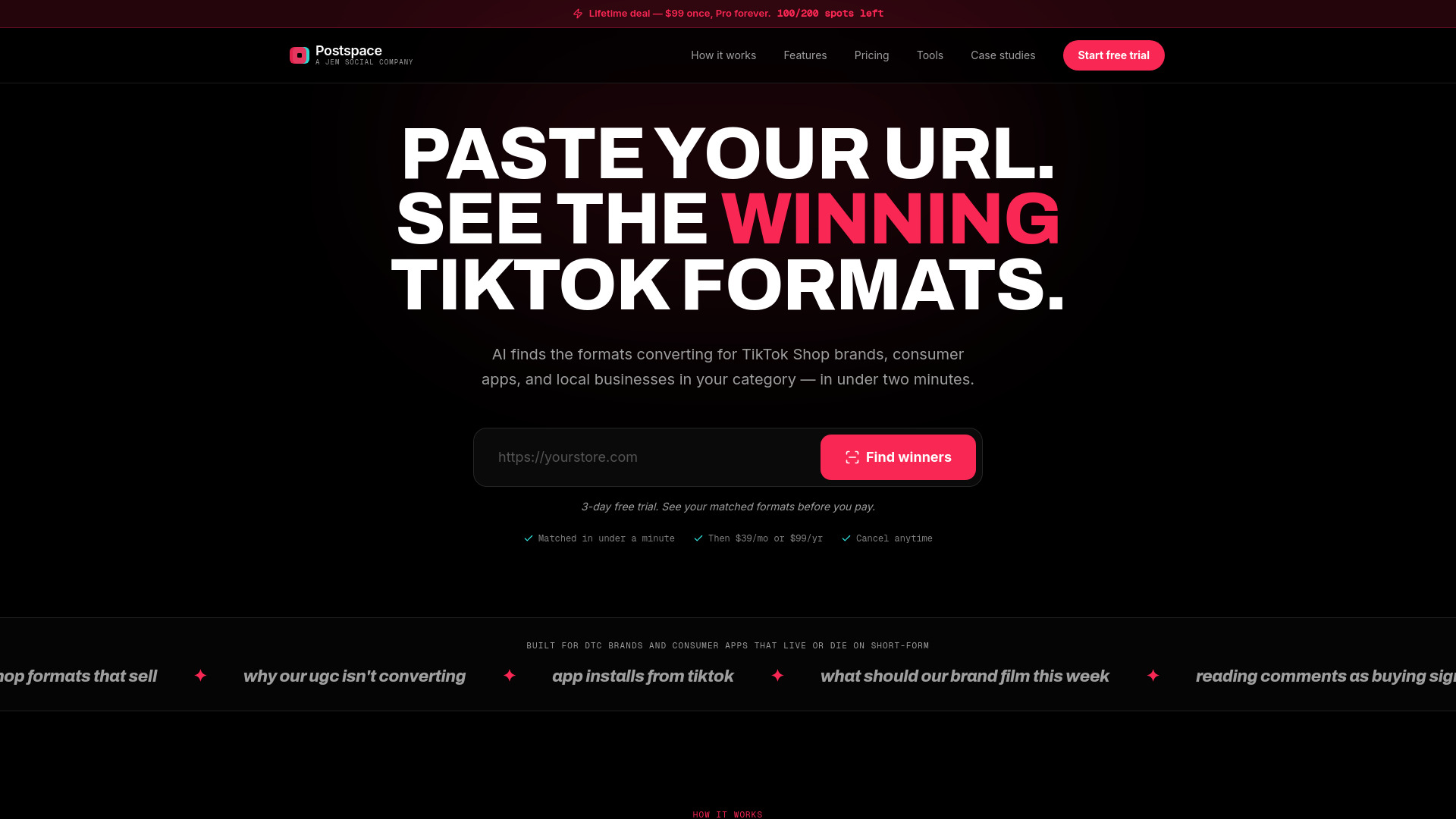
AI-powered TikTok formats and creative briefs for consumer brands
Postspace is an AI-powered tool that helps consumer brands create viral TikTok content. It scans your store or app URL, identifies your brand, category, and audience, and matches you with the TikTok formats that are currently converting in your category. It provides copy-paste ready creative briefs with hooks, beat sheets, on-screen text, captions, and CTAs, all designed to drive sales and installs.
What exactly does the scan do? You paste your store or app URL. Postspace reads the site, works out what you sell, who buys it, your category and your tone, then matches you to the TikTok formats that convert in that category — with the hook, the beat sheet, and the comment themes attached.
Is this for TikTok Shop sellers or app companies? Both, and the briefs differ. Shop briefs are built to move add-to-cart: price reveal, objection handling, 'link in bio' timing. App briefs are built to move installs: the aha moment on screen inside 4 seconds, and a CTA written for app-store click-through.
Where do the virality scores come from? Every format carries four visible sub-scores — velocity, engagement depth, comment signal, and repeatability. Nothing is a black box: you see each number, so you can disagree with one instead of trusting a single mystery figure.
Why do comments matter more than views? Views tell you a video was pushed. Comments tell you people want the thing. We weight comments hardest and surface the themes — "where do I get this", "price?", "just downloaded it" — because that's the difference between a format that trends and one that sells.
Can my team copy the briefs straight into production? Yes. Every brief is copy-paste ready: hook line, on-screen text, shot-by-shot beats, caption, and CTA. Hand it to a creator or an editor as-is.
Do you connect to AI assistants? Yes. Postspace ships an MCP server, so Claude, Cursor, or any MCP client can pull your format library, briefs, and brand scans directly as tools.
Is there a free trial, and how long is it? Every plan starts with a 3-day free trial — you are not charged until day 4, and you can cancel in one click before then. That includes the $99 annual plan, which is 79% off the monthly rate.
What do I see before I subscribe? Run a scan and you'll see a preview: your detected brand profile and the TikTok formats matched to your category. Starting the 3-day trial unlocks everything — sub-scores, comment themes, real video examples, beat sheets, on-screen text, captions, CTAs and your ongoing plan.
Are there any usage limits on Pro? No per-seat or per-brief caps. Pro includes unlimited brand scans, unlimited brief generation, the full format library, and unlimited use of every tool. Fair-use applies only to automated bulk scraping through the MCP server.
What's the difference between monthly and annual? Feature-for-feature they are identical — every format, brief, score and tool is in both, and both start with the same 3-day free trial. Monthly is $39/mo. Annual is $99 for the year, which works out to $8.25/mo — 79% off.
Can I cancel anytime? One click in settings. No exit interview, no retention call, no guilt. Monthly cancels at the end of the current period; annual runs to the end of the paid year.