What is Remove music from audio
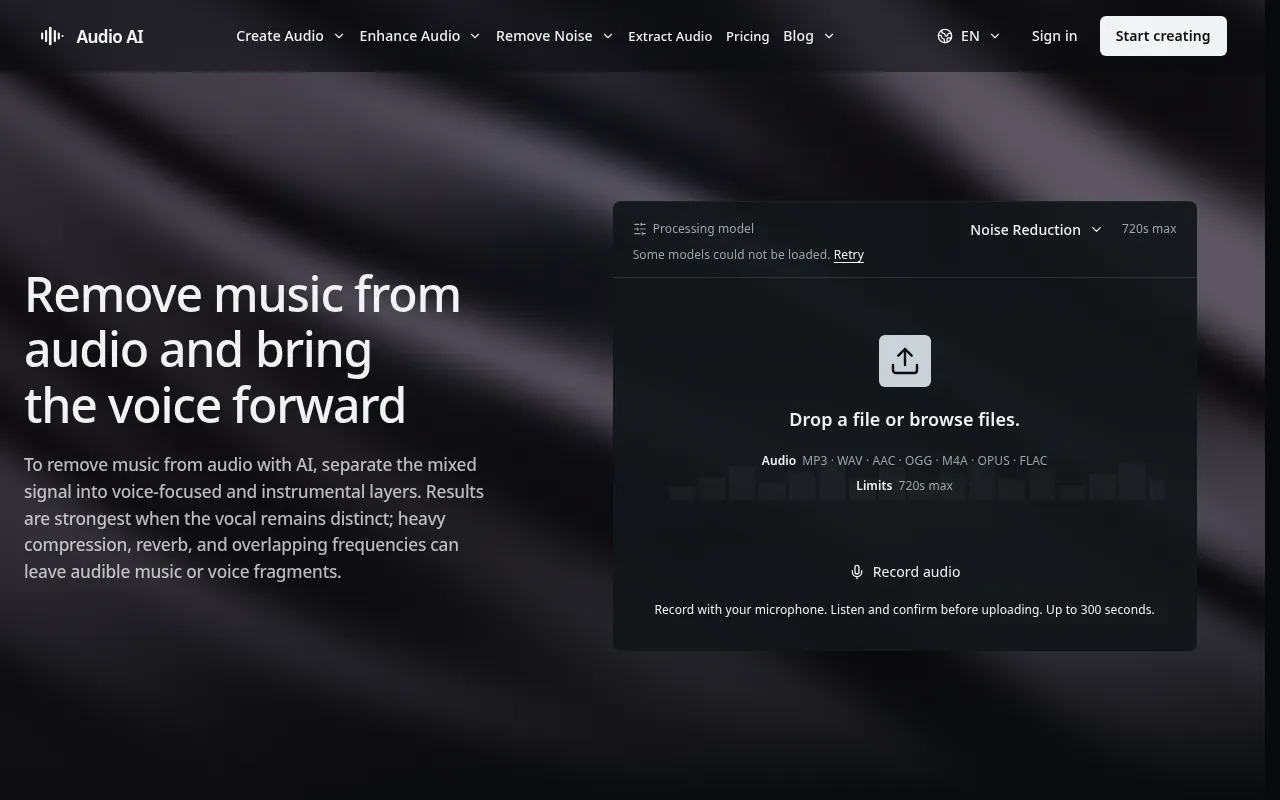
Remove music from audio is an AI-powered tool designed to separate mixed audio into distinct layers, primarily focusing on isolating vocals, speech, and instrumental components. This process allows for clearer dialogue extraction for transcription and editing, preparation for remixes, and practice purposes.
How to use Remove music from audio
- Upload your audio file to the workspace.
- The tool will process the audio to separate the music and voice layers.
- Listen to the separated tracks to evaluate the quality for your intended use.
Features of Remove music from audio
- AI-powered separation: Utilizes artificial intelligence to distinguish between vocals, speech, and instrumental layers.
- Voice-focused extraction: Reduces background music to bring speech or vocals to the forefront.
- Instrumental separation: Isolates the backing music layer.
- Acapella creation: Helps in producing cleaner vocal tracks by reducing instrumental content.
Use Cases of Remove music from audio
- Transcription: Extracting clear dialogue from audio with a music background.
- Editing: Isolating speech or vocals for post-production adjustments.
- Remixing: Preparing stems for creating new musical arrangements or remixes.
- Practice: Focusing on vocal parts for acapella study or instrumental parts for rehearsal and arrangement analysis.
- Accessibility: Making dialogue clearer for broader understanding.
FAQ
Can AI remove background music from audio?
Yes. AI workflows can reduce the music bed and bring speech or vocals forward. The effectiveness depends on the overlap between voice and music.
Can I remove music from audio and keep only speech?
Yes. Voice-focused separation can reduce music and enhance speech clarity, though some residual bleed from instruments may occur.
Can I separate vocals from instrumental music?
Yes. Vocal and instrumental stems can be separated to support acapella listening, practice, and remix preparation, provided you have the necessary rights.
Why is some music still audible after separation?
Voice and instruments often share frequencies and reverb, leading to some residual bleed even after separation.
Will an extracted voice sound completely natural?
Not always. Sparse arrangements tend to yield more natural-sounding extracted voices compared to dense, heavily compressed mixes with significant reverb and frequency overlap.
Can I use separated tracks commercially?
Commercial use is permissible only if you possess the required rights or permissions for the original recording and composition.
Is music removal the same as background noise removal?
No. Music removal targets structured musical elements, while background noise removal addresses unwanted environmental or technical sounds.