Newsletter
Join the Community
Subscribe to our newsletter for the latest news and updates

Browser-based AI workspace for creating images and videos
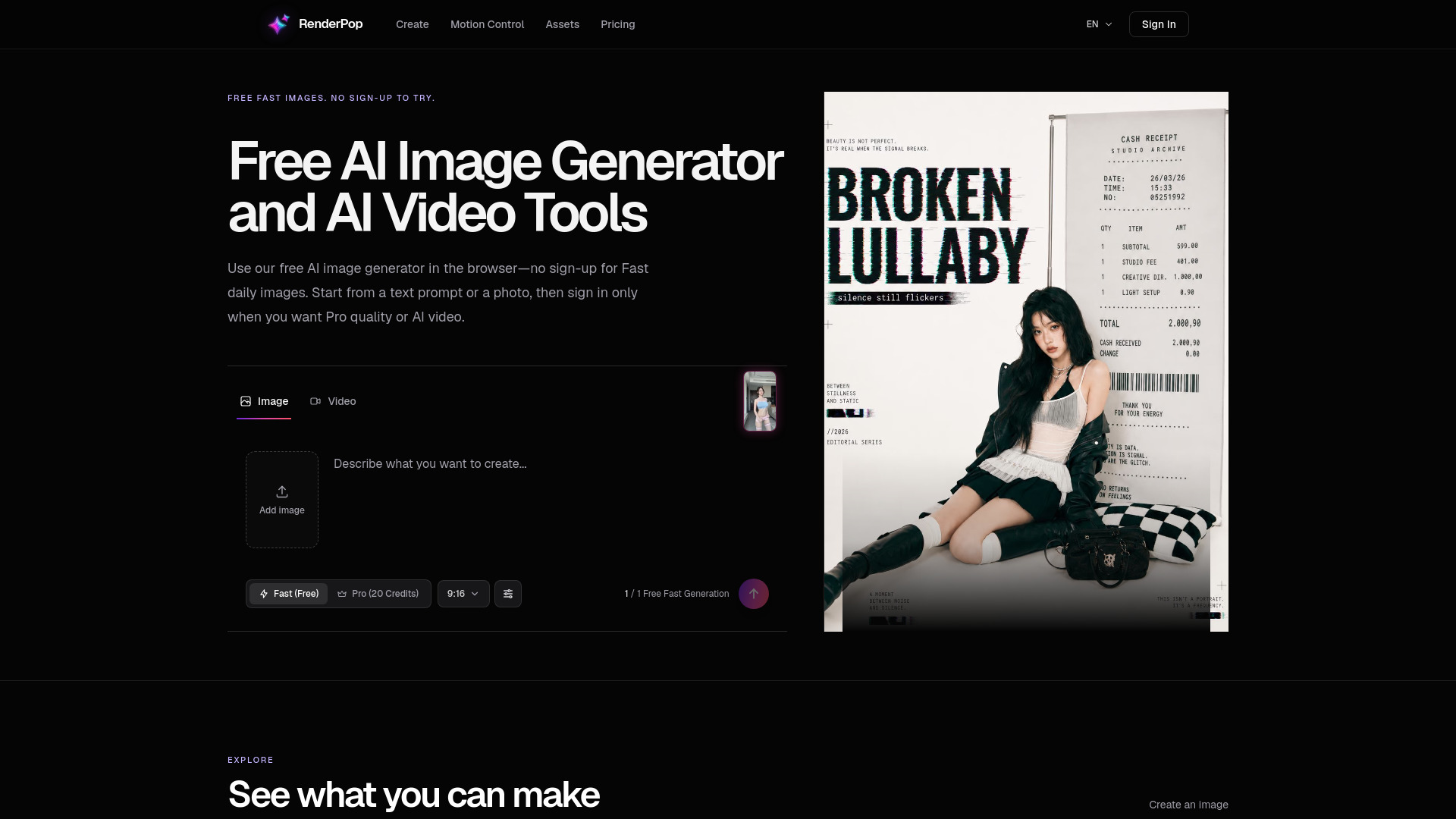
RenderPop is a browser-based AI workspace for creating images and videos from prompts or source media. It offers a free AI image generator with no sign-up required for Fast mode, allowing users to try one free Fast image without an account. Signing in provides one free Fast image each day. The platform also includes AI video tools, image-to-video generation, and motion control features, all accessible from a single workspace.
RenderPop offers a free tier and credit-based features:
Is RenderPop AI free to try? Visitors can try one Fast image without signing in. Sign in for one free Fast image each day. Videos and credit-based features require an account and credits.
Do I need to sign in to create AI videos? Yes. You can explore the site and try Fast image generation without signing in, while AI video and dance video creation require an account and credits.
What can I create with RenderPop? You can create AI images from prompts or source photos, generate AI videos, and turn an image into a video from the same workspace.
Can I turn a photo into a video? Yes. Upload an image in the creation workspace to use image-to-video generation. Video creation requires signing in and uses credits.
How does the AI Dance Video tool work? Choose a dance template or upload a reference video, add a photo you are authorized to use, and generate a motion-controlled video with credits.
Can I animate a still portrait photo into a video clip? Yes. Add a still image in the creation workspace to create an image-to-video generation with a signed-in account and credits.
How do credits work for video and Dance tools? Video and Dance generation use credits. The creation screen shows the required credits before you start.
What source media can I upload? Image and video tools list their supported file types and size limits in the upload controls. Use media you have permission to use.
Can I use my own video as a motion reference? Yes. On the Dance page, you can upload an authorized reference video and pair it with an authorized photo.
Can I share a generated result? Review the result and make sure you have the right to use the source material before you share it on another platform.
Do unused monthly subscription credits roll over? Yes. Active subscription credits roll over into the next billing cycle, up to twice your plan's monthly allocation.
What content should I avoid? Do not upload media you do not have permission to use or create non-consensual and otherwise prohibited content.
What makes a good source photo for Dance? Use a clear, well-lit photo with one person and a visible face and body.
Why does the same prompt produce different variations? AI generation includes randomness, so the same prompt can produce different results. That can help when you want to explore several directions.
How do I buy credits? Sign in, then open the pricing page to view memberships and credit packs.
What can I do before I sign in? You can explore the site and try one Fast image without signing in. Sign in for daily Fast images and before using video, Dance, or reference-upload tools.