What is Roomlab
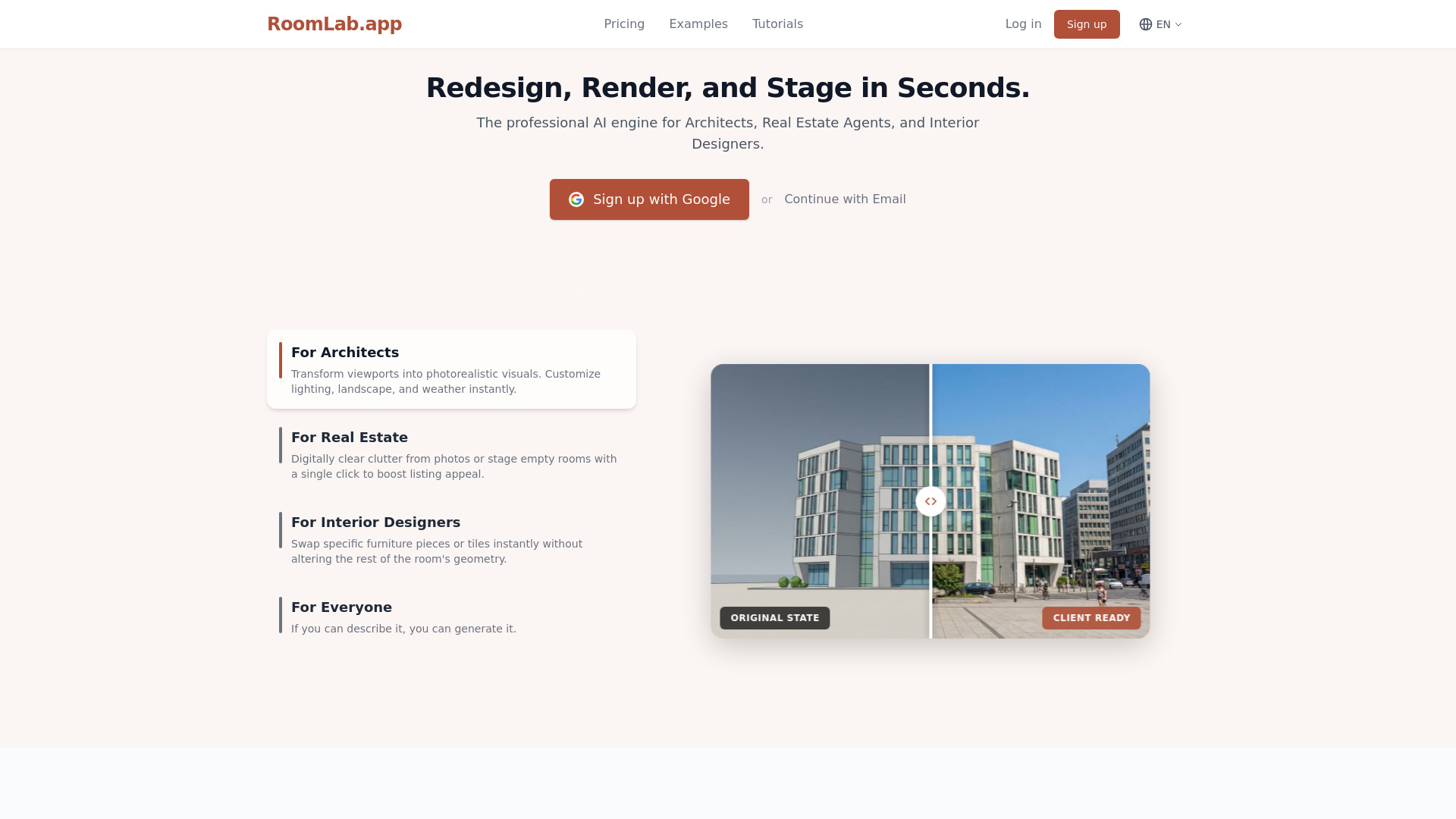
Roomlab is a professional AI tool designed for instant photorealistic interior design and virtual staging. It allows users to transform any room instantly using AI, offering capabilities to replace furniture, swap materials, declutter spaces, or virtually stage properties with photorealistic results in seconds. It is utilized by designers, architects, and real estate professionals.
How to use Roomlab
- Upload Image: Start by uploading a photo of your room or a 3D model screenshot.
- Select Mode: Choose the appropriate mode from the sidebar: Replace, Redesign, Custom, or Render.
- Specify Changes: Depending on the mode, you might upload reference images for furniture or materials, select surfaces to change, choose a room type and style, or write a custom prompt describing your desired transformation.
- Generate Design: Click the "Generate Design" button and wait for the AI to process the request, typically within seconds.
- Refine (Optional): For some modes, you can make iterative adjustments or convert the result to HD for higher quality.
Features of Roomlab
- Photorealistic Rendering: Generates high-quality, realistic images.
- Instant Transformations: Provides results in seconds, eliminating long rendering wait times.
- Multiple Modes: Includes Replace (furniture, materials), Redesign (declutter, empty, restyle), Custom Prompts, and 3D Render modes.
- Virtual Staging: Allows virtual staging of empty properties and redesign of existing rooms.
- Decluttering: Instantly removes clutter and mess from photos.
- Material & Furniture Swapping: Enables precise replacement of specific furniture pieces or materials like flooring and countertops.
- Custom Prompts: Allows users to describe desired transformations in natural language.
- 3D Model Rendering: Converts 3D models (from SketchUp, etc.) into photorealistic visuals.
- Iterative Adjustments: Allows for refining results with granular changes.
- HD Output: Option to convert generated images to high resolution.
Use Cases of Roomlab
- Interior Designers: Visualize furniture selections, compare material options, and present design proposals to clients quickly.
- Architects: Transform 3D models and CAD viewports into photorealistic presentations for client approvals.
- Real Estate Agents: Declutter listing photos, virtually stage empty properties, and showcase renovation potential to attract buyers.
- Homeowners: Experiment with different styles and furniture arrangements for personal projects.
Pricing
Roomlab offers tiered subscription plans:
- Pro: Starts at €14.99/month (or €149/year), includes 400 credits/month, suitable for personal projects.
- Ultra: Starts at €39.99/month (or €399/year), includes 1,100 credits/month, recommended for professionals.
- Premium: Starts at €89.99/month (or €899/year), includes 3,000 credits/month, for agencies and power users, with 3-month data retention. Credit refills are available for purchase for active subscribers.
FAQ
- What are credits? Credits are used to generate images. Standard generation uses ~10 credits (~30 seconds), Fast mode uses ~5 credits (~3 seconds) but is less reliable. HD output adds +2 credits.
- Do credits expire? Credits are refreshed each billing cycle. Yearly subscribers receive credits monthly.
- Can I upgrade my plan? Yes, upgrades are possible, and remaining credits will carry over.
- How long are my images stored? Generated images are automatically deleted after 1 month (Pro/Ultra) or 3 months (Premium). Input images are also deleted after inactivity.