LogoTopAIHubs
icon of Screentell

Screentell

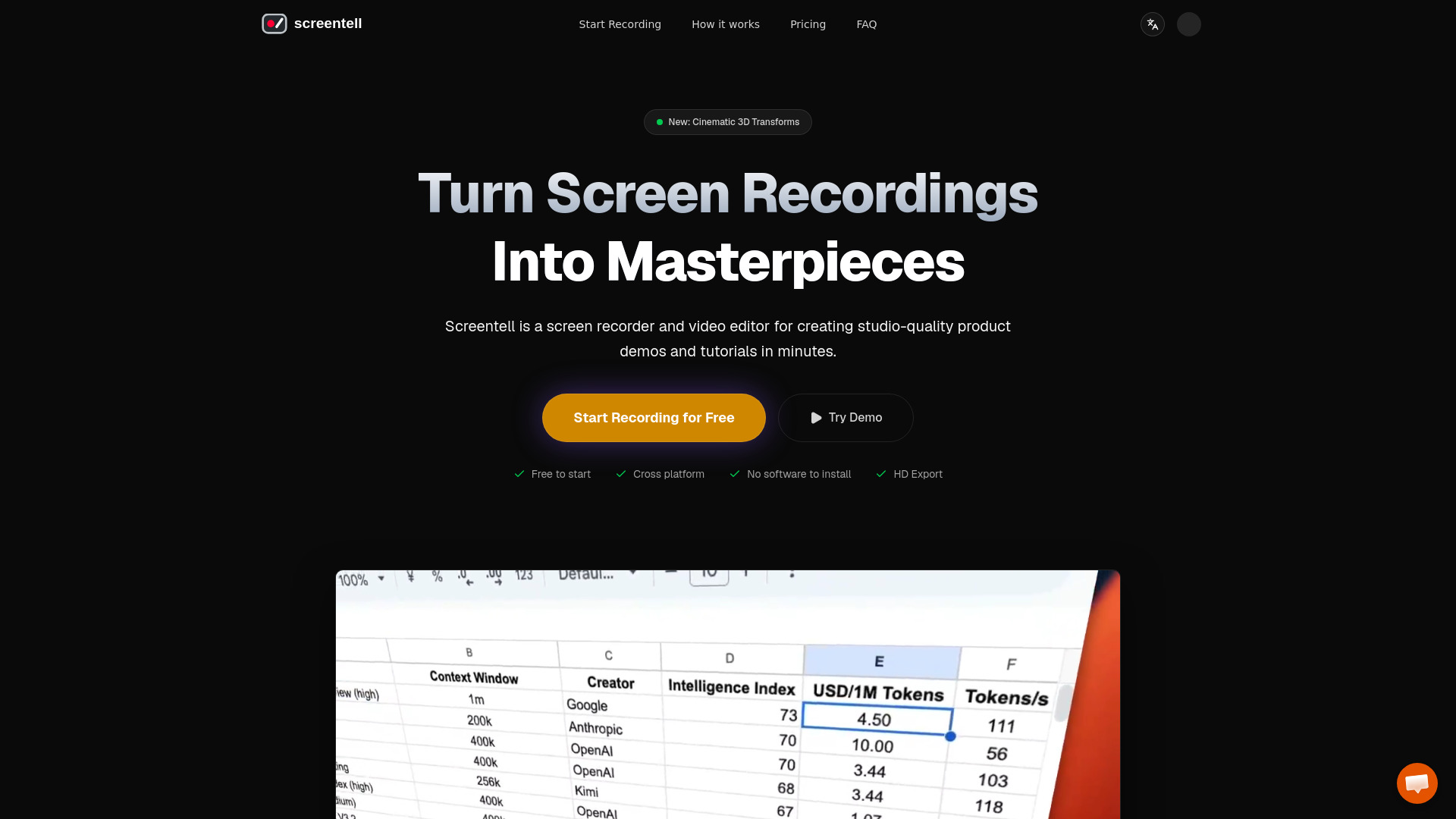
Browser-based screen recorder and editor for studio-quality product demos.

Introduction

What is Screentell

Screentell is a browser-based screen recorder and video editor designed for creating studio-quality product demos and tutorials. It turns plain screen recordings into polished, professional videos with features like cinematic 3D transforms, focus zoom, stickers, annotations, and multi-track editing. No software installation is required—it works entirely in the browser.

How to use Screentell
  1. Record: Select any window or screen to record. The tool captures screen and camera simultaneously using a dual-stream engine for high-quality footage.
  2. Edit: Use features like zoom, 3D transforms, stickers, cropping, cutting, and speed adjustment. The multi-track timeline gives you full control over your recording.
  3. Export: Render your video in standard formats and get a crisp HD file instantly, ready to share on YouTube or social media.
Features of Screentell
  • High-Quality Recording: Record screen and camera, system sound and microphone audio simultaneously.
  • Focus Zoom: Guide your audience’s eye with smooth zooms and pans.
  • Cinematic 3D Transform: Add depth with 3D rotation, scaling, and skewing.
  • Rich Annotation Stickers: Fully customizable stickers with hand-drawn style text, shapes, arrows, and the ability to upload images.
  • Face Camera Layer: Move, resize, or hide your camera bubble at any point after recording.
  • Clip Cut & Speed Control: Split clips, remove unwanted parts, and adjust playback speed for different segments.
  • Screen Cropping: Hide distracting UI elements, browser tabs, or system bars.
  • Beautiful Layouts: Add wallpaper, padding, and shadows for a sleek, modern look.
  • Background Options: Customize the background behind your video.
  • Advanced Clip Editing: Split videos into segments and apply custom playback speeds.
Use Cases of Screentell
  • Creating product demos for software or apps.
  • Making tutorials and how-to videos.
  • Recording presentations with a face cam overlay.
  • Producing social media content with professional polish.
  • Annotating and explaining complex workflows.
FAQ

Q: Do I need to install software? A: No, Screentell works entirely in the browser—no software to install.

Q: What platforms does it support? A: It is cross-platform, working on any device with a modern browser.

Q: What export quality is available? A: HD Export is supported.

Q: Can I record my camera and screen at the same time? A: Yes, the dual-stream engine captures screen and camera simultaneously.
Information

Categories

Newsletter

Join the Community

Subscribe to our newsletter for the latest news and updates