
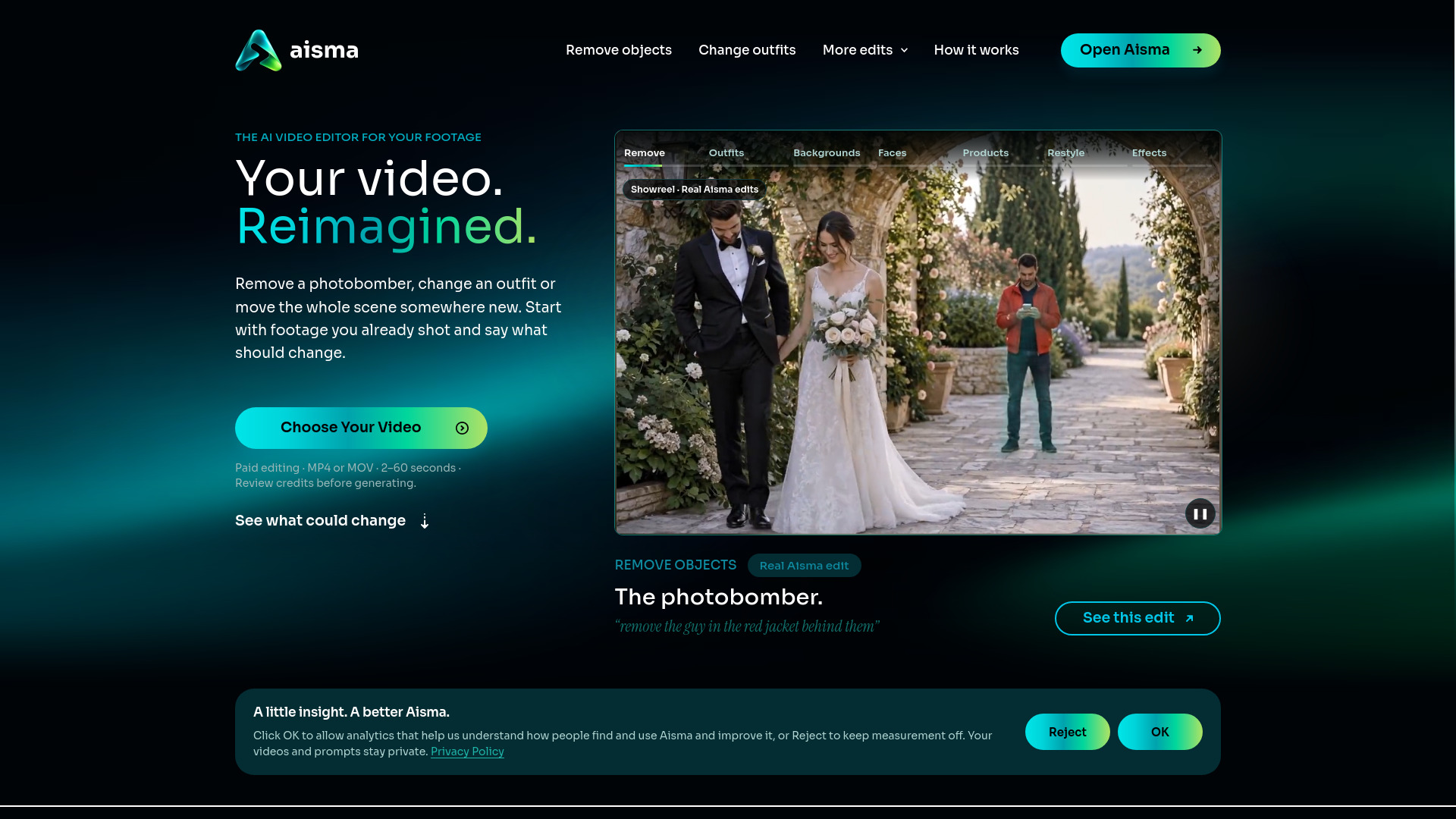

Aisma
AI Video Editor
Edit the video you already shot by describing the change in plain words.
Check pricingVisit site

Image to Video
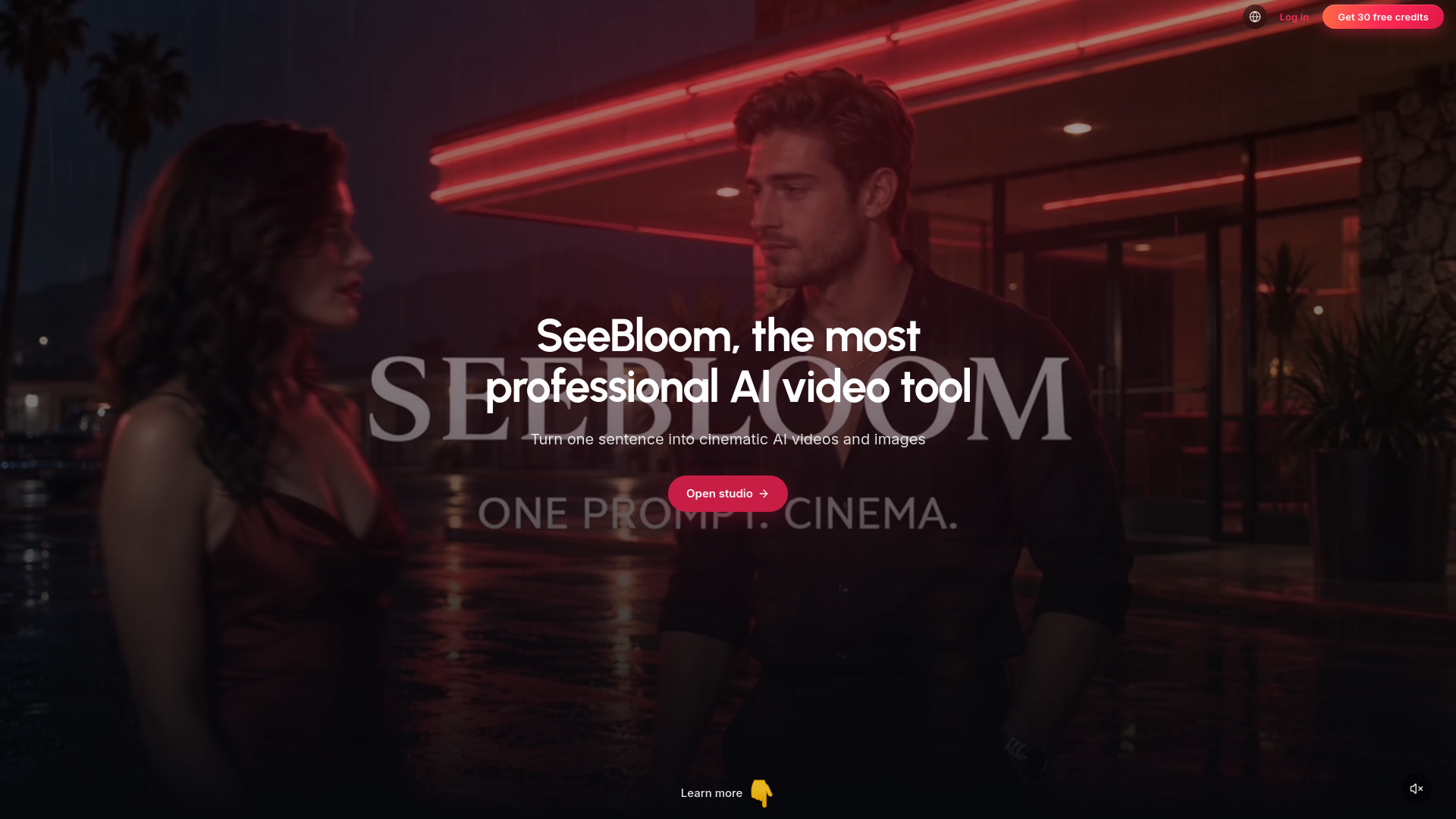
AI video & image studio with synced audio — multi-model, one workspace.
Explore other tools in related categories.
AI Video Editor
Edit the video you already shot by describing the change in plain words.
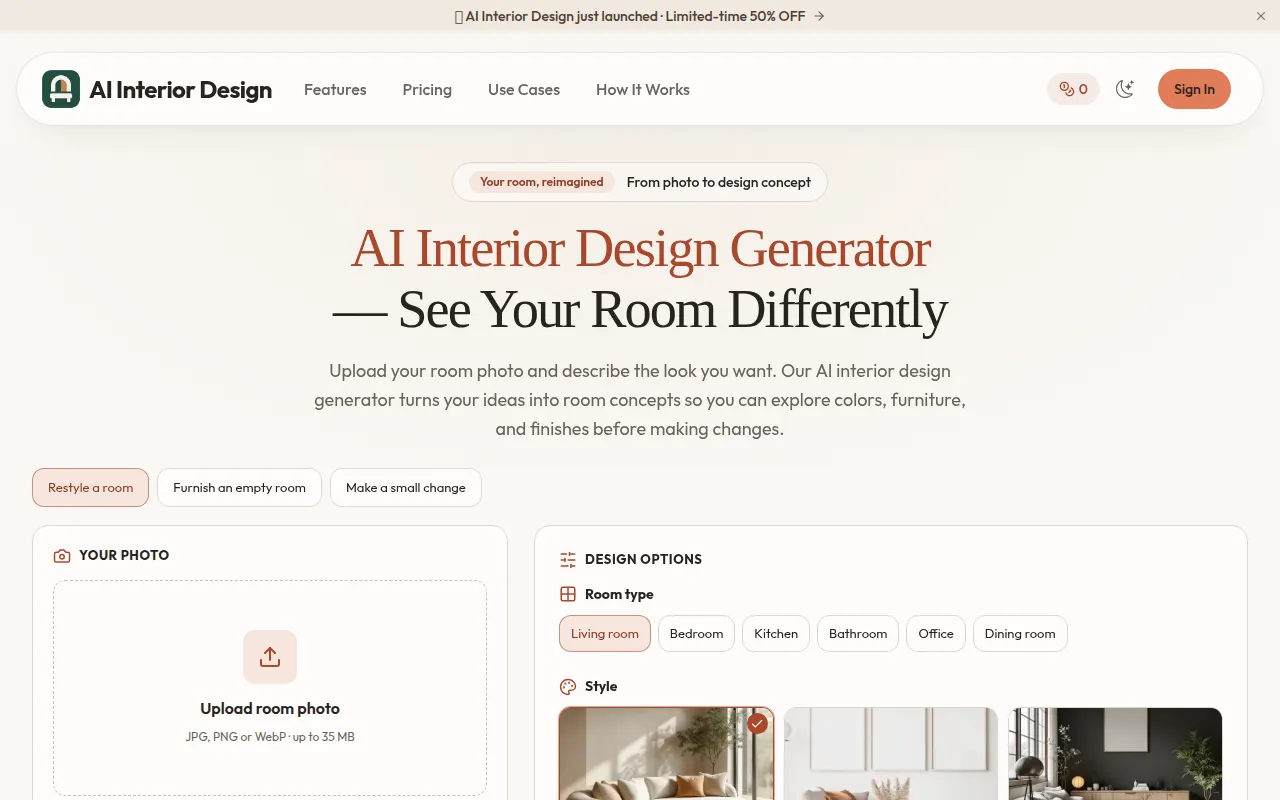

Text to Image
Upload a room photo and generate visual redesign concepts to compare furniture, colors, finishes, and styles before making changes.
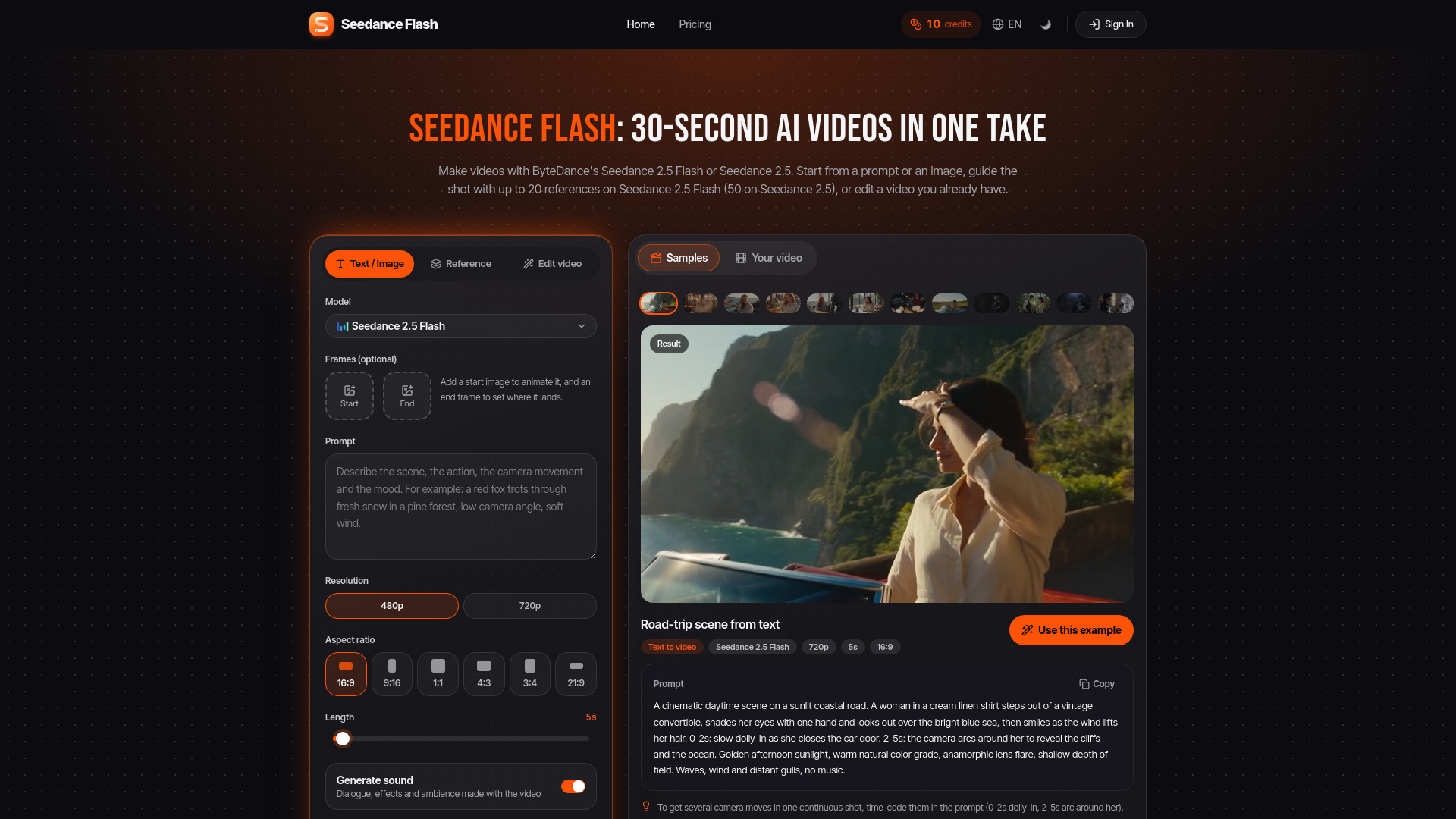

Image to Video
Browser-based AI video generation, animation, and editing
SeeBloom is an AI video and image studio that lets you pick a creation type first — such as text/image to video, first→last frames, universal references, video edit, video extend, or Doc→Video — and then use matching models like Veo 3.1, Seedance 2.5, Kling 3.0, Wan 3.0 Boundless, Runway Gen-4.5, Nano Banana 2.1, and GPT Image 2.5. It provides one workspace with a single credit balance for over 24 models from various vendors, eliminating the need for separate subscriptions. New accounts receive free credits, and there is no subscription requirement.
SeeBloom uses a credit-based system with one-time purchases and no subscription. Credits never expire and work with every image and video model. The exact cost is shown before each generation.
New accounts receive 30 free credits. Failed generations are refunded automatically.
What is SeeBloom?
SeeBloom is an AI video and image studio. Pick a creation type, then match the model — one account uses Veo 3.1, Seedance 2.5, Kling 3.0, Wan 3.0 Boundless, Runway Gen-4.5, Nano Banana 2.1 and GPT Image for text/image to video, first→last frames, universal refs, edit, extend, Doc→Video and AI images.
What video creation types does SeeBloom support?
Text/image to video, first→last frames, universal image/video/audio refs, video edit, video extend, and Doc→Video (PPT, PDF, Word, Excel or a public webpage). After you pick a type, the studio highlights models that support it.
What is Doc→Video?
Doc→Video on Wan 3.0 Boundless turns one PPT, PDF, Word or Excel file — or a public no-login webpage URL — into a short explainer clip. Document and webpage are mutually exclusive and cannot mix with first→last frames.
Can I try it for free?
Yes. New accounts get 30 free credits — enough for a 10-second 480p Seedance 2.0 clip or several 2K images.
How does pricing work? Is there a subscription?
No subscription. Buy one-time credit packs ($2 = 40 credits, $9 = 188 credits, $29 = 618 credits, $79 = 1888 credits) with no auto-renewal. Credits never expire and work with every image and video model. The exact cost is shown before each generation.
Am I charged if a generation fails?
No. If a generation fails — including when it is blocked by a safety filter — the credits are refunded automatically and the reason appears in your notifications.
How long can my videos be?
It depends on the model: Veo 3.1 makes 4–8s clips, Kling 3.0 5 or 10s, Grok Imagine up to 15s and Seedance 2.5 up to 30s. For longer pieces, merge clips in your library or continue a shot with a model that supports video extend.
Can I write prompts in Chinese or English?
Yes. Write the prompt in whatever language you use. The interface follows the language you select.