What is Seedance 2.5 Image to Video
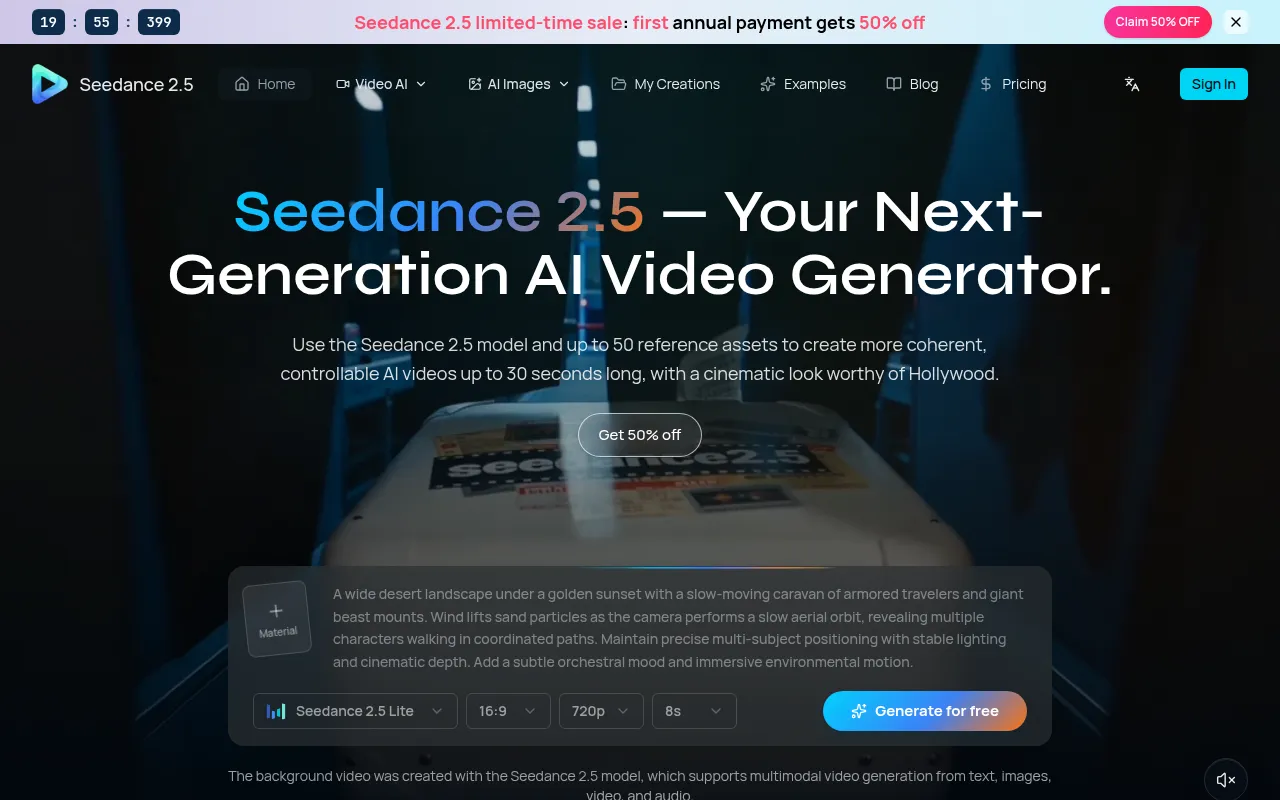
Seedance 2.5 is an AI video generator that allows users to create cinematic videos from various inputs. It is an upgraded version from Seedance 2.0, offering enhanced capabilities for video creation.
How to use Seedance 2.5 Image to Video
- Choose a mode: Select from Text to Video, Image to Video, or Media to Video.
- Write the prompt: Describe the desired video content, including subject, action, camera movement, timing, style, and sound, using up to 2,500 characters.
- Add references: For Media to Video mode, combine images, videos, and audio. Reference tags can be used to connect assets to the prompt.
- Set the output and generate: Choose the duration (4-30 seconds), aspect ratio (1:1, 21:9, 4:3, 3:4, 16:9, 9:16), resolution (480p, 720p, 1080p), and whether to include audio. Preview the credit cost and submit the task.
Features of Seedance 2.5 Image to Video
- 30-Second Continuous Generation: Create up to 30 seconds of continuous video in a single pass.
- Multimodal References: Supports up to 50 reference assets, including text, images, audio, and video.
- High-Fidelity Visuals: Aims for cinematic quality.
- Precise Creative Control: Allows for fine-tuning of pacing, camera language, and emotional shifts.
- Deep, Controllable Editing: Enables modification of specific regions, elements, actions, or shot details without regenerating the entire video.
- Multilingual Storytelling: Supports expanding into multilingual content with sequential language moments.
- Aspect Ratios: Supports 1:1, 21:9, 4:3, 3:4, 16:9, and 9:16.
- Resolutions: Output supports 480p, 720p, and 1080p.
- Optional Generated Audio: Audio generation is enabled by default but can be turned off.
- Credit Preview and MP4 Download: Calculates task cost before submission and provides downloadable MP4 files.
Use Cases of Seedance 2.5 Image to Video
- Marketing Videos and Ad Variations: Generate multiple hooks, angles, and styles from a single concept.
- Social Media Reels and Shorts: Create short-form clips in 9:16 with stable motion and consistent style.
- Product Demos and Landing Videos: Animate screenshots or reference images into product moments and explainer clips.
- Education and Training Content: Produce visual sequences for lessons and tutorials.
- Film Pre-visualization: Prototype shots, camera movement, and story beats.
- Animation and Creative Prototyping: Quickly explore motion ideas and test variations.
FAQ
- What is Seedance 2.5? Seedance 2.5 is a video generation model connected through Volcengine Ark, offering text, image, and multimodal reference workflows. It is designed for creating coherent and controllable AI videos.
- What inputs can I use to generate a video? You can use a text prompt, one or more images, or Media to Video with images, videos, and audio. Media mode supports up to 50 assets in total.
- Does it support different aspect ratios and resolutions? Output supports 480p, 720p, and 1080p, plus six aspect ratios: 1:1, 21:9, 4:3, 3:4, 16:9, and 9:16. Available duration presets range from 4 to 30 seconds.
- What is Seedance 2.5 best suited for? It is well suited for short ads, social clips, product visuals, concept shots, storyboards, and other 4–30 second pieces that benefit from prompt and reference control.
- Does the Seedance 2.5 model support local and advanced video editing? Yes, it supports precise local edits and advanced video editing to adjust specific regions, elements, actions, or shot details without regenerating the entire video.
- How do I start generating? Open the creator, select Seedance 2.5 and a mode, enter the prompt, add optional references, choose duration, aspect ratio, resolution, and audio, then review the credit estimate and submit.
- How long does it take to generate a video? Generation is asynchronous. Duration, resolution, reference complexity, queue load, and upstream availability affect completion time. Progress is visible in task history.
- What output format does the creator provide? Successful video tasks are provided as MP4 files and can be downloaded from the result or creation history.
- Is there a free trial available? Free credits are not guaranteed. If a promotion or initial-credit grant is active, the available balance and plan details will be shown on the product and pricing pages.
- Can I use Seedance 2.5 for commercial projects? Commercial use depends on applicable service terms and the rights to your prompt, reference assets, and output. Review those conditions before client or paid-media use.
- How does Seedance 2.5 handle copyrighted content? Upload only material you own or are authorized to use. Inputs may be checked against platform policies, and you are responsible for reviewing the generated output before publishing.