What is Seedance 2.5 video ai
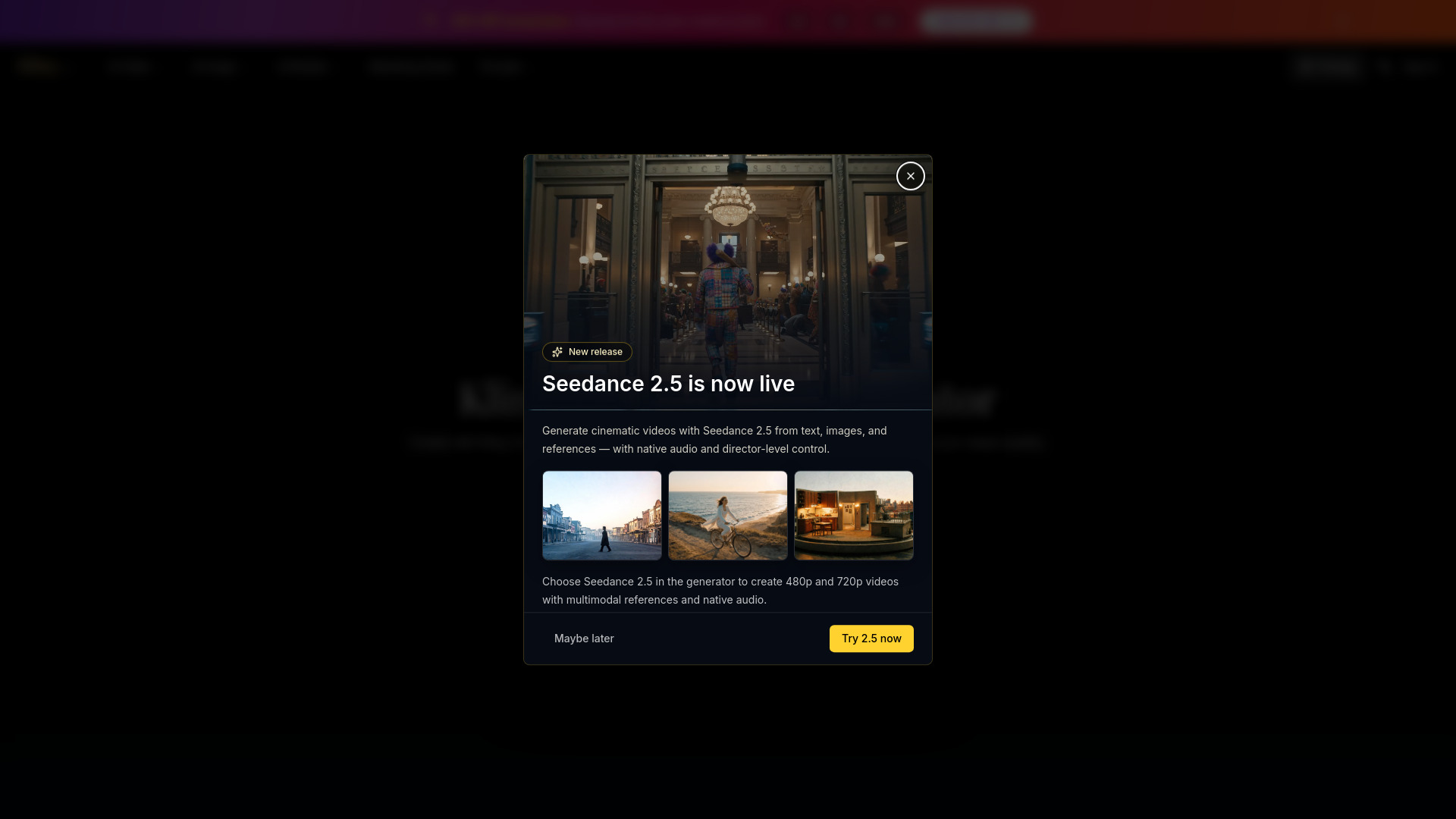
Seedance 2.5 is a next-generation joint audio-video model focused on longer storytelling, multimodal reference, and precise editing. It supports single-pass videos up to 30 seconds, as many as 50 image, video, and audio references, and output up to 4K.
How to use Seedance 2.5 video ai
- Choose Text or Image Reference: Start from a written scene, or switch to image-to-video and upload a reference image for subject, product, style, or composition guidance.
- Lock Visual Continuity: Describe subject identity, wardrobe, location, lighting, camera path, and mood so later shots can stay coherent.
- Iterate Before Delivery: Run controlled prompt variants, compare results, and choose the best direction before spending credits on final-quality output.
Features of Seedance 2.5 video ai
- Coherent Stories up to 30 Seconds: A single generation can cover up to 30 seconds, using smoother transitions, scene progression, and shot changes to build a complete story instead of extending one static moment.
- Expanded Multimodal Reference: Use up to 30 images, 10 videos, and 10 audio clips as references for characters, settings, motion, style, and sound while keeping complex scenes coherent.
- Precise Timeline Editing: Use time-range instructions to adjust story, camera movement, action, and pacing, or target characters and plot details inside a specific clip while preserving continuity around the edit.
- Controls for Professional Production: Use clay or structural references, green-screen editing, camera-perspective changes, professional camera movement, and performance blocking for complex film, campaign, and product shots.
- 30-Second Single-Pass Generation: Build multi-shot videos up to 30 seconds in one generation, with room for setup, development, turning points, and resolution.
- Output up to 4K: The model supports 480p, 720p, 1080p, and 4K output for previews, social content, and higher-resolution delivery.
- Up to 50 Reference Assets: Combine up to 30 images, 10 videos, and 10 audio files to guide characters, settings, motion, style, and sound continuity.
- Synchronized Audio and Video: Generate visuals and sound together, or use audio references to guide dialogue, rhythm, ambience, and the overall sonic direction.
- Timed Precision Editing: Control actions, cuts, and narrative pacing by time range, then make targeted changes inside a selected part of the video.
- Professional Shot Control: Use structural references, green-screen edits, perspective changes, and performance blocking for complex film, advertising, and product work.
Use Cases of Seedance 2.5 video ai
- Product films: Create slow furniture reveals that highlight leather texture, warm side light, and the shape of a sculptural chair.
- Character animation: Generate scenes like a miniature rabbit and squirrel meeting in a sunlit meadow, with soft textures and playful character movement.
- Portraits: Produce gentle camera pushes that capture natural expression, warm window light, and subtle facial movement.
- Beauty campaigns: Use macro camera moves to explore teal beauty packaging, flowers, water droplets, and reflective surfaces.
- Brand work: Use it for ads, social content, product visuals, storyboards, and team drafts.
FAQ
What is Seedance 2.5?
Seedance 2.5 is a next-generation joint audio-video model focused on storytelling up to 30 seconds, multimodal reference, precise editing, and professional production control, with output up to 4K.
Is Seedance 2.5 available in the generator?
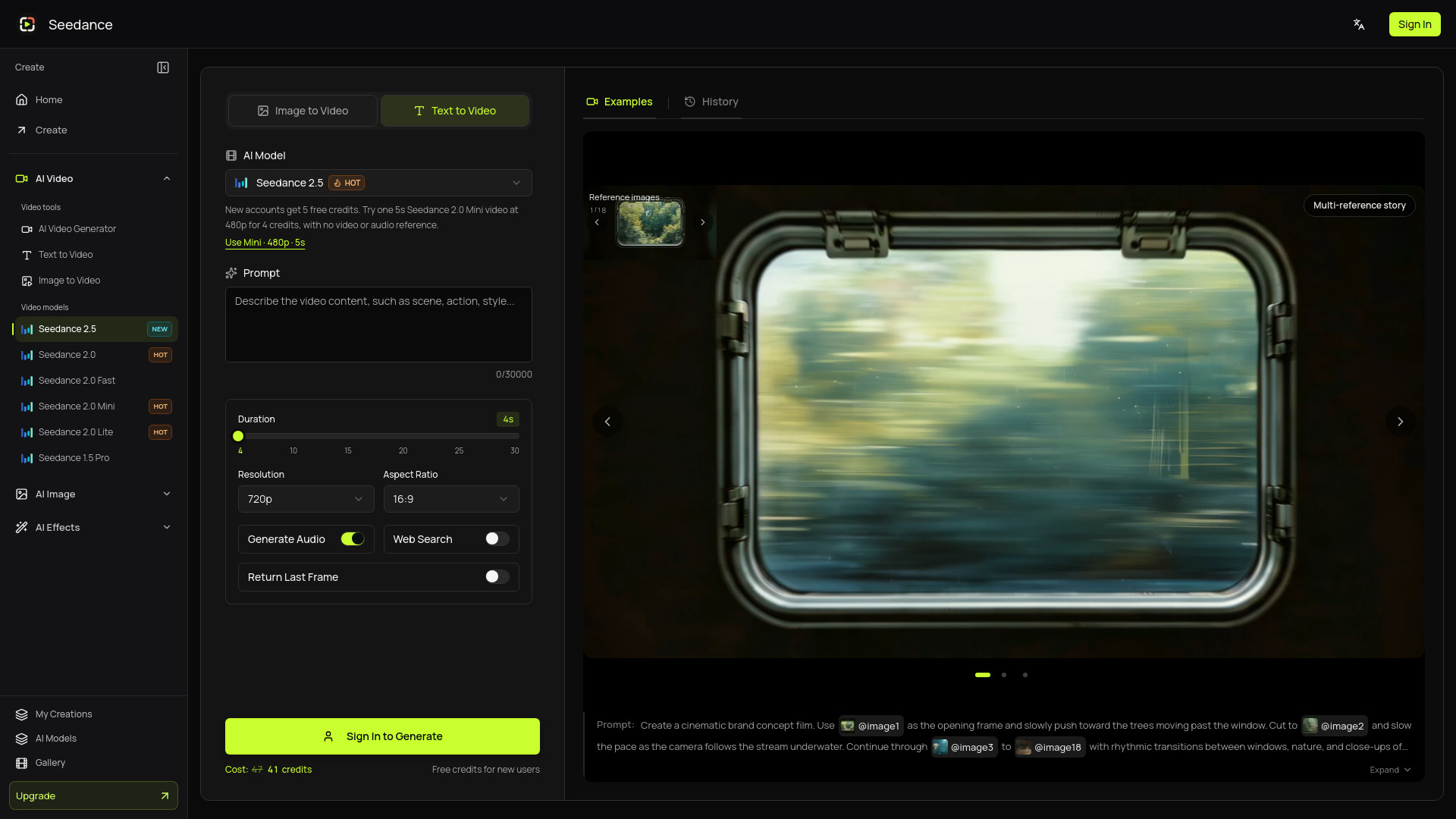
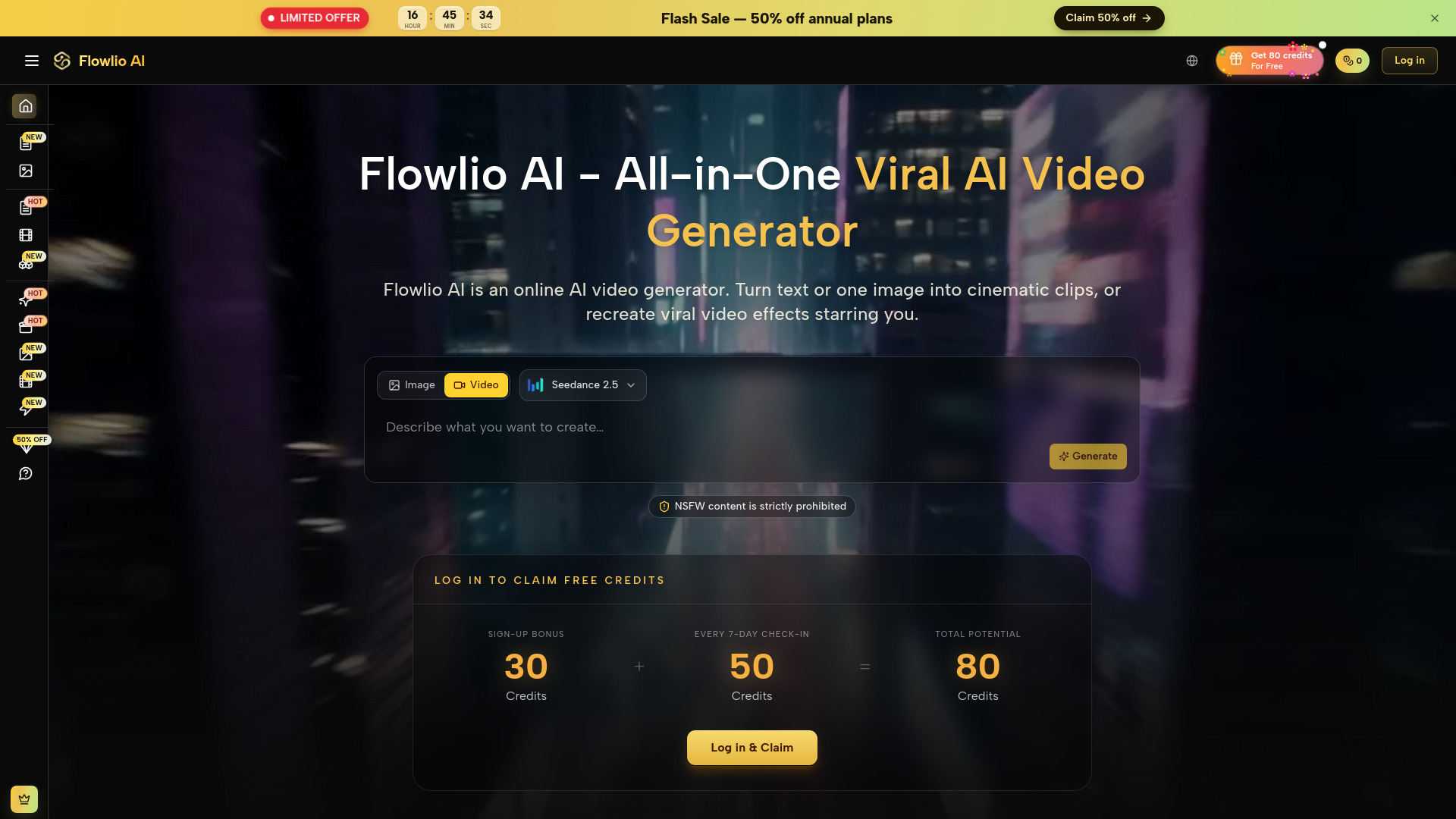
Open this page and start from the visible model and settings. Use the Text to Video tab for prompt-only creation, or switch to Image to Video when you want to guide the video with image references.
What resolution does Seedance 2.5 support?
Seedance 2.5 supports 480p, 720p, 1080p, and 4K output, with single-pass generation up to 30 seconds.
How should I prompt Seedance 2.5?
Write prompts with scene purpose, subject continuity, camera movement, lighting, mood, and output intent. When using image references, describe how the uploaded image should guide subject, composition, style, or motion.
Can I use Seedance 2.5 for brand work?
Use it for ads, social content, product visuals, storyboards, and team drafts. When using people, logos, or external assets, make sure you have the right permissions.
How is this different from Seedance 2.0?
Seedance 2.5 extends single-pass generation to 30 seconds, expands multimodal reference capacity to as many as 50 assets, and adds stronger timed editing, professional production control, and 4K output. Seedance 2.0 is better suited to 4–15-second multimodal generation and editing.
What are the reference upload limits?
The model accepts up to 30 images, 10 videos, and 10 audio files. Model reference limits allow 30MB per image, 200MB per video, and 15MB per audio file, with a 30-second total for video references and a separate 30-second total for audio. Follow the upload limits shown in the generator.
Where can I check the cost and save my video?
The generator displays the credit cost for your current settings. Check the updated amount after changing duration or resolution, then submit. Preview and download the completed video, or sign in and return to saved results in My Creations.