
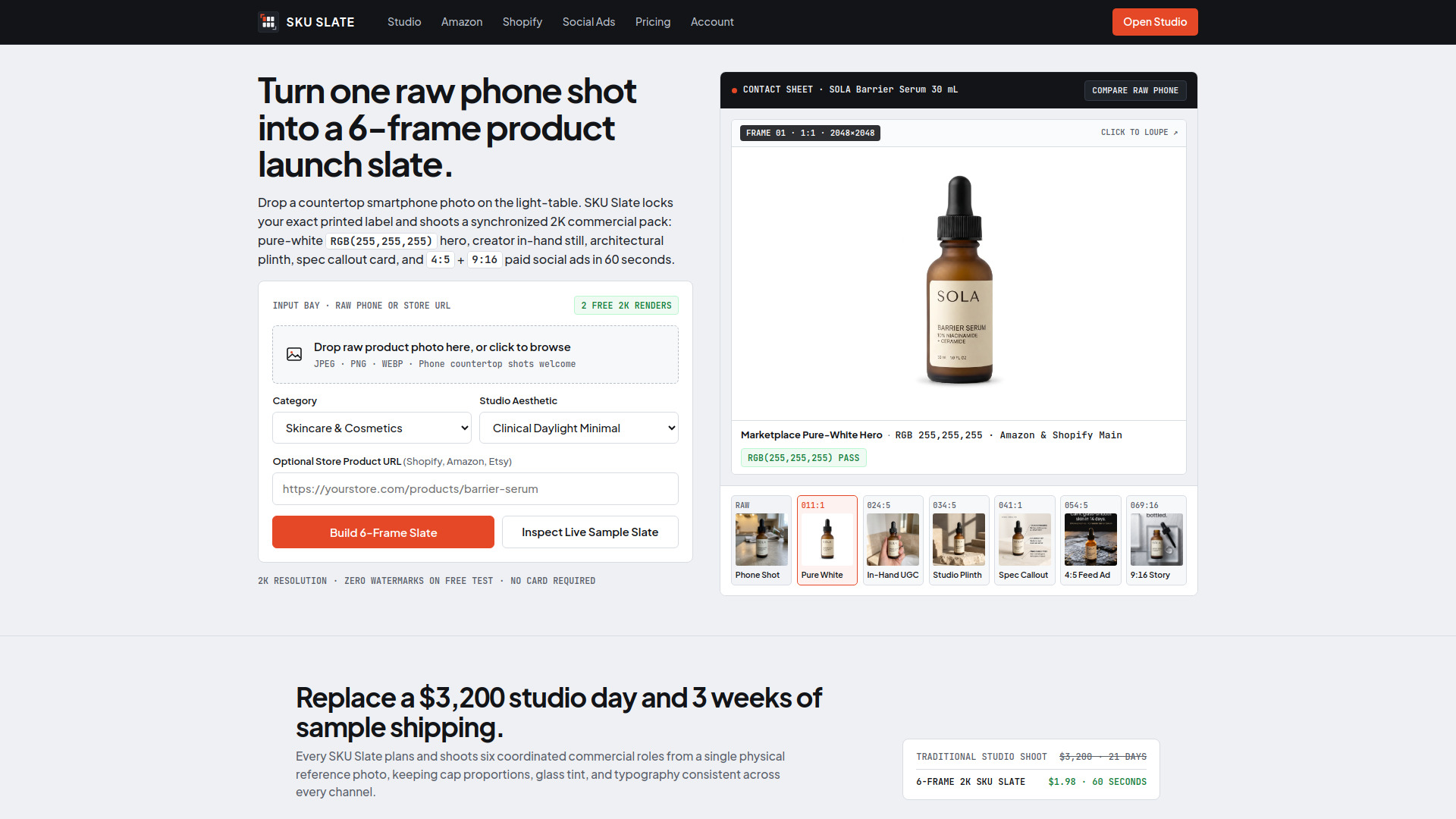

SKU Slate
AI Ad Creative
Turns one product photo into six coordinated 2K commercial images.
Check pricingVisit site

Text to Image
AI platform for generating and editing images from prompts and references
Explore other tools in related categories.
AI Ad Creative
Turns one product photo into six coordinated 2K commercial images.
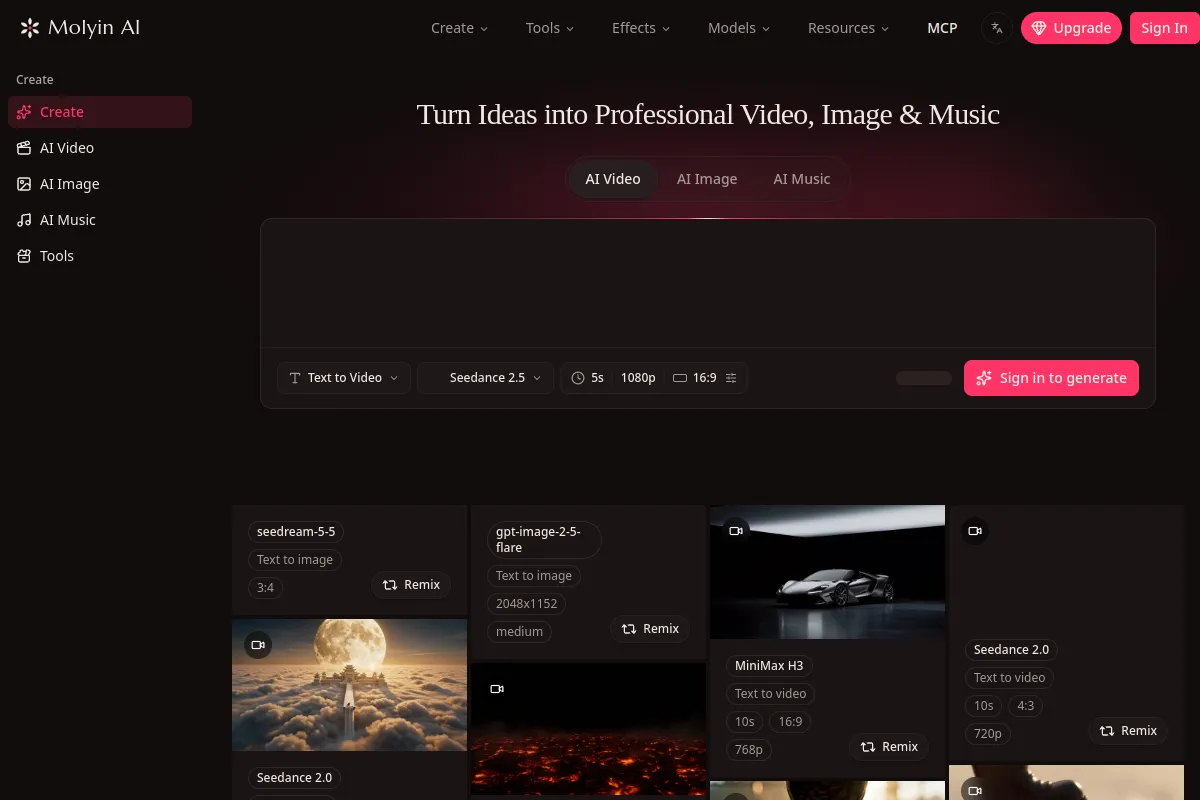

AI Music Generator
Generate videos, images, and music from prompts or references in one workspace using shared credits and a centralized asset library.
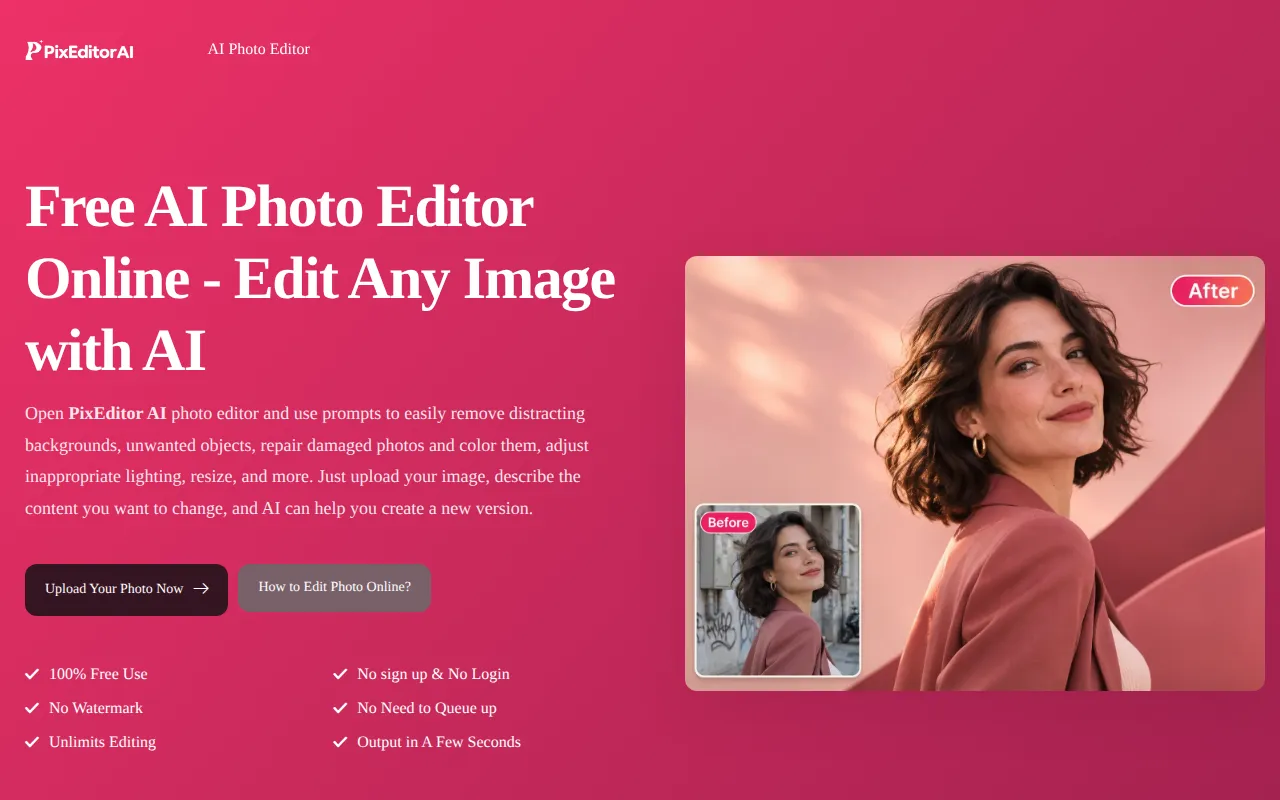

AI Photo Editor
Edit photos by describing changes in text, including background replacement, object removal, lighting adjustments, and style changes.
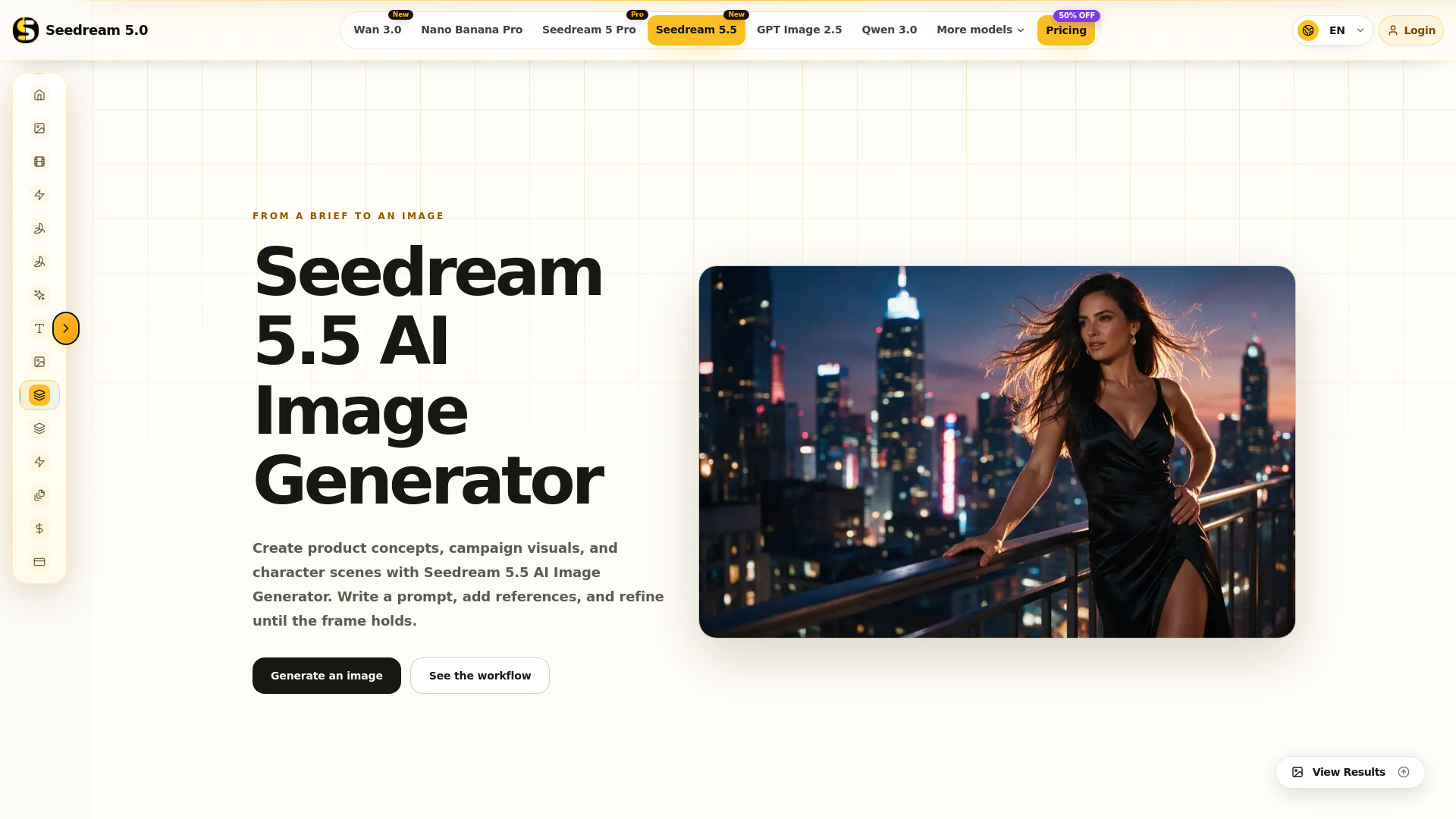
Seedream 5.5 AI is an image creation workspace designed to turn written briefs into visual frames. It allows users to generate images from text prompts or reference images, with a focus on evaluating and refining composition, lighting, and material details. The tool is built for creators with a visual brief, such as creative directors, filmmakers, designers, marketers, and concept artists, enabling them to move from an open brief to a visual direction that is easier to assess.
Seedream 5.5 AI uses a credit-based system. The generator displays the credit cost for your selected settings before generation. A pricing page is available with plans and a 50% off promotion.
What can I do with Seedream 5.5? Use Seedream 5.5 AI Image Generator to create from text or work with reference images. You also get prompt examples and a step-by-step workflow for reviewing composition, light, and material before the next pass.
How do I start generating an image? Open the generator, enter a prompt that names subject and scene first, choose a generation mode and available settings, then follow the account prompts and start generation.
How should I write a Seedream 5.5 prompt? Start with the subject and scene, then describe composition, lighting, color, and material. Give the most important detail a clear priority so competing accents do not flatten the hierarchy.
Can I use reference images? Choose image-to-image mode and add your reference images in the generator. Explain what should stay—pose, logo color, costume logic—and what should change in the prompt.
Where can I check account and credit requirements? The generator shows account prompts and the credit cost for your selected settings. Review those details before starting a generation so format and mode choices stay intentional.
How do I improve a result? Keep the parts that work, identify the main problem, and change one prompt instruction at a time. Compare the next result for framing, light, or clutter before making further changes.