What is Seedream 6
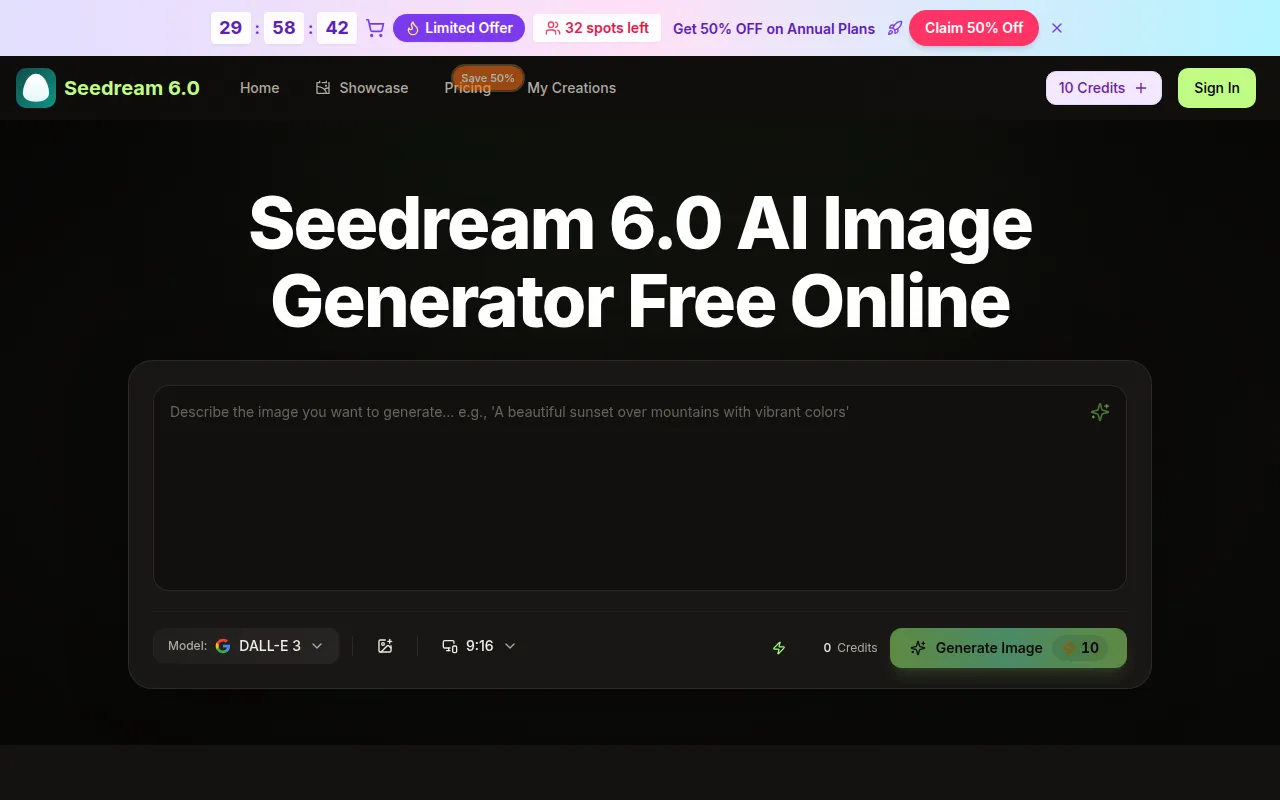
Seedream 6.0 is an AI image generator developed by Bytedance. It is a browser-based tool that allows users to transform text prompts and existing images into high-resolution (4K) visuals quickly.
How to use Seedream 6
- Upload your image: Users can upload an image they wish to edit or enhance.
- Enter editing instructions: Describe the desired changes or enhancements using text prompts.
- AI enhances your image: The AI processes the instructions and enhances the image.
- Download enhanced image: Users can download their high-quality, AI-enhanced image.
Alternatively, users can simply type Seedream 6.0 Prompts to generate images from text.
Features of Seedream 6
- Text-to-Image Generation: Create images from descriptive text prompts.
- Image-to-Image Transformation: Turn existing images into new visuals.
- Combine Multiple Images: Upload up to three images (subject, scene, style) to create a cohesive artwork.
- Style Transfer: Apply the artistic style from one reference image to a new subject.
- 4K Visuals: Generates high-resolution images.
- Fast Generation: Produces results quickly, often in seconds.
- Browser-Based: Accessible directly through a web browser without downloads.
- AI Image Enhancer: Automatically improves image quality.
- AI Image Background Remover: Removes image backgrounds.
- Edit Text in Photos: Modify existing text within images while maintaining layout.
- Create Character Avatars: Generate consistent character visuals.
- Model Variety: Supports multiple AI models including Seedream 5.0, Seedream 6.0, Seedream 5, Seedream, Veo 3, Sora 2, Seedance, Wan 2.5, and DALL-E 3.
Use Cases of Seedream 6
- Lifestyle Product Shots: Create warm lifestyle scenes for products without needing a studio.
- Restore Old Photos: Colorize and sharpen faded or sepia-toned images.
- Change Clothes on Models: Swap outfits on models in images.
- Remove Backgrounds: Create clean product cutouts on any background.
- Edit Text in Photos: Update text elements like dates or prices in existing images.
- Create Character Avatars: Generate consistent character visuals for branding or personal use.
- Art Generation: Create various artistic styles from text or image references.
- Marketing & Advertising: Generate visuals for campaigns.
Pricing
Seedream 6.0 offers several pricing plans:
- Basic (Yearly): $4.9/month (billed annually), includes 6,000 credits/year (500/month), up to 50 images/month, Seedream 5.0 AI Generation, unlimited Seedream 5.0 downloads, 6000 Seedream 6.0 credits annually, permanent Seedream 6.0 history, Commercial Use License, Seedream 5 Model, Seedream model, AI image enhancer, AI image background remover.
- Professional (Yearly): $9.9/month (billed annually), includes 24,000 credits/year (2000/month), up to 200 images/month, and all features from the Basic plan.
- Enterprise (Yearly): $19.9/month (billed annually), includes 72,000 credits/year (6000/month), up to 600 images/month, and all features from the Professional plan.
Note: Some features like AI video generation, Veo 3 model, Sora 2 model, Seedance model, Wan 2.5 model, priority generation queue, no watermark, and priority customer support are indicated as 'Yearly only'.
FAQ
- How to cancel subscription: Contact support at support@seedream6.app.
- What is Seedream 6.0? An AI image generator by Bytedance that turns text and images into 4K visuals.
- Is it browser-based? Yes, it works in your browser without downloads.
- Can I use it for commercial purposes? Yes, the plans include a Commercial Use License.