
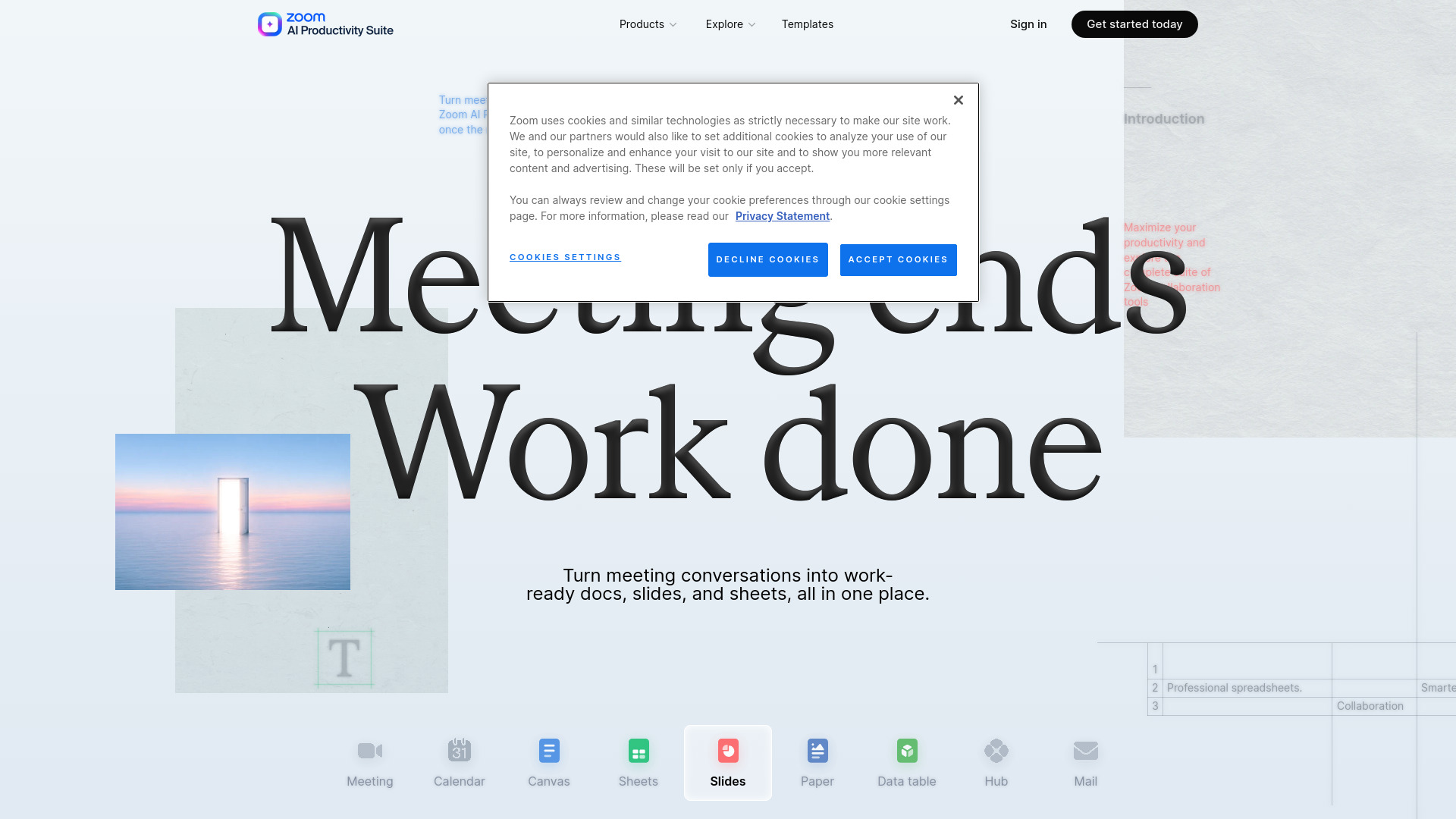

Zoom AI Productivity Suite
AI Presentation Generator
AI tools that turn conversations into documents, presentations, and spreadsheets.
Check pricingVisit site
AI Assistant
Edge-access macOS app for Apple Reminders with AI task execution and Kanban boards.

Explore other tools in related categories.
AI Presentation Generator
AI tools that turn conversations into documents, presentations, and spreadsheets.
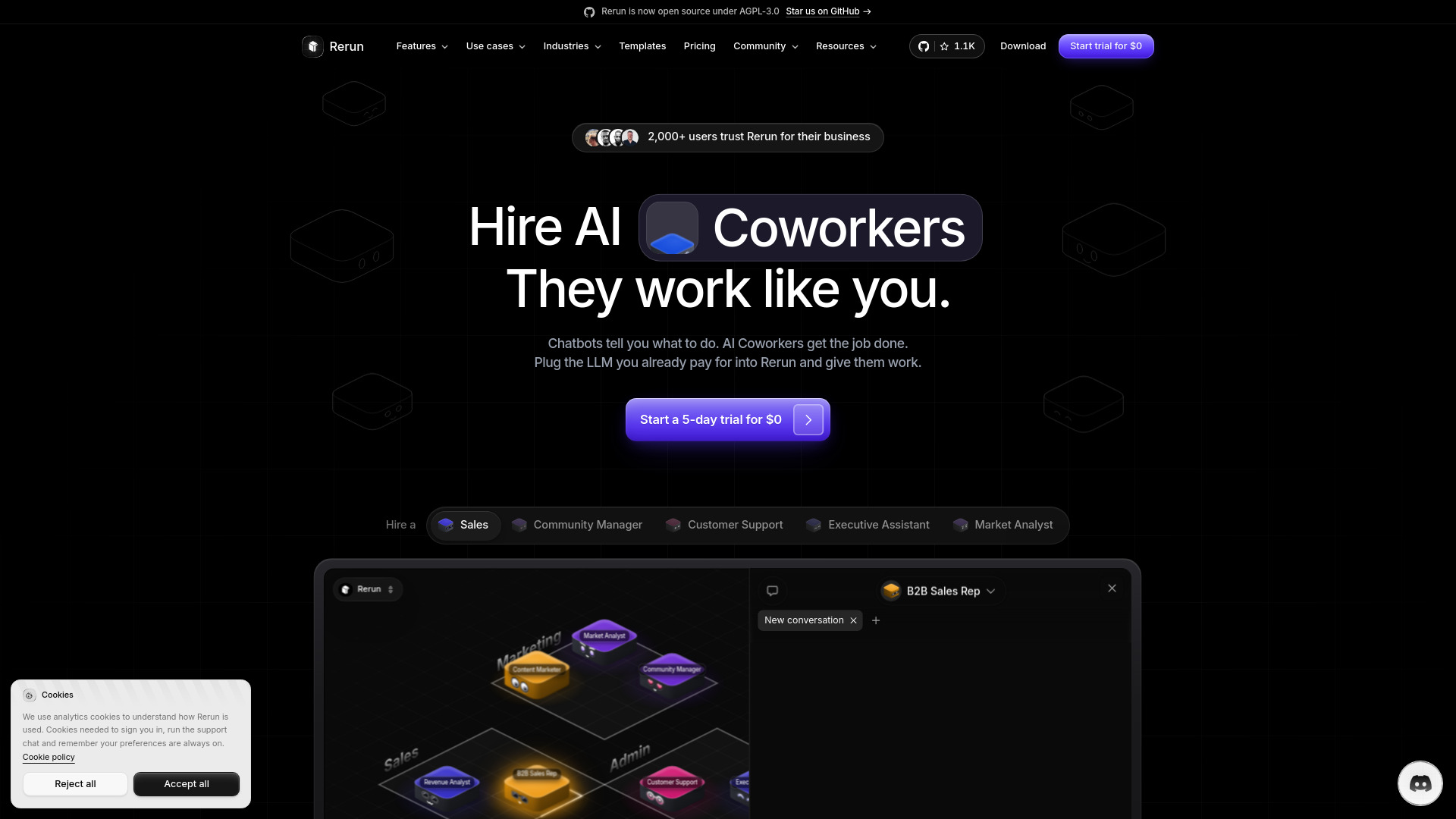

AI Marketing
AI coworkers automate recurring business tasks across apps and teams


AI Language Learning
A subscription language-learning service with expert-built courses and interactive practice.
Side Reminder is a macOS application that provides edge-access to Apple Reminders. It allows users to access their reminders by moving their mouse to the screen edge, making them instantly available without switching applications.
sidereminder command-line tool.What is Side Reminder? Side Reminder is a macOS app that keeps Apple Reminders accessible at the screen edge, allowing instant access without switching applications. Voice input is processed on-device.
Does Side Reminder work with Apple Reminders? Yes, it works directly with the built-in Apple Reminders app, syncing all lists, tags, and due dates across devices.
How does voice input work? Press Cmd+Shift+V and speak. On-device AI transcribes your voice into a reminder, with data processed entirely on your Mac.
Is my data private? Yes, Side Reminder prioritizes privacy. Reminders stay in Apple Reminders and iCloud. Voice input is on-device, and the app collects no personal data.
What macOS version is required? macOS 14 Sonoma or later.
Can I use Side Reminder from the terminal or with AI agents?
Yes, it includes a CLI tool (sidereminder) for terminal management and integrates with AI agents like Claude Code via slash commands.
How is Side Reminder different from the Reminders app? It's a companion app that provides edge-access, a focus timer, voice input, and keyboard navigation, enhancing the existing Reminders app without requiring app switching.