What is SparkVid
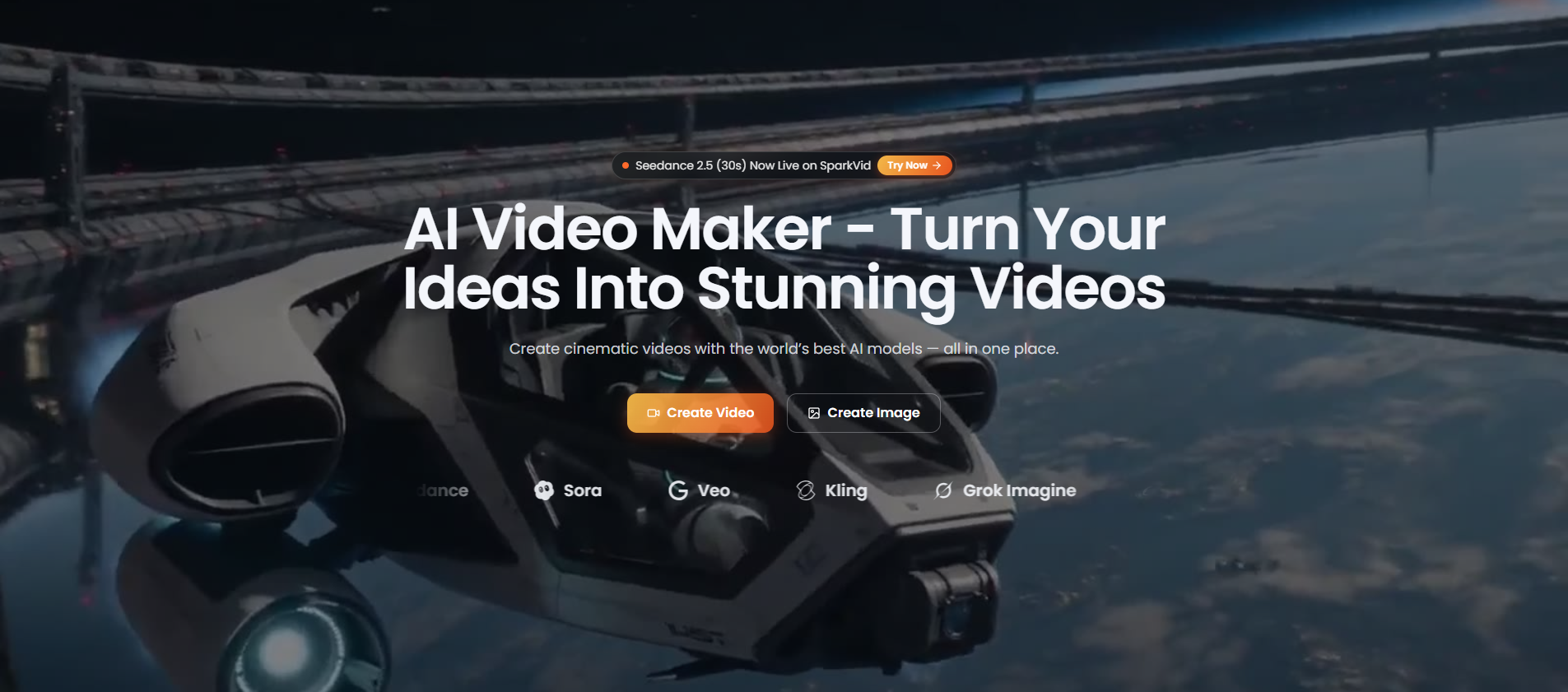
SparkVid is an all-in-one AI video and image generator designed for creators and marketers. It enables users to produce high-quality visual content efficiently, leveraging artificial intelligence to streamline the creative process.
How to use SparkVid
- Sign up or log in to the SparkVid platform.
- Choose a creation mode – either video or image generation.
- Input your prompt or select a template to guide the AI.
- Customize settings such as style, aspect ratio, and other parameters.
- Generate your content and preview the result.
- Download or share your final video or image directly.
Features of SparkVid
- AI-powered video generation – Create videos from text prompts or templates.
- AI image generation – Produce images with customizable styles and formats.
- All-in-one platform – Combines video and image creation in a single tool.
- User-friendly interface – Designed for ease of use by creators and marketers.
- Customization options – Adjust settings to match your brand or creative vision.
- Fast generation – Quickly produce content to meet tight deadlines.
Use Cases of SparkVid
- Social media content – Generate engaging videos and images for platforms like Instagram, TikTok, and YouTube.
- Marketing campaigns – Create promotional visuals for ads, banners, and email marketing.
- Brand storytelling – Produce compelling video narratives to showcase products or services.
- Content creation – For bloggers, influencers, and YouTubers to enhance their content.
- Presentations and pitches – Generate visual aids for business presentations or investor decks.
FAQ
Q: What is SparkVid?
A: SparkVid is an AI-powered tool that generates videos and images for creators and marketers.
Q: Who can use SparkVid?
A: It is designed for creators, marketers, and anyone needing quick visual content.
Q: What types of content can I create?
A: You can create both videos and images using AI.
Q: Is SparkVid easy to use?
A: Yes, it features a user-friendly interface suitable for beginners and professionals.
Q: Can I customize the output?
A: Yes, you can adjust various settings to tailor the content to your needs.