
What is Sprite Flow
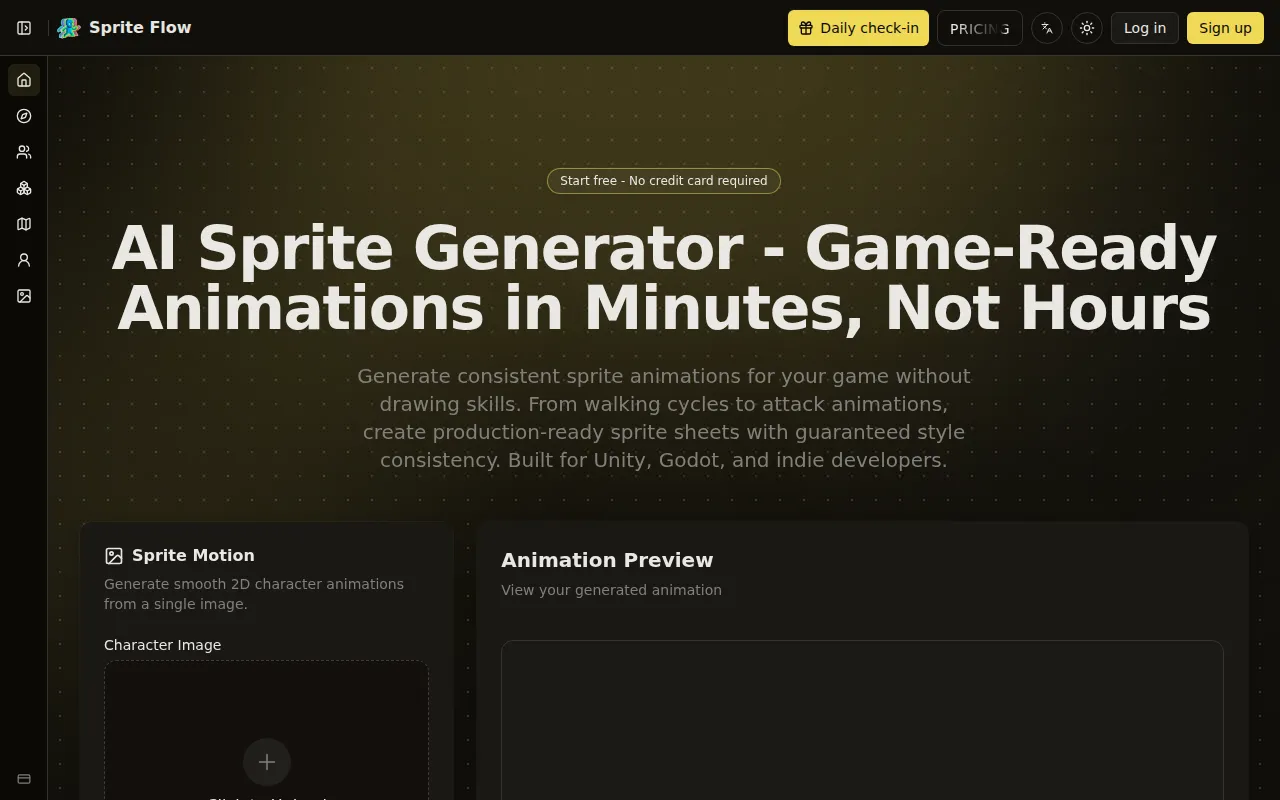
Sprite Flow is an AI sprite generator that creates game-ready animations and consistent sprite sheets in minutes. It allows users to generate 2D character animations, sprite sheets, and game assets significantly faster than traditional methods, without requiring drawing skills.
How to use Sprite Flow
- Upload Your Character: Upload a character image or describe the character's appearance. Users can choose from art style presets (pixel art, 2D cartoon, anime) or train the AI on their own reference images.
- Choose Animation & Generate: Select the desired animation type (e.g., walk, idle, attack, jump), set the frame count and speed, and click generate. The AI creates animation frames in under 60 seconds with consistent style.
- Export to Your Game Engine: Download animations as APNG, GIF, or ZIP files with individual frames. One-click export options are available for Unity, Godot, and Unreal Engine, including sprite sheet atlases, JSON metadata, and animation controller presets.
Features of Sprite Flow
- AI Sprite Generation: Creates game-ready animations and consistent sprite sheets.
- Style Consistency Guarantee: Trains on user-provided art styles to ensure identical colors, line thickness, and proportions across all generated sprites.
- Multiple Animation Types: Generates essential game character animations including idle, walk cycles, run, jump, attack, hit reactions, and death animations.
- 8-Directional Support: Creates top-down and isometric sprites with automatic 4 or 8-directional views.
- Game-Ready Exports: Automatic sprite sheet export with JSON metadata, compatible with Unity, Godot, and Unreal Engine formats.
- Character Variations: Allows for generating different outfits, colors, or equipment for characters without redrawing.
- Art Style Support: Supports retro pixel art, modern 2D cartoon, anime, and custom art styles.
- Fast Generation: Animations can be generated in minutes, with a walk cycle taking as little as 60-90 seconds.
Use Cases of Sprite Flow
- Solo Indie Developers: Rapidly create complete character sprite sheets for games without needing artistic skills.
- RPG & Strategy Games: Generate 8-directional sprites for top-down and isometric views, and create numerous unique NPC characters with consistent art styles.
- Mobile & Casual Games: Produce character variations for different outfits, colors, and equipment tiers with perfect style matching.
- Game Jams & Prototyping: Quickly generate assets for testing game mechanics and ideas.
Pricing
Pricing information is not detailed in the provided content, beyond mentioning a "Start free - No credit card required" option and "credits" for generation.
FAQ
- What is an AI sprite generator and how does it work? It uses AI to automatically create game character sprites and animations. Users describe characters and animation types, and the AI generates frames with consistent style, ready for game engines.
- How do you guarantee style consistency across sprite animations? Through palette locking and style training. Users upload reference images, and the AI extracts the color palette and style parameters, ensuring all generated sprites match.
- Can I export sprites directly to Unity or Godot? Yes, with one-click export options including sprite sheet atlases, JSON metadata, animation controller presets, and engine-specific formats.
- What animation types can the AI sprite generator create? Essential animations like idle, walk, run, jump, attack, hit reactions, and death, supporting 4-directional and 8-directional views.
- How is this different from using Aseprite or manual pixel art? It drastically reduces creation time (minutes vs. hours/days per character) and requires no drawing skills, while maintaining style consistency.
- Can I create pixel art sprites or only modern 2D art? Supports retro pixel art, modern 2D cartoon, anime, and custom styles. Resolutions range from 16x16 to 512x512 pixels.
- How much does it cost compared to hiring a sprite artist? Significantly cheaper than hiring professional artists, with pricing starting free and offering affordable monthly plans for unlimited generations.
- Do I need any drawing or animation skills to use this? No drawing skills are required. The tool is designed for programmers and developers without art backgrounds.
- Can I create variations of the same character? Yes, by changing colors, equipment, or outfit styles and regenerating in minutes.
- What file formats do you export for game engines? Standard formats like PNG, JSON, XML, and engine-specific formats for Unity, Godot, and Unreal Engine.
- How long does it take to generate a complete character? A complete character with multiple animations can be generated in 5-7 minutes for the first time, and faster with saved style presets.
- Is this better than using pre-made sprite packs from asset stores? It offers unique, custom sprites with infinite variations and perfect style matching, unlike asset packs which have limited customization and are widely used.