What is SteerCamp
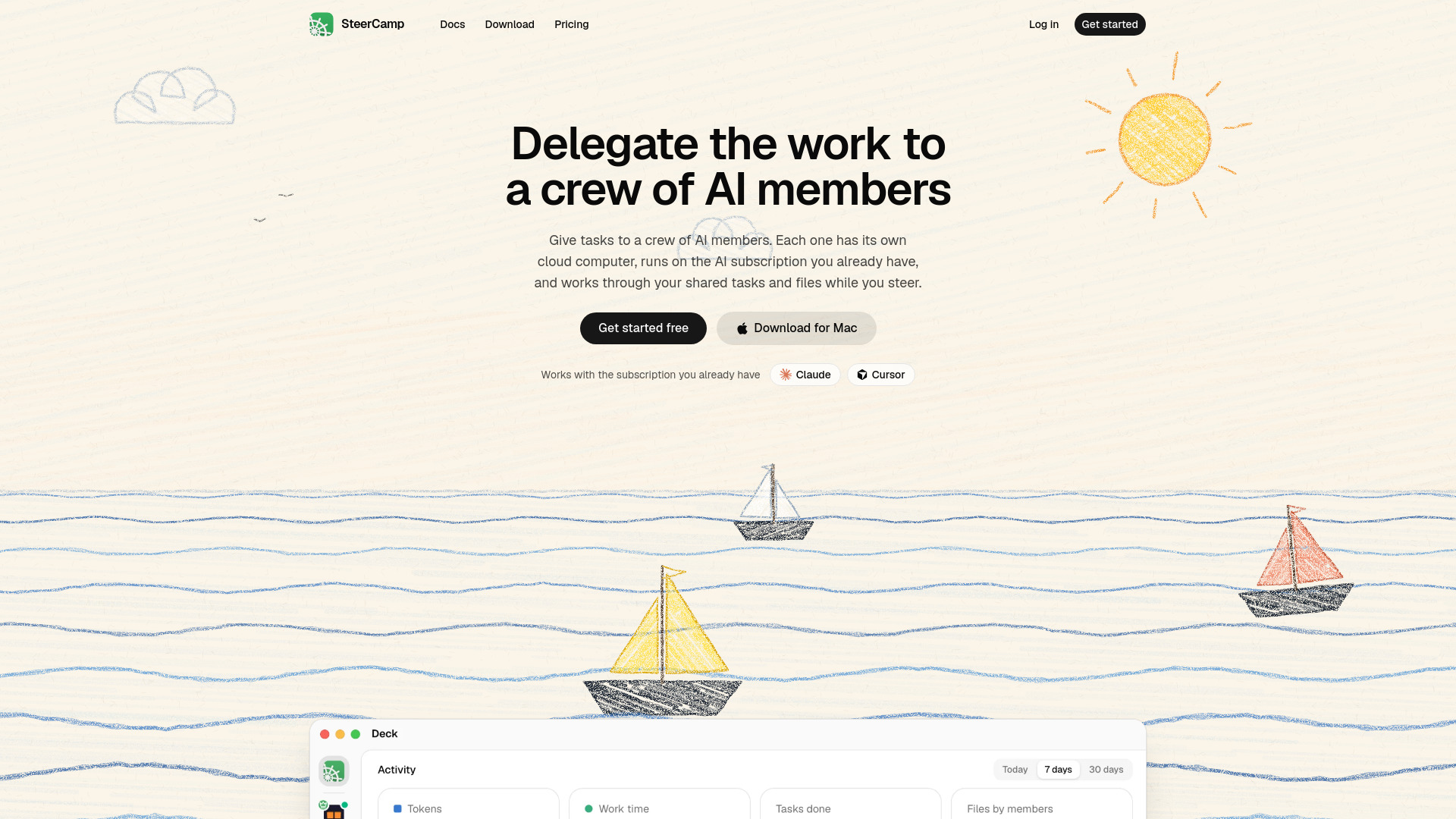
SteerCamp is a workspace that provides a crew of AI members instead of a single chatbot. Each member has a role, its own isolated cloud computer, and access to the apps you connect. They run on the Claude or Cursor subscription you already have and ask for approval before anything goes out.
How to use SteerCamp
- Start a 7-day free trial by signing up.
- Connect your existing Claude or Cursor subscription.
- Create AI members with their own names, skills, and models.
- Assign tasks to members via the shared task board.
- Members work on their own cloud computers, planning and completing tasks step by step.
- Approve or deny risky actions when members request permission.
- Review completed work, files, and activity logs.
- Use schedules and reminders for recurring tasks.
Features of SteerCamp
- AI crew, not a single chatbot: Create teammates with their own names, skills, and models. They message each other, hand off work, and pick the right person for the job.
- Their own computer: Each member gets a Linux machine with a shell, files, and a browser, enabling real work.
- Shared task board: Backlog to Done, with checklists that tick off live as your crew progresses.
- Connect your apps: Plug in tools from the app catalog or any MCP server. Sign-ins stay locked away from the AI.
- Memory that lasts: Your crew remembers people, projects, and preferences, so you never repeat yourself.
- Schedules and reminders: Reports, checks, and rebuilds that run on repeat while you're away.
- Files, pages, and Deck tiles: Share files with the camp, publish a public page in one click, or pin a live tile to your Deck. You approve anything outward-facing.
- Always on: Each member works on its own isolated cloud computer around the clock, even with your laptop closed.
- No extra AI bill: Members use your Claude or Cursor subscription. No API keys, no per-token surprises, and no second AI bill.
- Full control: Members ask before anything risky, and every action is logged. See what each one did, when, and why, and stop any of them at any moment.
Use Cases of SteerCamp
- Delegate tasks like writing reports, publishing pages, and conducting research to AI members.
- Have AI members handle competitor pricing analysis, draft launch emails, fix signup forms, and create landing copy.
- Use AI members for recurring tasks such as weekly sales reports, scheduled checks, and rebuilds.
- Collaborate with AI members that can bring in teammates when work needs additional skills.
- Manage projects with a shared task board where AI members plan and complete work step by step.
Pricing
SteerCamp offers two plans, both with a 7-day free trial:
- Starter: $29 per month. Includes 3 members and 30 hours of work time a month. For one person getting a small crew going.
- Crew: $49 per month. Includes 5 members and 60 hours of work time a month. For a team with more work to hand over.
Both plans include:
- A cloud computer for each member
- Connect the apps your team uses
- Shared task board with handovers
- Schedules, memory, and skills
- Camp Files, public pages, and Deck tiles
- An Inbox for everything members need from you
Bring your own Claude or Cursor subscription. Model usage stays on it.
FAQ
Do I need a separate AI subscription?
No, SteerCamp runs on the Claude or Cursor subscription you already have. There are no API keys or per-token costs.
Can I control what the AI members do?
Yes, members ask for approval before anything risky, and every action is logged. You can approve or deny actions and stop any member at any time.
Do AI members work when my computer is off?
Yes, each member works on its own isolated cloud computer around the clock, even with your laptop closed.
How many AI members can I have?
The Starter plan includes 3 members, and the Crew plan includes 5 members.
Is there a free trial?
Yes, both plans offer a 7-day free trial.