Newsletter
Join the Community
Subscribe to our newsletter for the latest news and updates

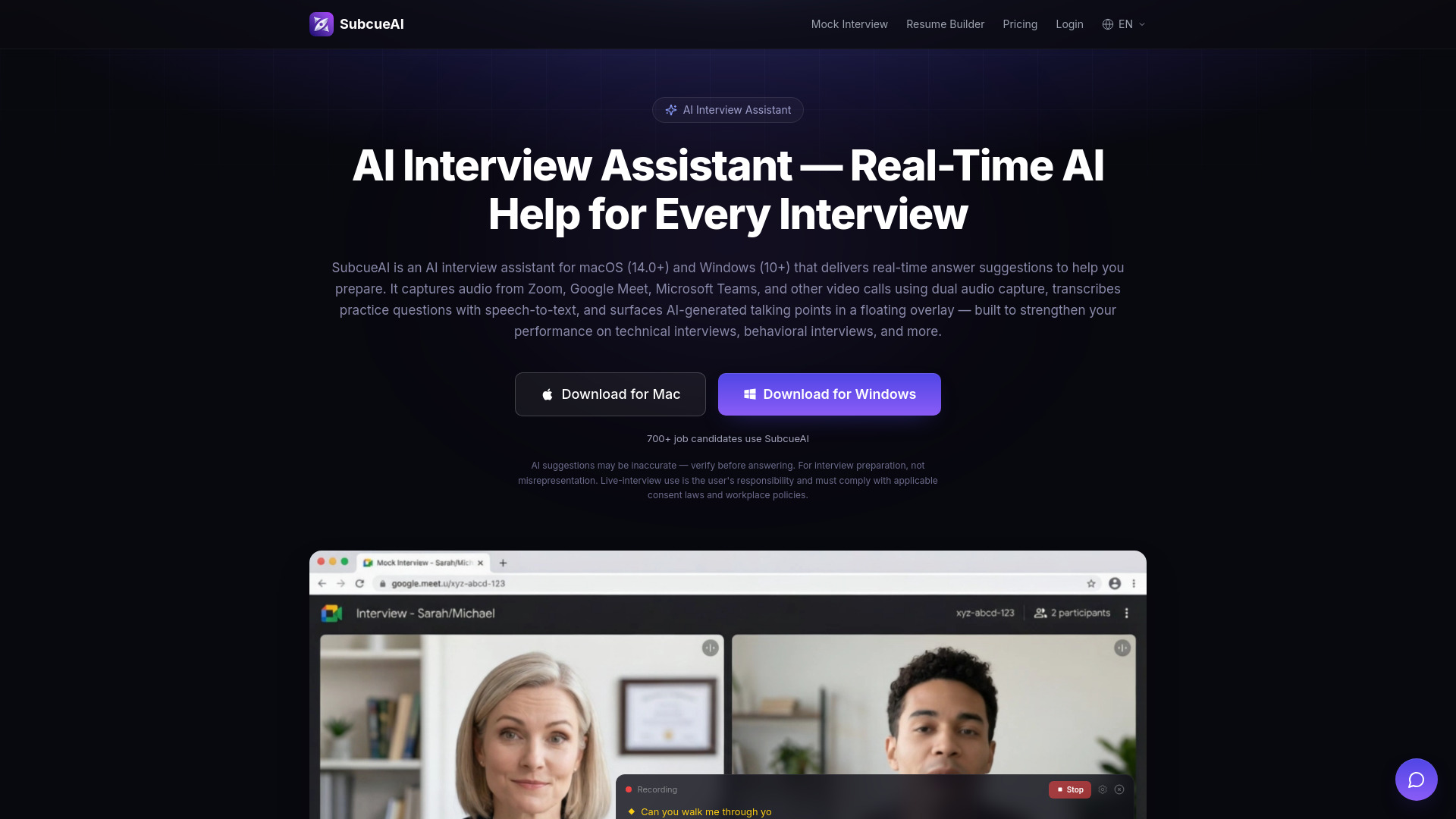
Desktop AI assistant for real-time interview answers and practice analytics
SubcueAI is a desktop AI interview assistant for macOS 14.0+ and Windows 10+. It captures audio from video calls (Zoom, Google Meet, Microsoft Teams, WebEx, etc.) using dual audio capture, transcribes practice questions with speech-to-text, and generates real-time AI answer suggestions powered by GPT-4o. The suggestions appear in a floating overlay to help users rehearse and refine responses. It is designed for interview preparation, not for misrepresentation during live interviews.
SubcueAI uses a credits model with three tiers:
Top-up packs are available for all plans and never expire.
What is an AI interview assistant and how does SubcueAI work? An AI interview assistant is a desktop app that helps you prepare for interviews with real-time answer suggestions. SubcueAI captures audio from Zoom, Google Meet, Teams, or any video call, transcribes practice questions using speech-to-text, and generates context-aware talking points powered by GPT-4o — surfaced in a floating overlay so you can rehearse and refine your responses.
Does SubcueAI work with Zoom, Google Meet, and Microsoft Teams? Yes. SubcueAI uses dual audio capture to record system audio from any application, so it works with all video conferencing platforms including Zoom, Google Meet, Microsoft Teams, WebEx, and even phone calls routed through your computer.
How is SubcueAI architected — is it a meeting bot? No. SubcueAI is a native desktop app — it doesn't inject bots into meetings, install browser plugins, or modify your video feed. The floating overlay renders locally on your machine. It's built for personal preparation; live-interview use is the user's responsibility and must comply with applicable consent laws and workplace policies.
Can SubcueAI help with technical and behavioral interview prep? Absolutely. SubcueAI generates real-time AI talking points for all interview types — technical coding questions, behavioral STAR-method questions, case interviews, and general HR screening practice. It uses your uploaded resume for personalized, context-aware answer suggestions.
What are the system requirements? SubcueAI requires macOS 14.0 (Sonoma) or later, or Windows 10 (version 19041) or later. An internet connection is needed for real-time speech-to-text and AI answer generation.
How does SubcueAI protect my privacy? SubcueAI processes all audio locally on your device. Interview audio is transcribed in real-time and never stored on our servers. Your resume data is encrypted at rest. We never share your data with third parties.
What languages does the AI interview assistant support? SubcueAI supports English and Chinese for speech recognition and AI answer generation, with more languages coming soon. The app interface is available in 26 languages.