What is Tabbit AI
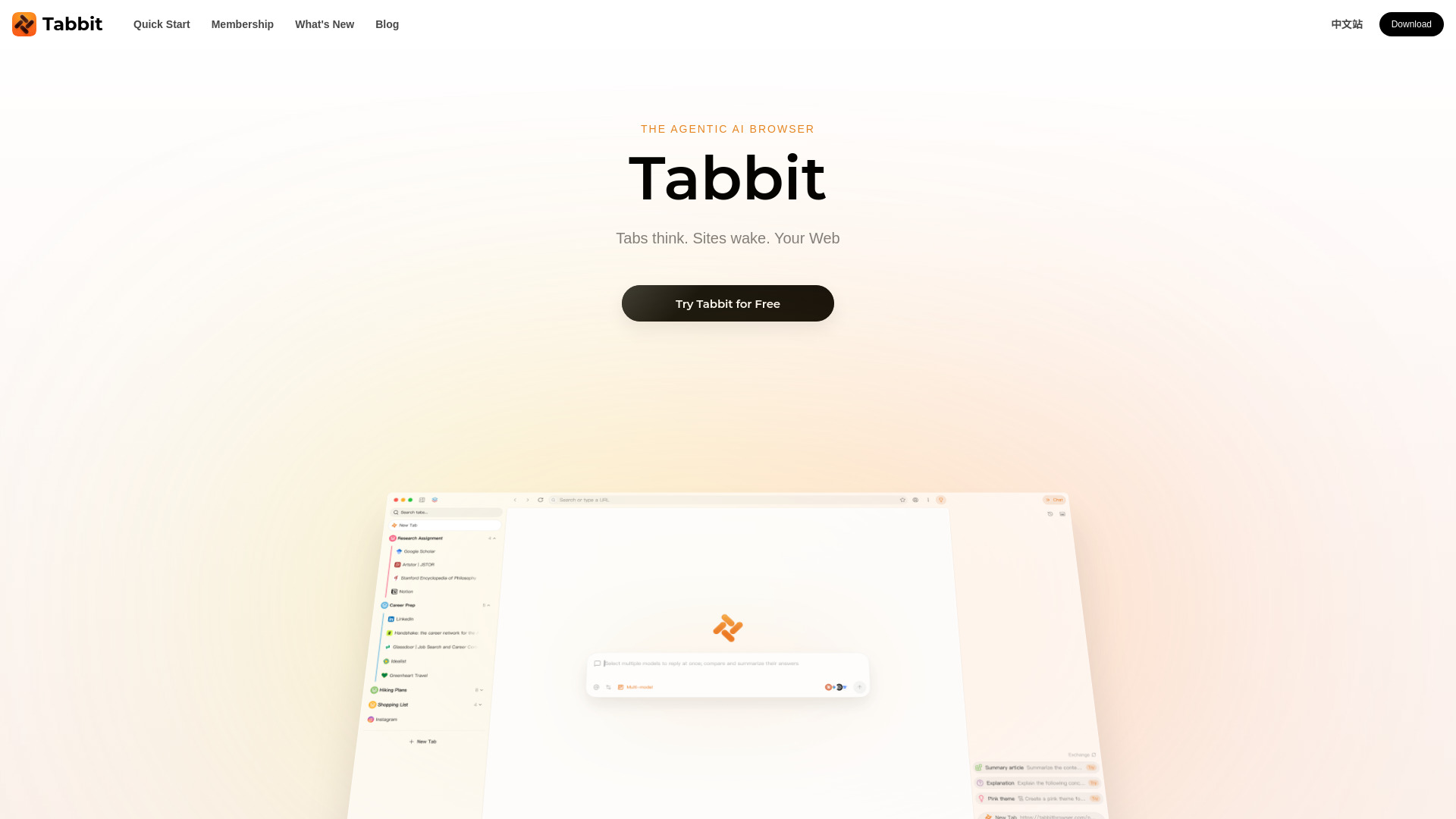
Tabbit is an AI-native browser that understands your context. It allows you to chat with webpages, automate tasks with an Agent, create custom Skills, and organize tabs effortlessly. It supports multiple top AI models including GPT-5.4, Gemini-3.1-Pro, Claude-Sonnet-4.6, DeepSeek V4.0, Doubao-Seed-2.0, Kimi-K2.6, Qwen3.5-Plus, GLM-5.2, and MiniMax-M2.7. Tabbit is available for free download on macOS and Windows.
How to use Tabbit AI
- Download and install Tabbit from the official website.
- Open Tabbit and start browsing as you would in any browser.
- Use the chat interface to interact with webpages, ask questions, or give commands.
- Use the '@' feature to reference tabs, files, screenshots, or highlighted elements for the agent to process.
- Create or use Skills to automate repetitive tasks or enhance productivity.
- Organize tabs using Tabbit's tab management features.
Features of Tabbit AI
- Context-aware browsing: Tabbit understands the content of your tabs, PDFs, bookmarks, and more.
- Chat with webpages: Interact with any webpage content directly through chat.
- Agent automation: Automate tasks like research, data extraction, and more with the built-in agent.
- Custom Skills: Create and use Skills for specific sites like YouTube, Bilibili, ChatGPT, Substack, Papers, Reddit, GitHub, and Gmail.
- Multi-agent support: Use specialized agents for research, operation, writing, and analysis.
- Top model integration: Access the latest AI models within 12 hours of their release.
- Tab management: Effortlessly organize and manage tabs.
- Site MCPs: Leverage site-specific capabilities for enhanced functionality.
- Agent Memory: The agent remembers context across sessions.
Use Cases of Tabbit AI
- Research: Use the Research agent to read papers, summarize articles, and gather information.
- Content creation: Use the Writer agent to draft documents, emails, or social media posts.
- Data analysis: Use the Analyst agent to crunch numbers and generate insights.
- Productivity: Automate repetitive tasks like unsubscribing from emails, organizing subscriptions, or summarizing daily digests.
- Learning: Extract highlights from videos, get summaries of long podcasts, and translate content in real-time.
- Development: Use GitHub Skills to explain PRs, analyze risks, and find test gaps.
Pricing
Tabbit is free to download. The webpage does not specify any paid plans or pricing tiers.
FAQ
Q: What operating systems does Tabbit support? A: Tabbit supports macOS and Windows.
Q: Which AI models does Tabbit support? A: Tabbit supports GPT-5.4, Gemini-3.1-Pro, Claude-Sonnet-4.6, DeepSeek V4.0, Doubao-Seed-2.0, Kimi-K2.6, Qwen3.5-Plus, GLM-5.2, and MiniMax-M2.7.
Q: Can I create my own Skills? A: Yes, you can build your own Skills for specific sites or tasks.
Q: Is Tabbit available in multiple languages? A: The webpage mentions a Chinese version (中文站) and supports multiple languages.
Q: When is Tabbit launching? A: The webpage mentions "Launching Early June" for the Skills feature, but the browser itself is available for download now.