What is Tancky AI
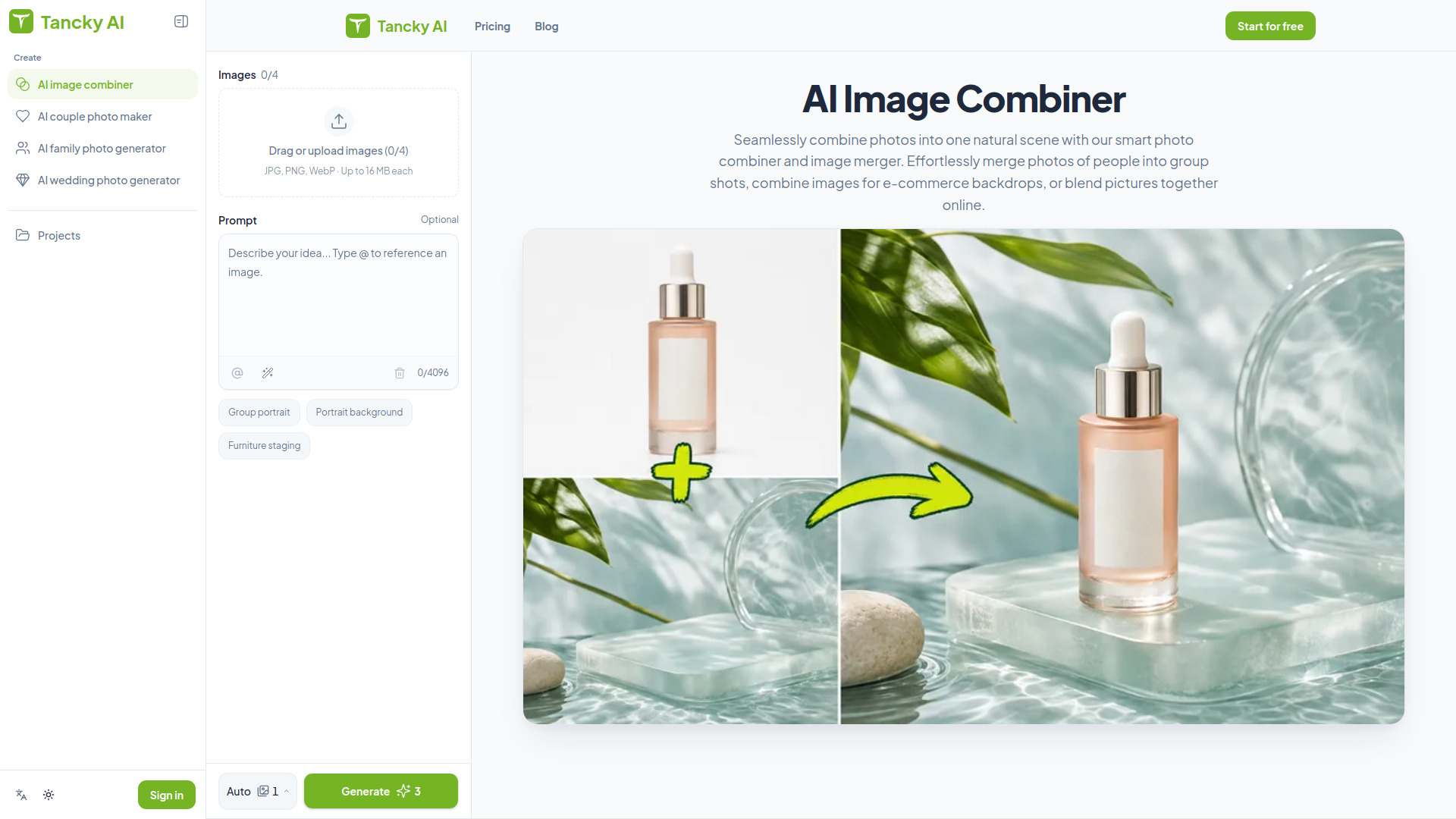
Tancky AI is an advanced AI image combiner and photo merger that brings multiple pictures into one cohesive composition. Powered by generative neural vision, it analyzes subjects, lighting, and spatial depth across your references to combine photos and merge images into a realistic new scene. Unlike traditional collages that split pictures into static frames, Tancky AI harmonizes perspective, shadows, and edge contours, making every element look authentically captured in a single photograph.
How to use Tancky AI
- Upload your source images: Upload 2 to 4 pictures in JPG, PNG, or WebP format. Select clear photos with good lighting and balanced resolution.
- Describe your composition: Describe how your subjects should interact. Specify positioning, depth, or lighting so the image combiner can align perspective angles and merge photos with photorealistic contact shadows.
- Generate, review, and download: Choose your target aspect ratio and click Generate. The AI will synthesize your scene in seconds, letting you review fine details and download high-resolution results with full commercial rights.
Features of Tancky AI
- Photorealistic light & perspective fusion: Harmonizes contrasting light sources, color temperatures, and camera angles. Cast shadows and ambient reflections are synthesized automatically.
- Facial fidelity & product detail preservation: Retains facial features, hair textures, and brand labels with high fidelity.
- Zero manual masking & instant high-res output: Skips tedious pen tools, clipping paths, and complex feathering. Simply upload reference pictures and describe your vision.
- Supports up to 4 images: Combine multiple images into one photo using up to 4 source pictures simultaneously.
- Prompt-based control: Optional prompt to describe your idea, with quick suggestions like Group portrait, Portrait background, and Furniture staging.
- Aspect ratio selection: Choose your target aspect ratio before generating.
Use Cases of Tancky AI
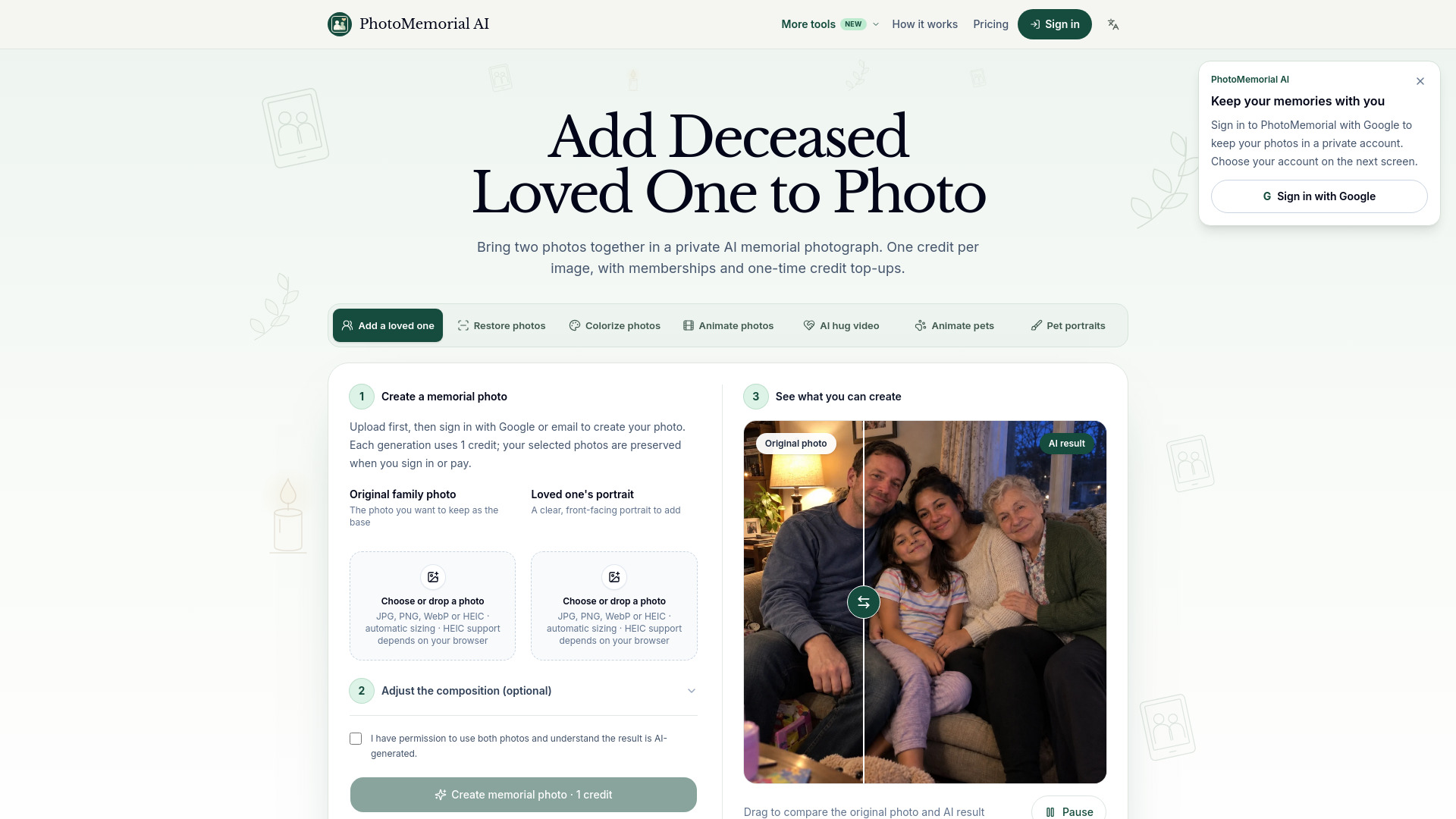
- Combine people from separate photos into one natural shot: Bring distant loved ones together into a single portrait for anniversaries, family photos, or adding a person to a photo.
- Blend a portrait with a scenic background: Pair an everyday headshot with a dream travel destination or studio setting.
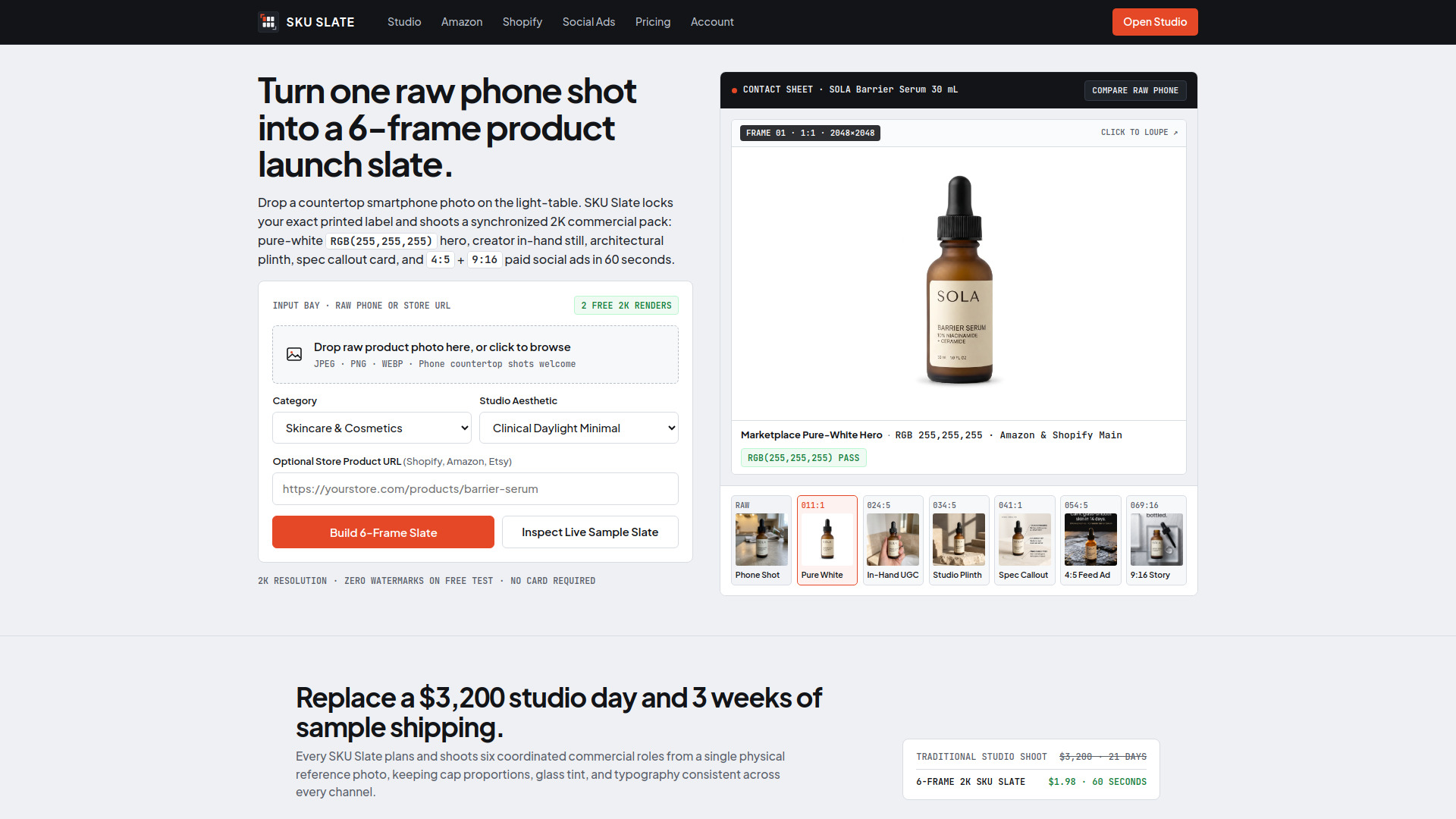
- Stage products or preview furniture before buying: Place product cutouts into styled lifestyle backgrounds or insert furniture references into room pictures.
- E-commerce merchants & product brands: Generate lifestyle product photography without renting physical photo studios.
- Content creators & digital publishers: Design eye-catching thumbnails and cover images by blending portraits with dynamic backgrounds.
- Marketing & social media teams: Accelerate creative campaign concepts by testing multiple visual directions.
- Visual designers & art directors: Rapidly explore moodboards and visual concepts by merging photos, 3D renders, texture maps, and lighting references.
- Interior designers & home decorators: Help clients visualize furniture layouts before purchasing.
- Couples, families & personal memories: Create meaningful keepsakes by bringing cherished pictures together.
Pricing
Every new user receives complimentary trial credits upon signup to explore image combining. You can easily upgrade to flexible credit packs or subscriptions based on your creative volume.
FAQ
How is an AI image combiner different from a photo collage?
Traditional photo collages simply place multiple pictures side by side within bordered grids, leaving visible boundary seams, conflicting color temperatures, and mismatched lighting angles intact. In contrast, Tancky AI performs neural semantic synthesis. It analyzes the depth planes, perspective grids, and ambient illumination of all input photos to blend subjects into one cohesive 3D environment. Contact shadows, specular reflections, and soft edge transitions are generated organically, resulting in a single photorealistic image that looks like it was captured in one exposure.
What reference photos produce the best results when I combine photos?
To achieve the most convincing composites, start with sharp, high-resolution source images where subjects are in clear focus without motion blur. Pairing photos with compatible camera angles works best—combining an eye-level portrait with an eye-level background creates far more natural perspective than mixing bird-eye and worm-eye views. In your prompt, clearly specify where each element should sit, which lighting mood you prefer (such as warm golden hour or crisp studio light), and which details must remain unchanged. The system handles color harmony and shadow rendering automatically.
What can I create with this AI image combiner?
You can use this image combiner and photo merger to combine photos for family portraits, merge photos into group shots, combine images for e-commerce products, or blend portraits into travel scenes with unified perspective.
Does the image combiner preserve facial details and logos?
Yes. The neural model preserves facial landmarks, expressions, and hair textures in portraits, while maintaining packaging shapes, brand typography, and logo clarity for commercial products.
Can I combine multiple images into one photo?
Yes. Our image combiner lets you combine photos and merge images using up to 4 source pictures simultaneously. Merge multiple subjects into one scene or blend lighting references with harmonious scale.
Can I use this image combiner for free?
Yes. Every new user receives complimentary trial credits upon signup to explore image combining. You can easily upgrade to flexible credit packs or subscriptions based on your creative volume.
Can I use generated images commercially?
Yes. When you merge photos or combine images on our platform, all finished composites include full commercial rights for digital ads, e-commerce listings, client pitches, social media, and merchandise.