
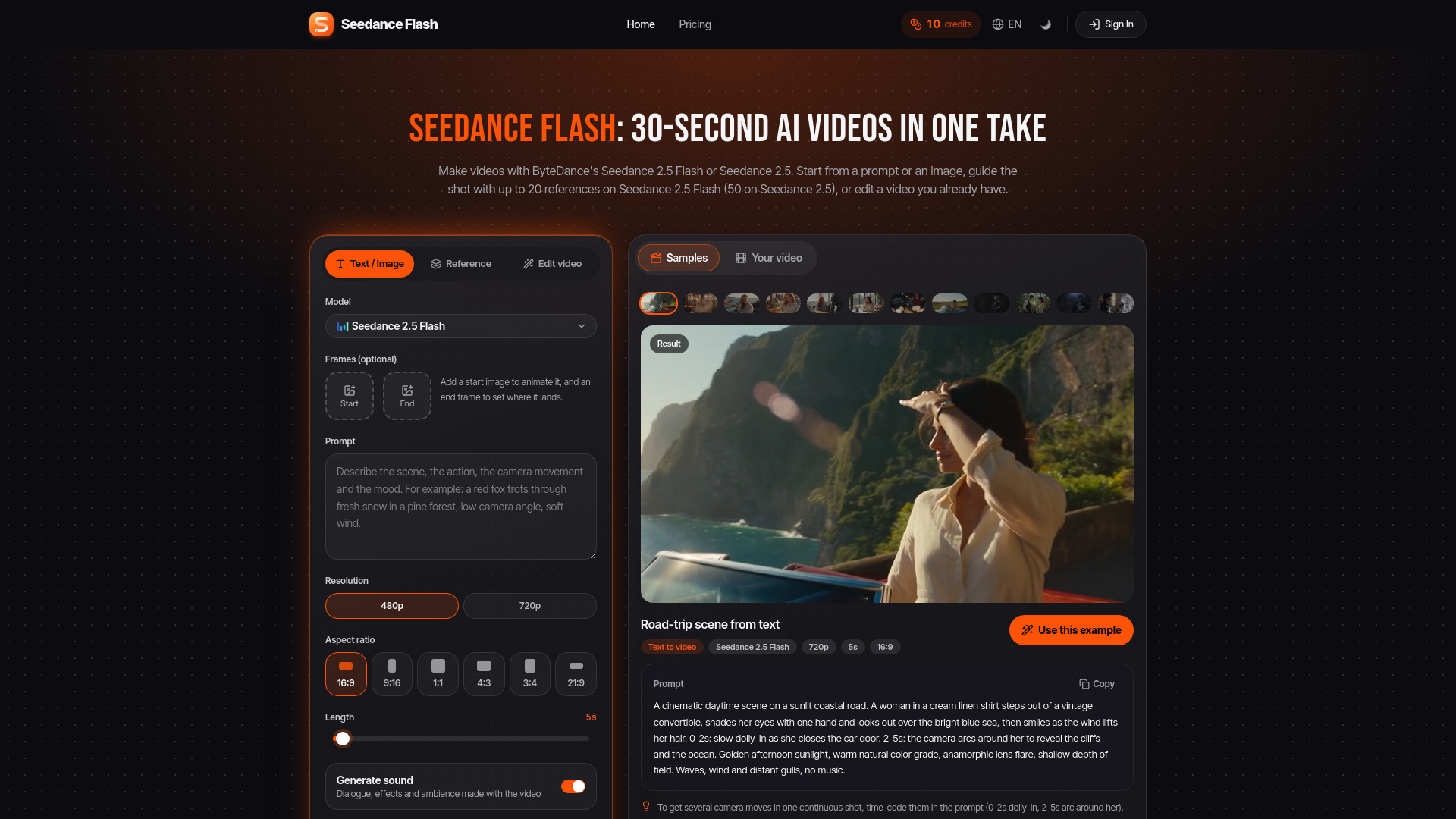

Seedance 2.5 Flash
Image to Video
Browser-based AI video generation, animation, and editing
Check pricingVisit site

AI Video Editor
Turns songs you own into beat-synced AI music videos.
Explore other tools in related categories.
Image to Video
Browser-based AI video generation, animation, and editing


Image to Video
AI video generation from text, images, and keyframes
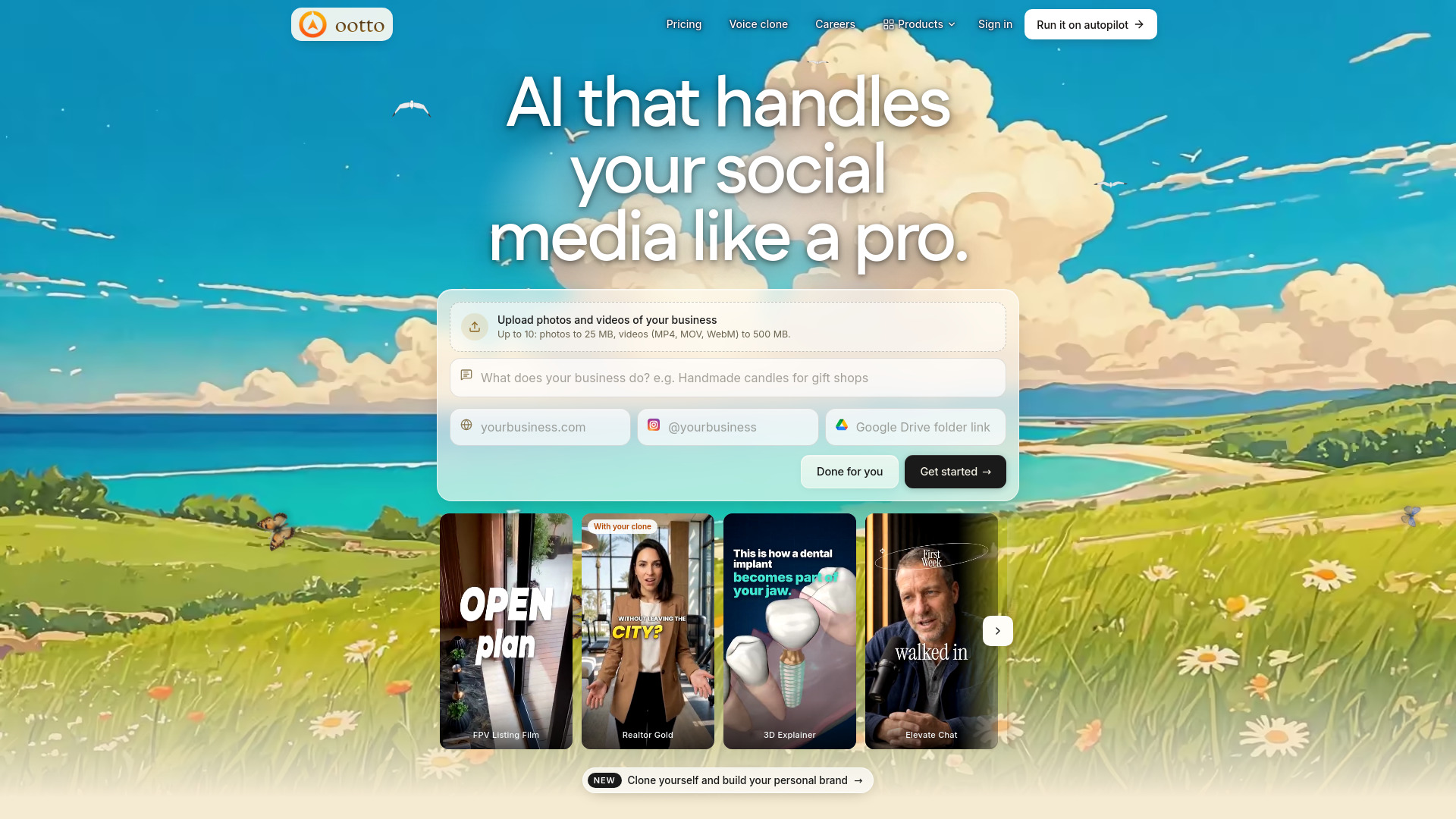

AI Reel Generator
AI platform for creating and managing Instagram content
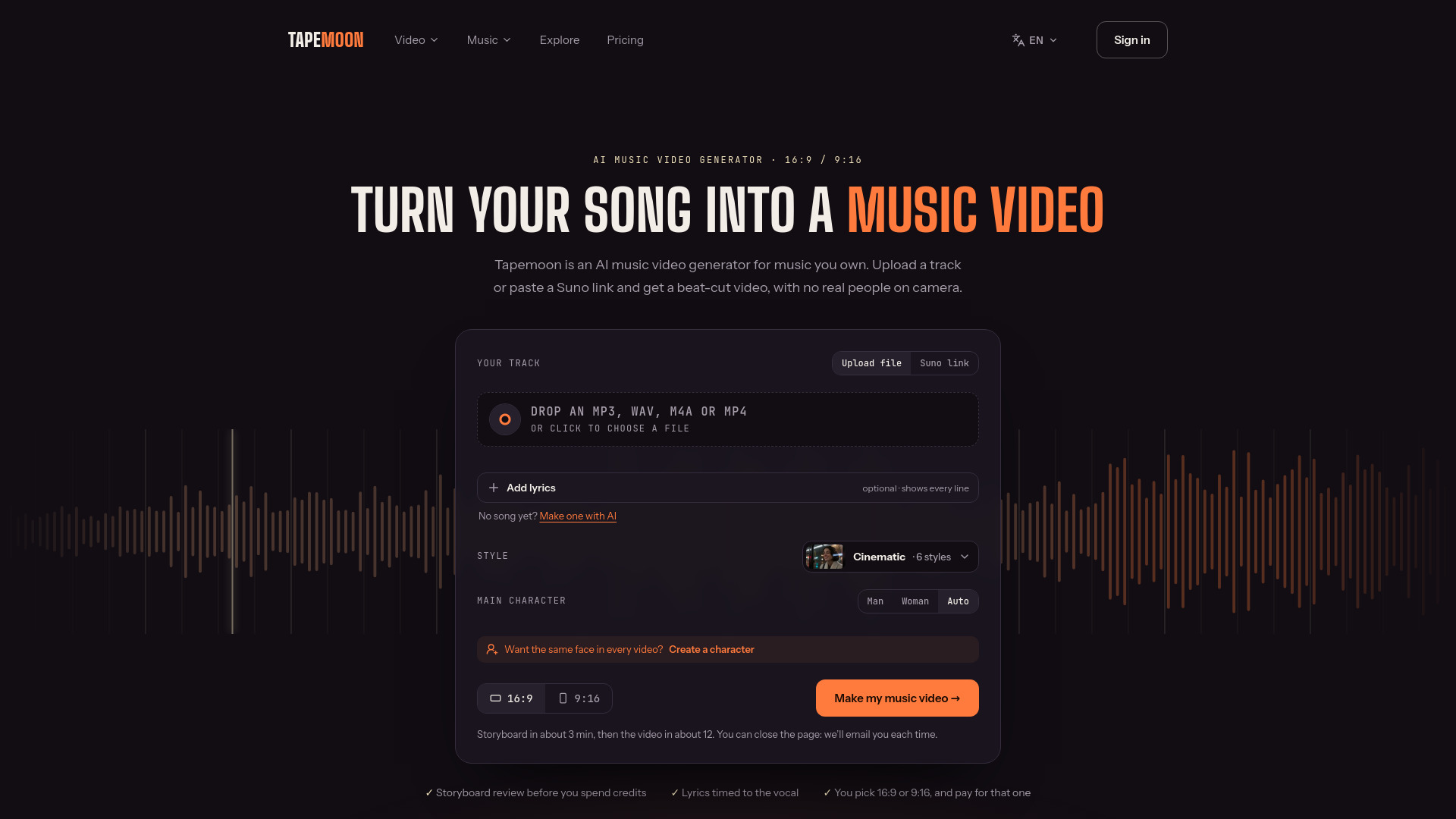
Tapemoon is an AI music video generator that turns songs you own into beat-synced music videos. It reads the tempo, sections, and lyrics of your track, plans a storyboard you can edit, and renders scenes that cut on the beat. The tool is designed for music you own, with no real people on camera.
Is an AI music video maker different from an AI music video generator?
No, both names mean a tool that turns a track into a video. Some sites use "AI music video maker" for template editors where you place clips yourself; Tapemoon generates the scenes and the edit from the audio.
Can AI make a music video from my song?
Yes. Upload the track, or paste a Suno link; Tapemoon maps it, drafts a storyboard, and renders the video. You need no script, footage, or editing software.
Can I use a song I made with Suno or Udio?
Yes. Paste a Suno share link or upload the downloaded file.
Can ChatGPT make a music video?
Not a full one. A chatbot can write a concept and prompts, but it can’t map your beats or edit a full-length video to them. An AI music video generator does both.
Is it free, and is there a watermark?
Your first track is free to try: Tapemoon maps it, drafts the storyboard, and renders a 15-second preview of the chorus with Seedance (480p) and a watermark. The free trial is one per person. Paid plans export full length without a watermark and include commercial use.
Can I make a video of only part of my song?
Yes. The storyboard covers the whole song, and you choose what to render: the full song, the chorus, or any run of scenes, such as 3:15–4:15. You pay only for those seconds.
Can I put my face in the video or make the singer lip sync?
Your face, no. A singer, yes: your video’s main character, a generated fictional character, can sing lines of your song to camera with lips in time with your vocal. Singing scenes cost credits and aren’t part of the free preview. Tapemoon does not use real people’s faces or voices.
Does it put lyrics on screen?
Yes. Lyrics are transcribed and timed to the vocal, and you can correct any line before rendering.
Can I make a simple music visualizer instead?
Yes. For bars, a wave, or your cover art moving to the beat, with no AI scenes, use the music visualizer: the whole song is free in 720p with a small watermark.
Do I own the video?
You own the generated video under your plan’s license. Rights to the music stay with you or your music service.
Do I need to label the video as AI on YouTube?
Only if scenes could pass for real footage: YouTube asks creators to disclose realistic synthetic content. Clearly animated or stylized videos usually don’t need the label.
What if a render fails?
If a render fails because of a fault on our side, the credits it used go back to your balance.