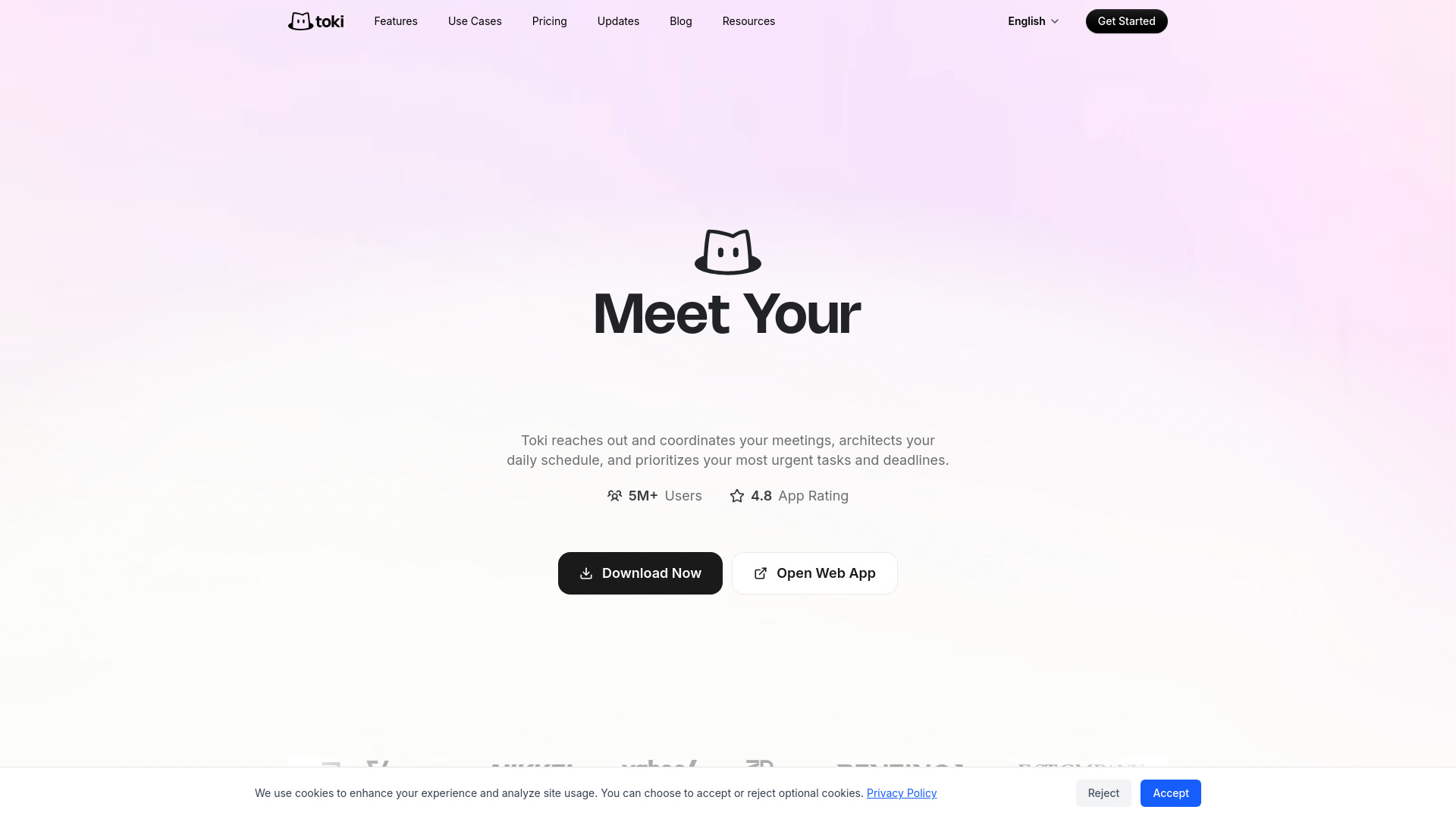
What is Toki
Toki is an AI executive assistant that manages your schedule through chat, voice, and images. It reaches out and coordinates your meetings, architects your daily schedule, and prioritizes your most urgent tasks and deadlines. Toki syncs with Google Calendar, Apple Calendar, and Outlook, and is available on iOS and Android.
How to use Toki
- Download the Toki app from the App Store or Google Play, or open the web app.
- Connect your calendars (Google Calendar, Apple Calendar, or Outlook) to sync your schedule.
- Interact with Toki via chat, voice, or images to schedule meetings, plan your day, and manage reminders.
- Let Toki proactively coordinate meetings, resolve conflicts, and prioritize tasks.
Features of Toki
- Coordination: Reaches out and coordinates meetings on your behalf.
- AI Scheduling: Intelligently schedules events based on your preferences.
- Booking: Allows others to book time with you.
- Call Me: Enables scheduling via phone calls.
- Conflict Resolution: Detects and resolves calendar conflicts.
- Multi-calendar Sync: Syncs with Google Calendar, Apple Calendar, and Outlook.
- To-dos: Manages tasks and reminders.
- Triggers: Automates actions based on predefined triggers.
Use Cases of Toki
- Automate Your Routine: Streamline repetitive scheduling tasks.
- Never Forget: Ensure important tasks and deadlines are not missed.
- Save Money: Optimize scheduling to reduce costs.
- Save Time: Reduce time spent on scheduling and coordination.
Pricing
Toki offers a free plan with in-app purchases. The app is free to download and use with optional paid features.
FAQ
What platforms does Toki support?
Toki is available on iOS and Android, as well as a web app.
Which calendars does Toki sync with?
Toki syncs with Google Calendar, Apple Calendar, and Outlook.
How do I interact with Toki?
You can interact with Toki through chat, voice, and images.
Is Toki free?
Yes, Toki is free to download and use, with optional in-app purchases.