
What is TransLite
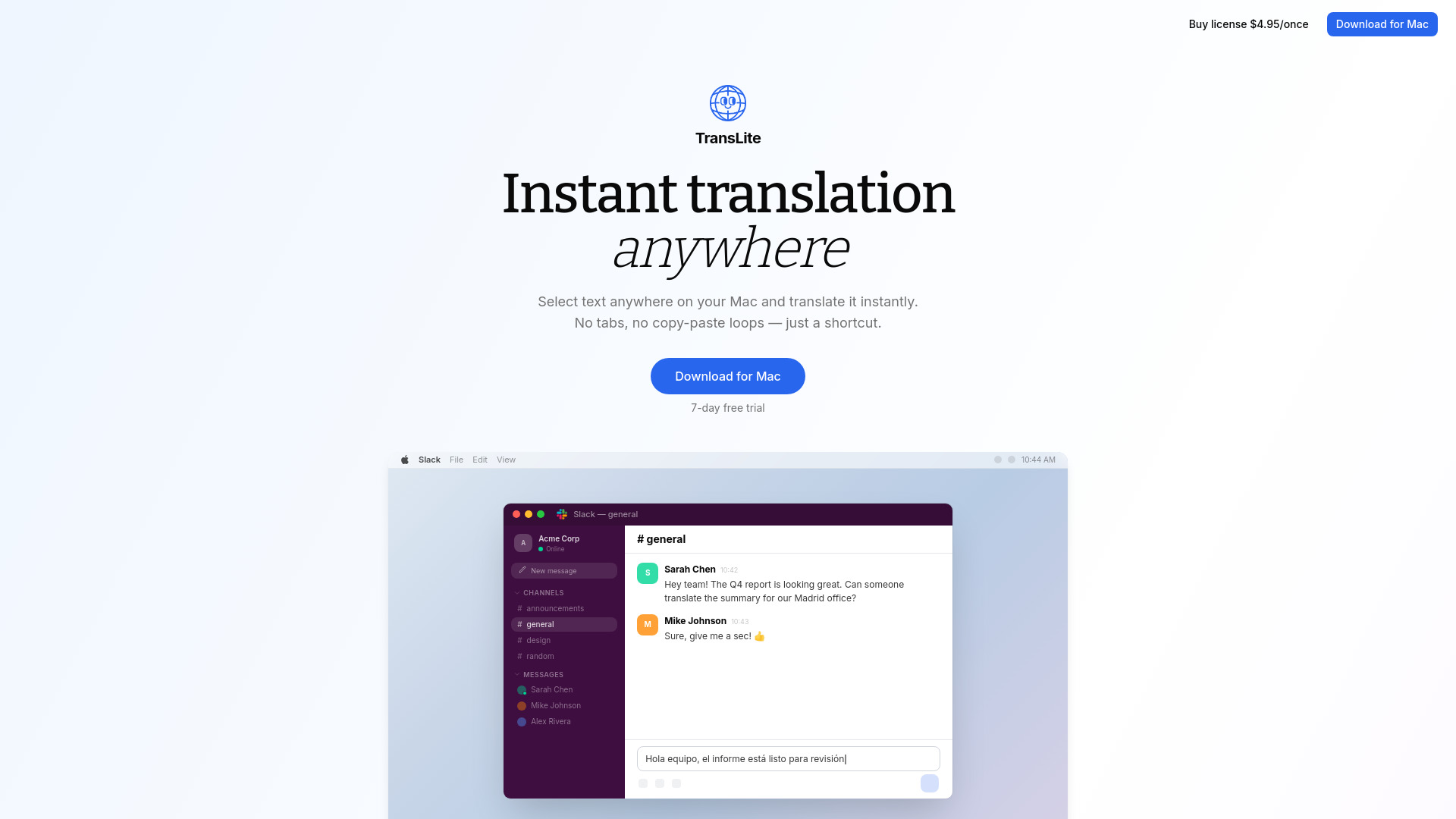
TransLite is a lightweight macOS tool designed for instant, shortcut-based translation across all applications. It allows users to select text anywhere on their Mac and translate it instantly without needing to switch tabs or engage in copy-paste loops.
How to use TransLite
- Select text anywhere on your Mac.
- Press the shortcut ⌘⇧T.
- The translation appears instantly where you are typing.
Features of TransLite
- Instant translation via a keyboard shortcut (⌘⇧T).
- Works across all applications on macOS.
- Auto-pastes translations directly where you are typing.
- Supports auto-detection of the source language.
- Allows customization of translation tone (Original, Formal, Casual, Concise).
- Option to use your own API key (OpenAI, Claude).
- Lives in the menu bar for quick access.
Use Cases of TransLite
- Translating text in Slack, WhatsApp, browsers, and emails.
- Quickly translating messages for international colleagues or clients.
- Ensuring professional English for communications.
- Connecting globally on platforms like LinkedIn.
Pricing
- One-time payment of $4.95.
- Offers a 7-day free trial.
FAQ
- What is the shortcut for TransLite? The shortcut is ⌘⇧T.
- Does TransLite work on Windows? TransLite is a macOS-only tool.
- How does the translation appear? It auto-pastes directly where you are typing.
- Can I customize the translation tone? Yes, you can set it to Original, Formal, Casual, or Concise.
- Do I need to provide an API key? You can use your own API key from providers like OpenAI or Claude. Your texts do not touch TransLite's servers.