
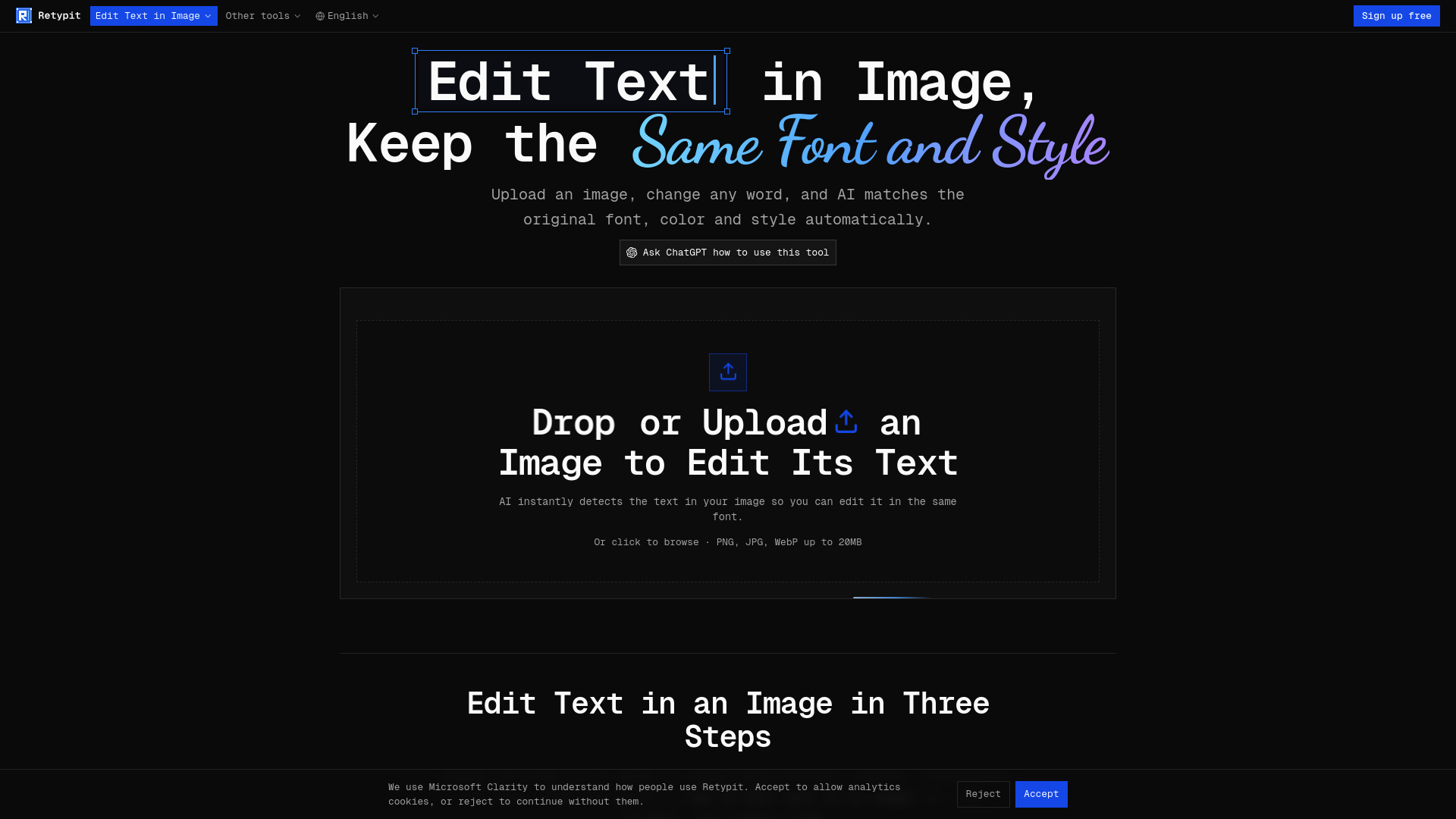

Retypit - Edit Text in Image, Keep the Same Font and Style
AI Photo Editor
AI image text editor that preserves the original lettering style
Check pricingVisit site

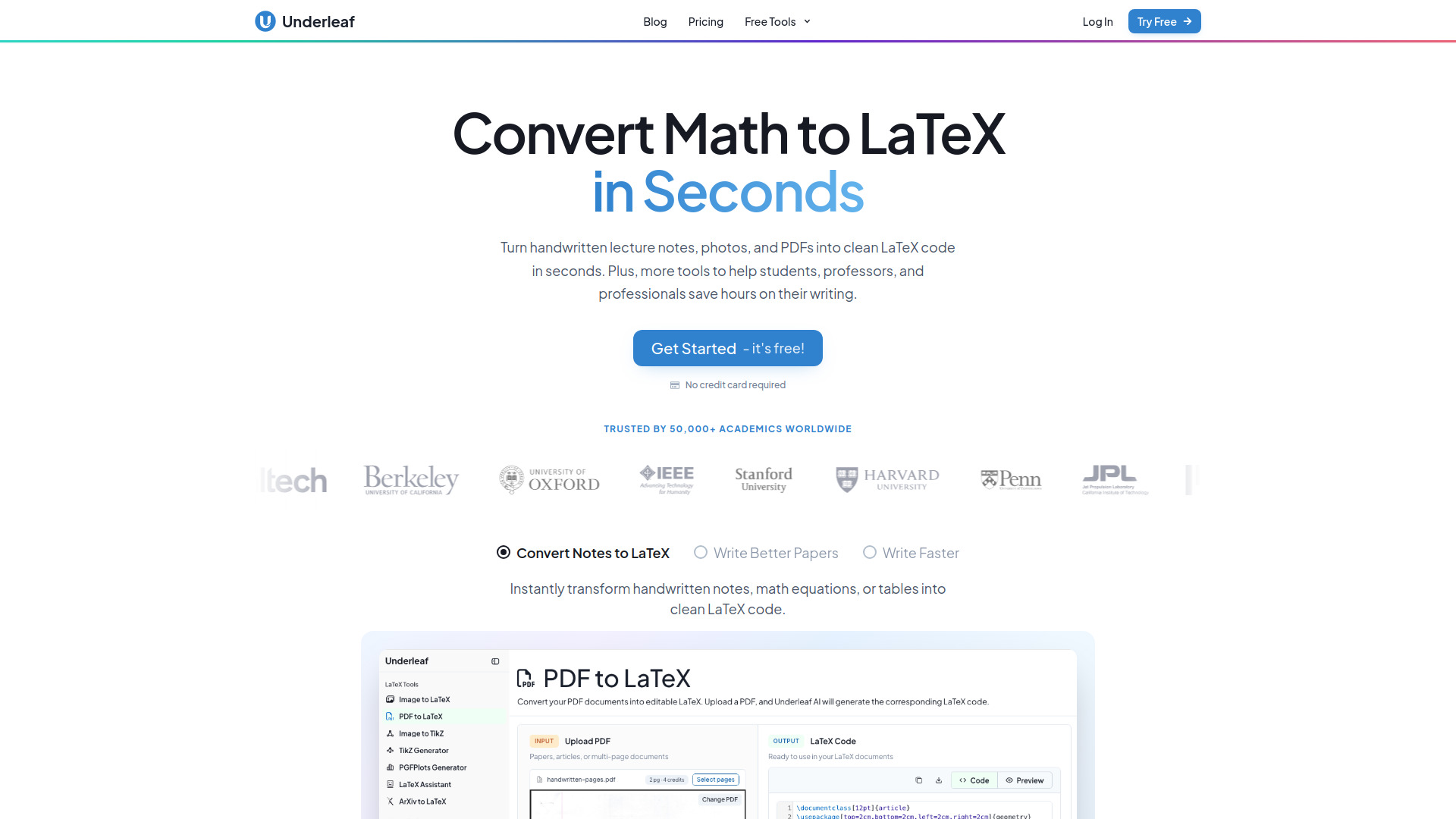
AI Writing
AI-powered LaTeX conversion and academic writing assistant
Explore other tools in related categories.
AI Photo Editor
AI image text editor that preserves the original lettering style
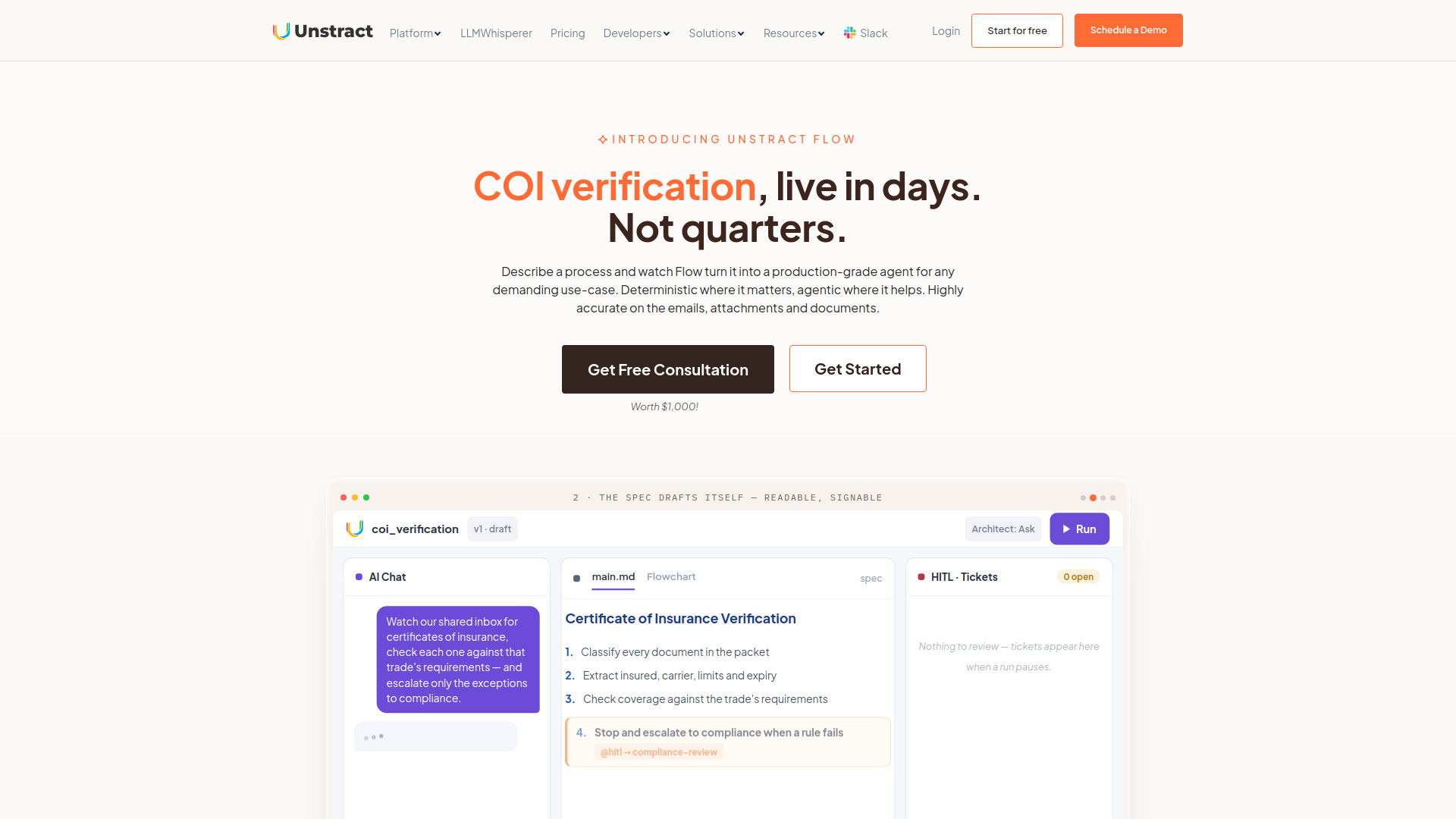

AI OCR
AI platform for document extraction and end-to-end workflow automation.
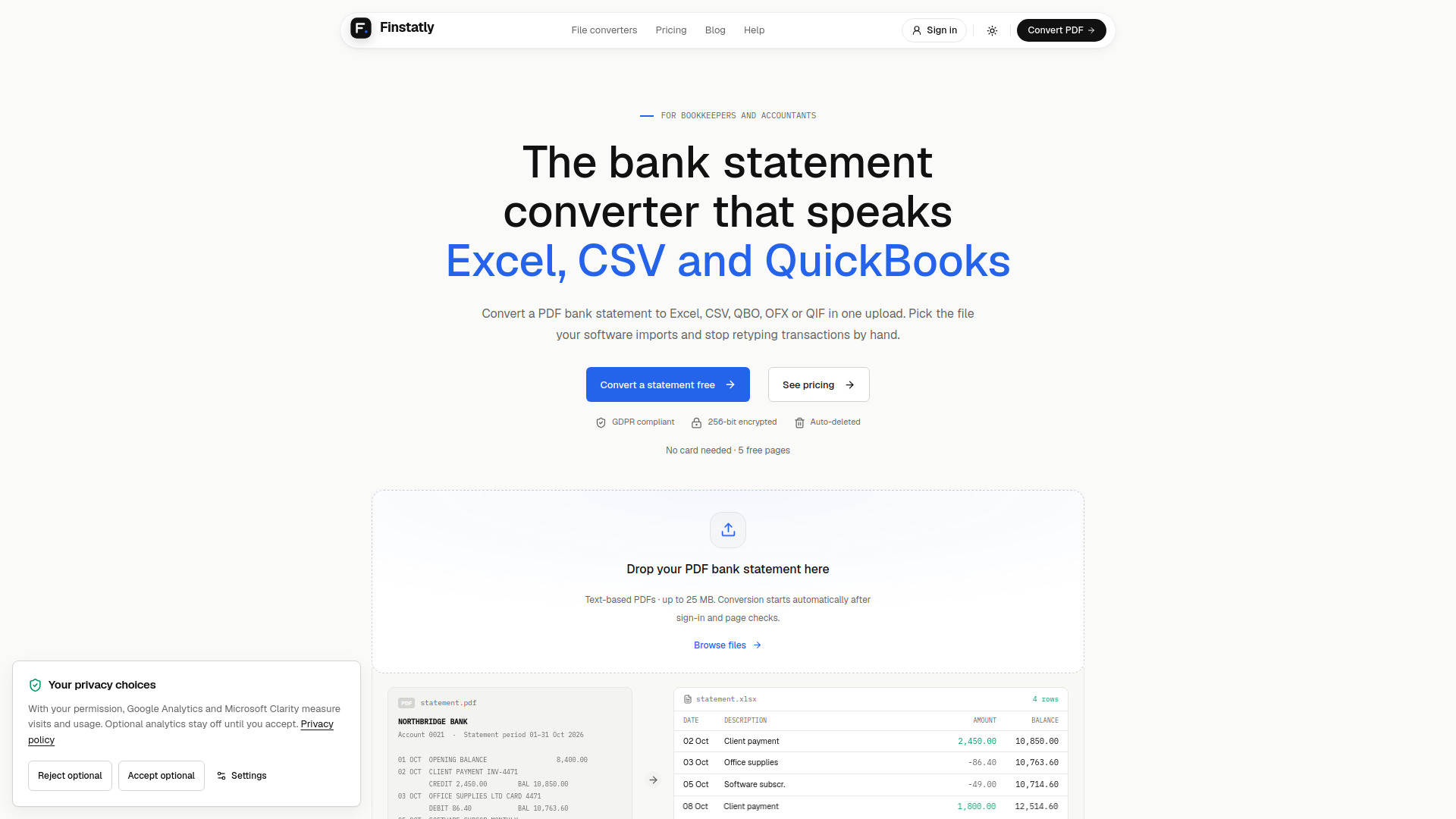

AI Accounting
Converts PDF bank statements into spreadsheets and accounting import files.
Underleaf is an AI-powered writing and LaTeX assistant designed to help students, professors, and professionals create academic papers and documents more efficiently. It offers a range of tools to convert various inputs—such as handwritten notes, images, PDFs, and screenshots—into clean LaTeX code. The platform also includes features like dark mode, citation generation, and abstract generation to streamline the writing process.
Q: Is Underleaf free to use? A: Yes, Underleaf offers a free tier with no credit card required. You can get started for free.
Q: What types of files can I convert to LaTeX? A: You can convert images, screenshots, PDFs, and handwritten notes to LaTeX code.
Q: Does Underleaf have a Chrome extension? A: Yes, there is a Chrome extension available that helps you save time writing LaTeX with AI.
Q: Can I use Underleaf for creating diagrams? A: Yes, the TikZ Generator allows you to create diagrams using AI.
Q: Does Underleaf support dark mode? A: Yes, Underleaf includes a dark mode feature for comfortable writing in low-light environments.