LogoTopAIHubs
icon of Veo 3 Video Generator - 1

Veo 3 Video Generator - 1

AI generator for high-quality 8-second cinematic videos with integrated native audio and lip-syncing.

Introduction

What is Veo 3 Video Generator - 1

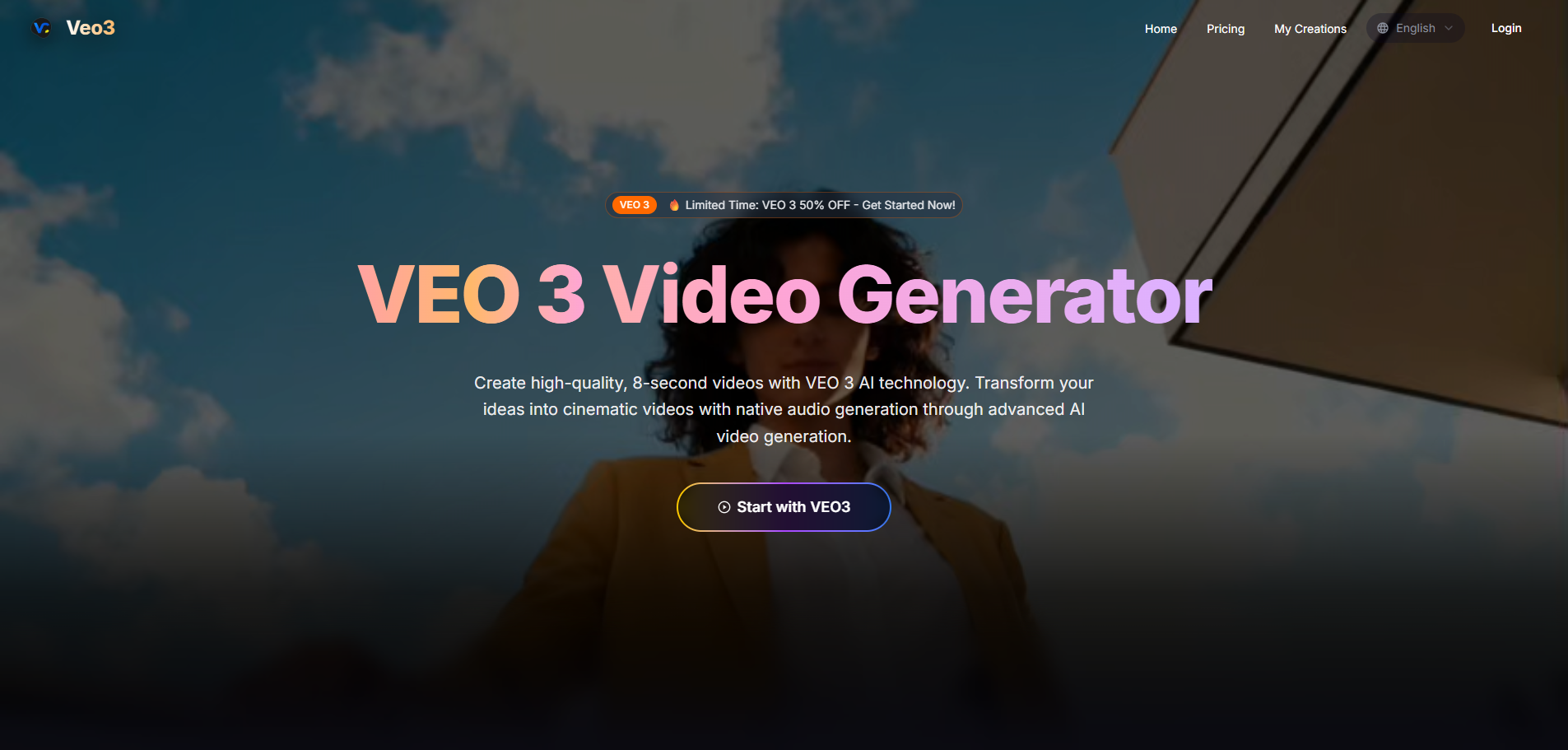
Veo 3 Video Generator is an AI-powered platform that allows users to create high-quality, 8-second cinematic videos. It leverages Google DeepMind's advanced Veo 3 technology to transform text descriptions into video clips with integrated native audio, including sound effects, ambient noises, and synchronized lip-syncing.
How to use Veo 3 Video Generator - 1
  1. Enter a Prompt: Describe the video you want to create in the provided text area. Be detailed about visual elements, actions, and desired style.
  2. Select Model: Choose the AI model for generation (e.g., Google Veo 3.1).
  3. Choose Aspect Ratio: Select the desired aspect ratio for your video (e.g., Landscape 16:9, Portrait 9:16).
  4. Select Generation Mode: Choose between 'Super Fast' or 'Quality' modes.
  5. Enable Audio (Optional): Opt to generate native audio for your video.
  6. Generate Video: Click the 'Generate Video' button to start the creation process.
Features of Veo 3 Video Generator - 1
  • AI Video Generation: Creates high-quality, 8-second cinematic videos.
  • Native Audio Generation: Integrates environmental sounds, dialogue, and atmospheric audio, with synchronized lip-syncing.
  • Advanced Prompt Understanding: Interprets complex, narrative-driven prompts with high accuracy.
  • Cinematic Quality: Produces videos with realistic physics, professional lighting, and smooth camera movements.
  • Text-to-Video: Generates videos from text descriptions.
  • Image-to-Video: Creates videos based on uploaded images and descriptive prompts.
  • Reference to Video: Utilizes reference images to guide video generation.
  • Multiple Models: Offers various AI models for video generation, including Google Veo 3.1.
  • Aspect Ratio Options: Supports Landscape (16:9), Portrait (9:16), and Auto.
  • Generation Modes: Provides 'Super Fast' and 'Quality' generation options.
  • Content Policy: Adheres to guidelines prohibiting nudity, violence, hate speech, and illegal content.
Use Cases of Veo 3 Video Generator - 1
  • Storytelling: Create short cinematic scenes based on detailed narrative prompts.
  • Character Animation: Generate videos featuring characters with synchronized dialogue and actions.
  • Concept Visualization: Quickly visualize ideas and concepts into short video clips.
  • Marketing Content: Produce engaging short videos for social media or advertisements.
  • Artistic Expression: Explore creative possibilities with advanced AI video generation.
FAQ
  • What is VEO 3 and how does it work? VEO 3 Video Generator is powered by Google's advanced AI video generation model. It creates high-quality, 8-second videos with native audio generation from simple text descriptions, excelling in physics, realism, and cinematic quality.
  • Do I need technical experience to use Veo3 AI? No, Veo3 AI is designed for everyone. Users can describe what they want in everyday language, and the AI handles the technical aspects.
  • What makes VEO 3 different from other video generators? VEO 3 Video Generator features native audio generation, exceptional prompt adherence, and state-of-the-art cinematic quality.
  • Can I download my creations? Subscribers receive unwatermarked, high-resolution downloads with full usage rights.
  • Is VEO 3 suitable for commercial use? Yes, videos created with VEO 3 AI Video Generator can be used for commercial projects without watermarks.
  • What audio capabilities does VEO 3 offer? VEO 3 Video Generator features native audio generation, creating environmental sounds, character dialogue, and atmospheric audio synchronized with the video content.

Newsletter

Join the Community

Subscribe to our newsletter for the latest news and updates