What is Veo 4 - 3
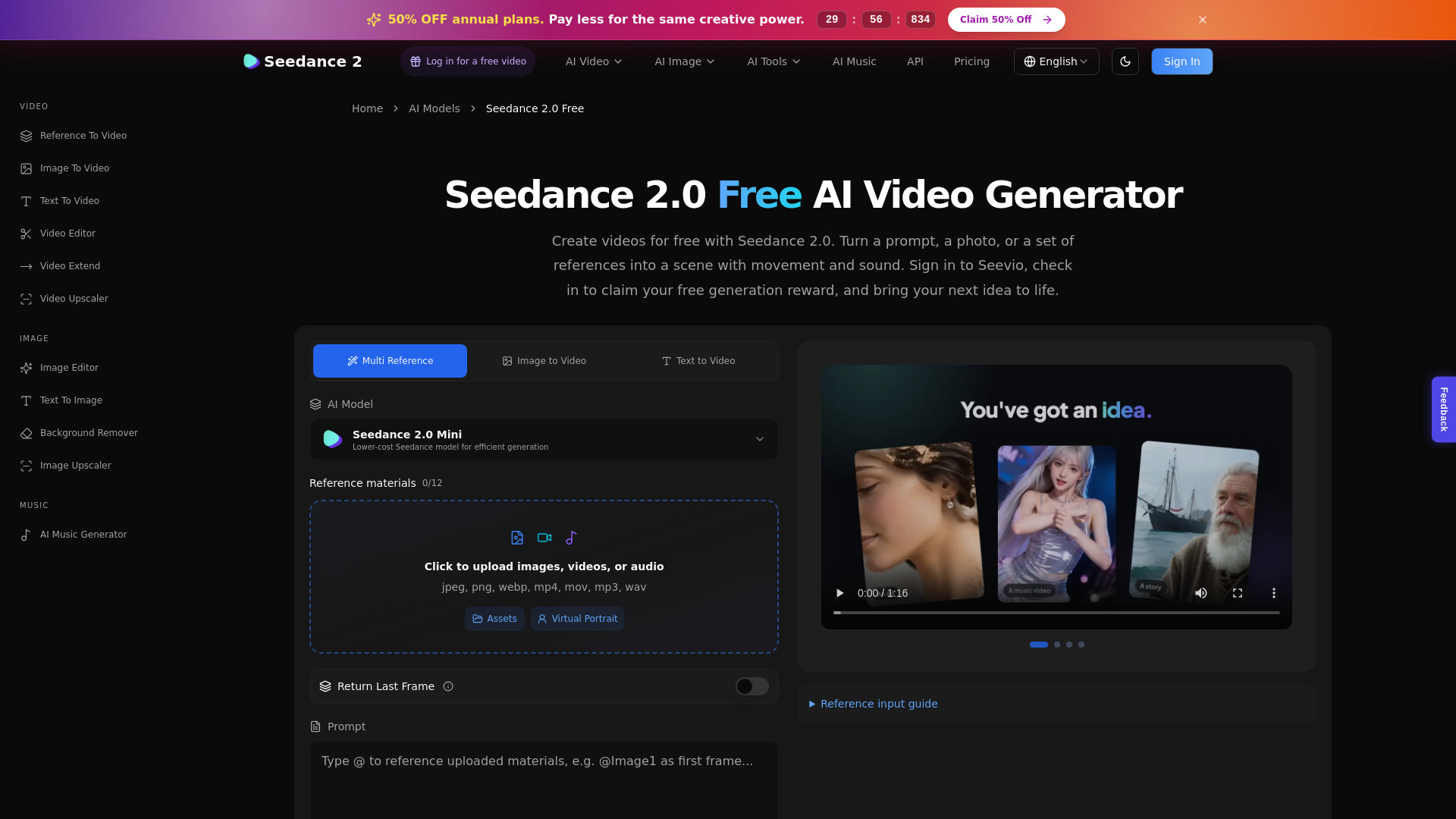
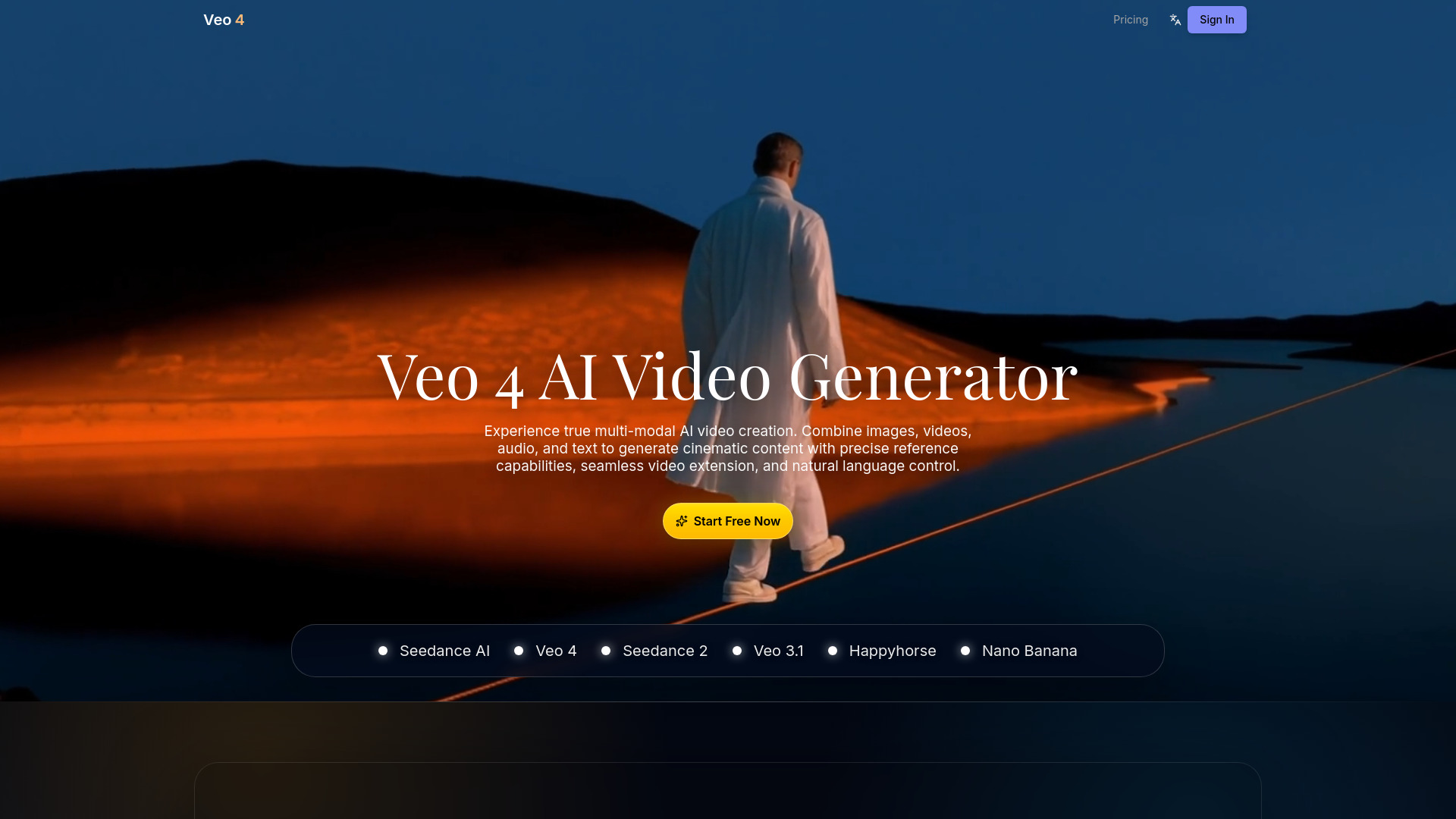
Veo 4 is a multimodal AI video generator designed for creating cinematic content with precise director control. It allows users to combine images, videos, audio, and text to generate videos with precise reference capabilities, seamless video extension, and natural language control.
How to use Veo 4 - 3
- Open the Veo 4 Studio.
- Select the core video creation flow.
- Add references using @Image and @Video tags.
- Guide scenes with structured prompts.
- Adjust preferences and generate longer sequences.
- Refine details before final export.
Features of Veo 4 - 3
- Multimodal AI Video Generation: Create cinematic content using text, images, video, and audio.
- Director-level Control: Precisely guide video generation with text prompts, reference images, and clips.
- Cinematic Multi-shot Continuity: Maintain consistent characters, environments, and visual rhythm across multiple shots.
- Advanced Scene Editing: Extend scenes, insert new shots, and refine footage while preserving visual coherence.
- Flexible Scene Progression: Build longer sequences by expanding moments and adding new beats without restarting generation.
- Audio-Visual Synchronization: Generate video with synchronized sound and pacing that matches visuals.
- All-in-one Reference System: Use @Image and @Video references to define creative direction, lock characters, and guide camera movements.
- Seamless Scene Extensions: Continue scenes naturally with consistent elements and motion flow.
- Consistent Scenes: Preserve character identity and environmental details across scene cuts.
Use Cases of Veo 4 - 3
- Social & Brand Campaigns: Create scroll-stopping stories with consistent identity for scaled production.
- Marketing & Growth: Achieve cinematic clarity and measurable iteration for faster, high-quality content creation.
- Product Storytelling: Transform product narratives into premium visual experiences aligned with positioning.
- Creative Direction & Film: Explore expressive motion and disciplined craft for bold ideas.
FAQ
- What is Veo 4 AI? It is a multimodal AI video generation workflow for turning prompts, images, clips, and audio direction into cinematic video content.
- How does Veo 4 fit into our workflow? It plugs into review and delivery: explore quickly, iterate with stakeholders, and finalize with disciplined out...
- Can I use images and videos as references? Yes, you can define creative direction using @Image and @Video references.
- Is Veo 4 suitable for commercial use? Veo 4 is built for creators, teams, and studios that need cinematic control, faster iteration, and consistent visual quality across modern video workflows.
- What makes Veo 4 different? Veo 4 offers director-level control across formats, cinematic multi-shot continuity, advanced scene editing, flexible scene progression, and audio-visual synchronization.
- How fast can we ship? [Information not available in the provided content]
- How do I get started? Join thousands of creators using Veo 4 to produce stunning videos. Veo 4 makes professional video creation accessible to everyone.