What is Veo Omni - 1
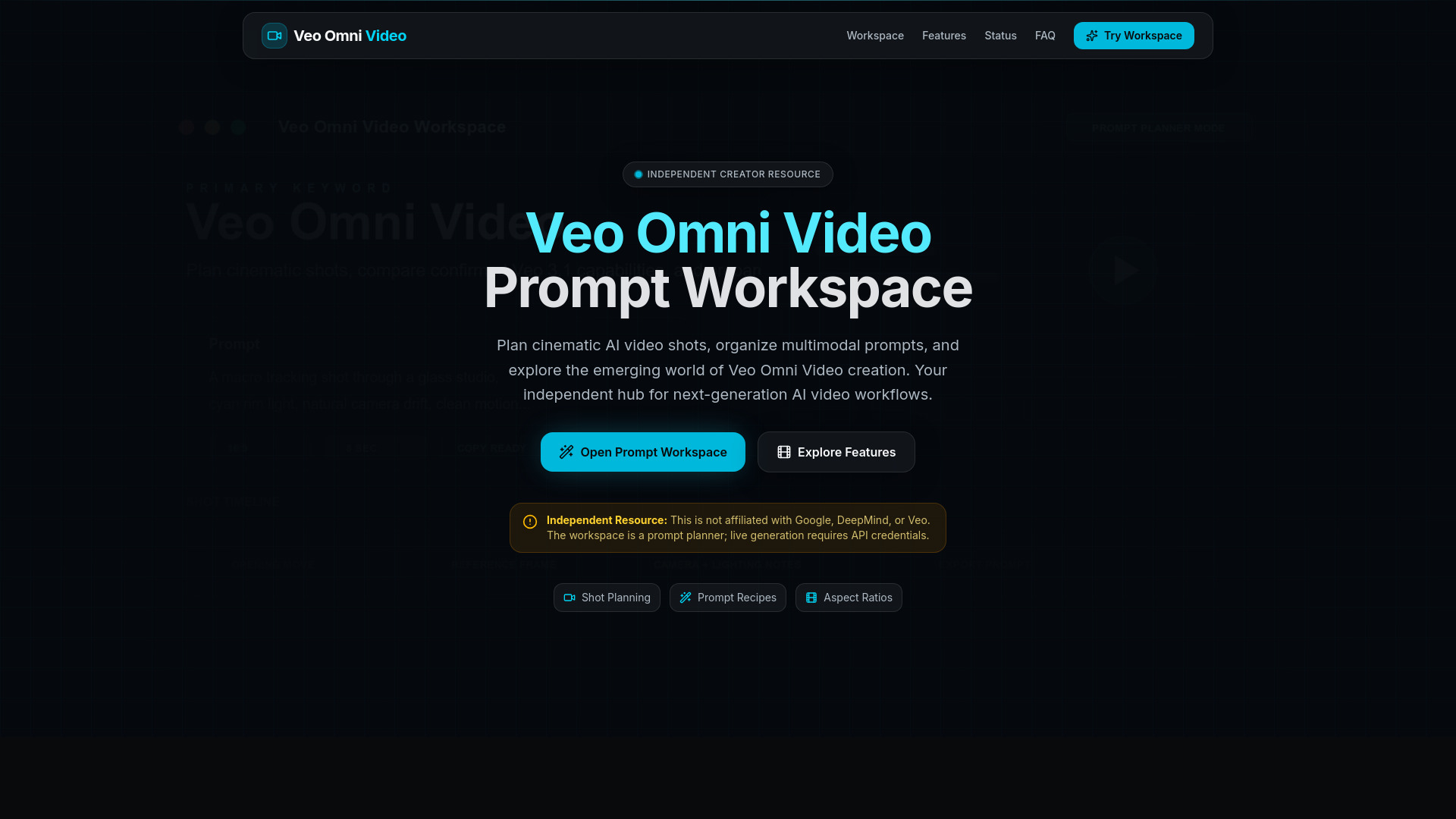
Veo Omni Video is an independent AI video prompt workspace designed for creators exploring next-generation AI video creation. It helps you plan cinematic shots, organize multimodal prompts, and prepare content for AI video generators including those with Veo 3.1 capabilities.
How to use Veo Omni - 1
Veo Omni Video functions as a prompt planning and concept tool. To use it:
- Describe your video scene in detail in the "Video Prompt" text area, including camera movement, lighting, style, and mood.
- Select your desired aspect ratio (e.g., 16:9, 9:16, 1:1, 4:3).
- Choose the desired duration for your clip (e.g., 5 sec, 10 sec, 15 sec, 30 sec).
- Utilize "Prompt Recipes" by selecting pre-made templates for common scenarios like "Cinematic Landscape," "Product Hero," or "Abstract Motion."
- The workspace helps you prepare prompts for use with external AI video services. Actual video generation requires connecting to an AI provider API with configured credentials.
Features of Veo Omni - 1
- Shot Planning: Organize video concepts into structured shot cards with scene descriptions, camera movements, and timing.
- Multimodal Prompts: Combine text descriptions with reference images and style keywords.
- Aspect Ratio Controls: Switch between 16:9 landscape, 9:16 portrait, 1:1 square, and custom ratios.
- Duration Settings: Plan short clips and multi-shot sequences with clear timing notes.
- Prompt Recipes: Start with curated prompt templates for common scenarios.
- Workspace Export: Copy formatted prompts for external AI video services.
Use Cases of Veo Omni - 1
- Planning cinematic AI video shots.
- Organizing multimodal prompts for AI video generation.
- Preparing prompts for AI video generators, including those with Veo 3.1 capabilities.
- Exploring emerging AI video creation workflows.
FAQ
- What is Veo Omni Video? Veo Omni Video is an independent AI video prompt workspace designed for creators exploring next-generation AI video creation. It helps you plan cinematic shots, organize multimodal prompts, and prepare content for AI video generators including those with Veo 3.1 capabilities. It is not affiliated with Google, DeepMind, or Veo.
- Can I generate videos directly on this site? The prompt workspace is a planning and concept tool. Actual video generation requires connecting to an AI provider API. Without configured credentials, the workspace helps you prepare and refine prompts for use with external AI video services.
- Is Veo Omni officially released? The term 'Veo Omni' appears in search interest and community discussions as a potential multimodal evolution of AI video technology. The site distinguishes between confirmed Veo 3.1 capabilities and emerging or reported Omni features. For official status, refer to official announcements.
- How is this different from the official Veo? This is an independent creator resource, not an official product. It provides a prompt planning workspace and educational content about AI video creation. For official Veo access and features, refer to Google's official channels and documentation.
- What prompt formats work best for AI video? Effective AI video prompts typically include: a clear subject description, camera movement, lighting conditions, visual style references, duration hints, and mood or atmosphere keywords. Prompt recipes provide templates to help structure these elements.
- Is this site free to use? The prompt workspace and planning tools are free to use. Core functionality for prompt organization and planning will remain accessible.