


PixEditor AI
AI Photo Editor
Edit photos by describing changes in text, including background replacement, object removal, lighting adjustments, and style changes.
Check pricingVisit site

AI Video Editor
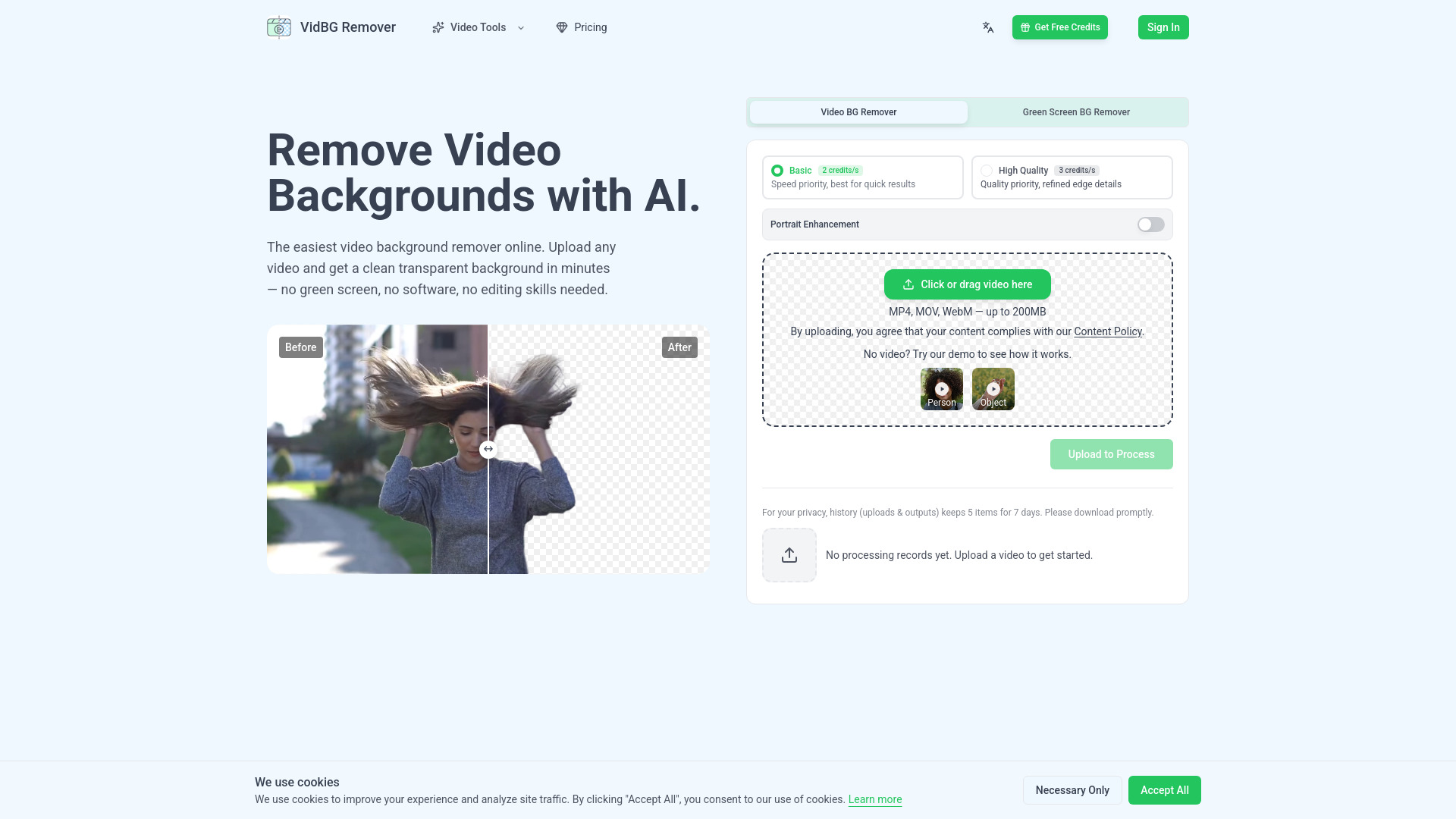
AI online video background remover with true alpha channel transparency.
Explore other tools in related categories.
AI Photo Editor
Edit photos by describing changes in text, including background replacement, object removal, lighting adjustments, and style changes.
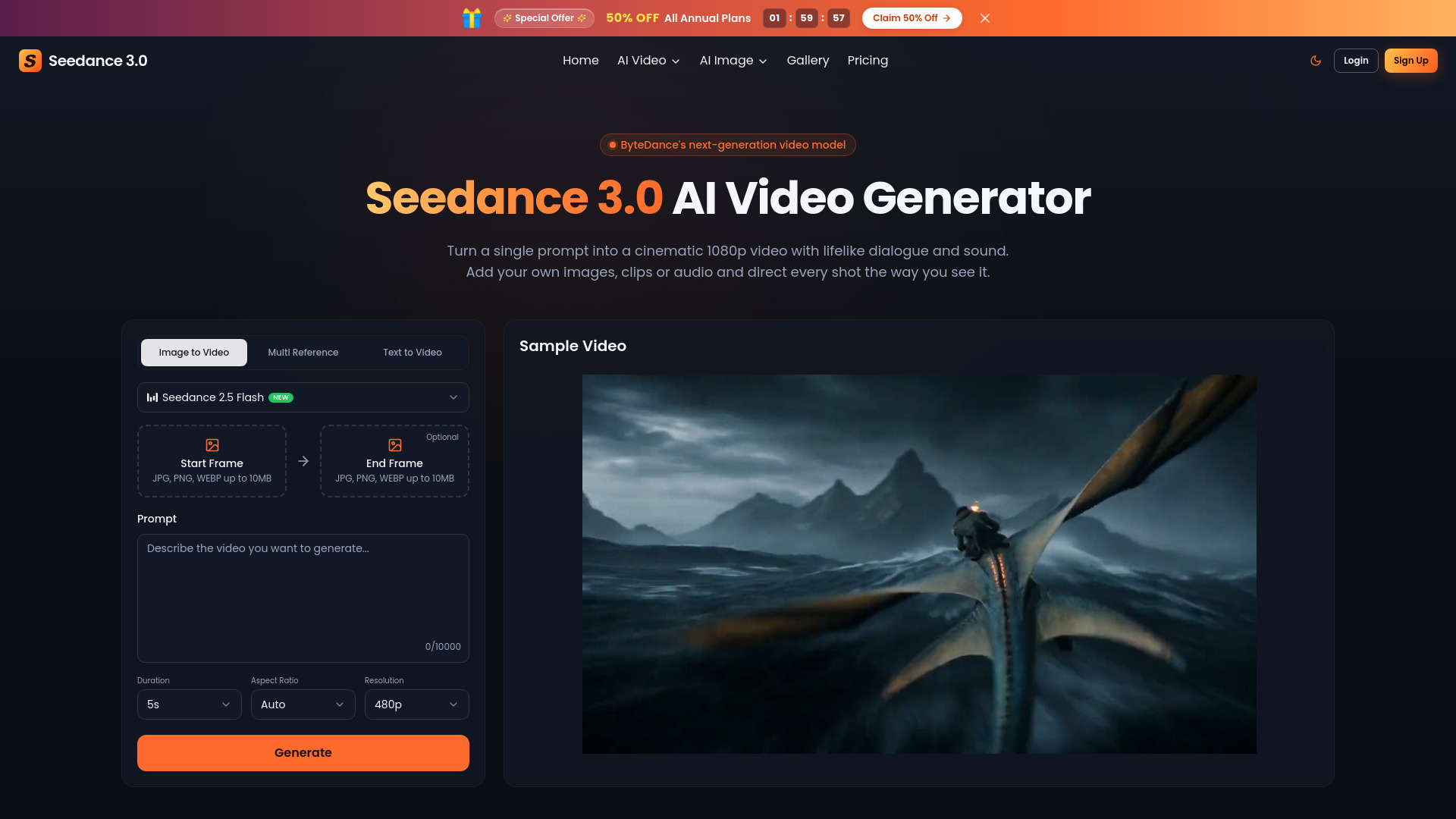

Image to Video
AI video generator and editor with multimodal references and synchronized sound


AI UGC Video Generator
AI image and video generation at the best price: 50+ models in one visual workspace, billed at provider cost with 0% markup.
VidBG Remover is an AI-powered online video background remover that extracts subjects from videos and outputs transparent video with a true alpha channel. It works without a green screen, supports MP4, MOV, and WebM uploads up to 200MB, and processes videos up to 60 seconds for signed-in users. The tool offers two quality modes (Basic and High Quality) and an optional Portrait Enhancement for fine details like hair and fingers.
VidBG Remover uses a pay-as-you-go credit system. Credits never expire. Plans:
Credit consumption: Basic mode costs 2 credits/second; High Quality costs 3 credits/second.
What video formats do you support? Upload MP4, MOV, or WebM up to 200MB. Download as WebM (VP9) or MOV (ProRes 4444) with alpha channel.
How long can my video be? Signed-in users can process videos up to 60 seconds.
Can I use this on my phone? Yes, it works in any modern mobile browser — no app download required.
Does video background removal affect quality? Basic quality works for everyday use. High Quality delivers sharper edges on fast motion and fine details.
Can it handle hair and fine details? Yes, enable both High Quality and Portrait Enhancement for best results on hair, fingers, and translucent areas.
Why use credits instead of subscriptions? Credits don't expire — you pay for what you use, when you use it.
How does 'no flickering' work? The AI looks at the whole video, not individual frames, keeping edges stable throughout.
Do I need a green screen? No, it works on naturally lit footage without special setup.
How long does processing take? Usually ready in minutes; exact time depends on video length and resolution.
Is my video secure? Uploads go to encrypted cloud storage. Processed videos are deleted after 7 days. No training on user content.