

VideoSI
AI Reel Generator
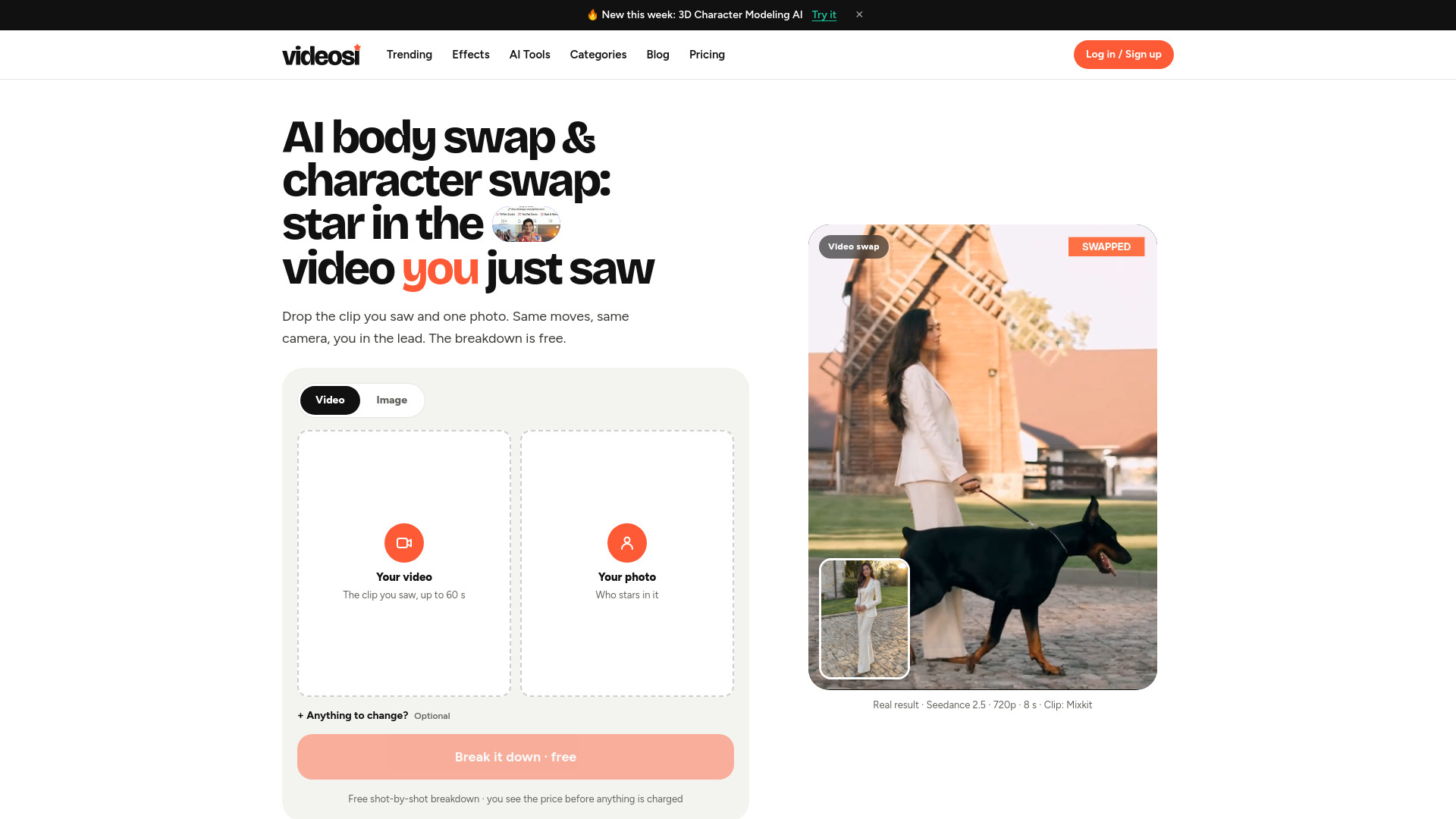
videosi is an AI body swap and character swap video maker: upload a TikTok, Reels or Shorts clip and one photo, and it puts you in the lead with the original moves, camera and scene.
Check pricingVisit site

AI Video Upscaler
AI video upscaler for sharpening, denoising, and enhancing videos up to 4K
Explore other tools in related categories.
AI Reel Generator
videosi is an AI body swap and character swap video maker: upload a TikTok, Reels or Shorts clip and one photo, and it puts you in the lead with the original moves, camera and scene.

AI UGC Video Generator
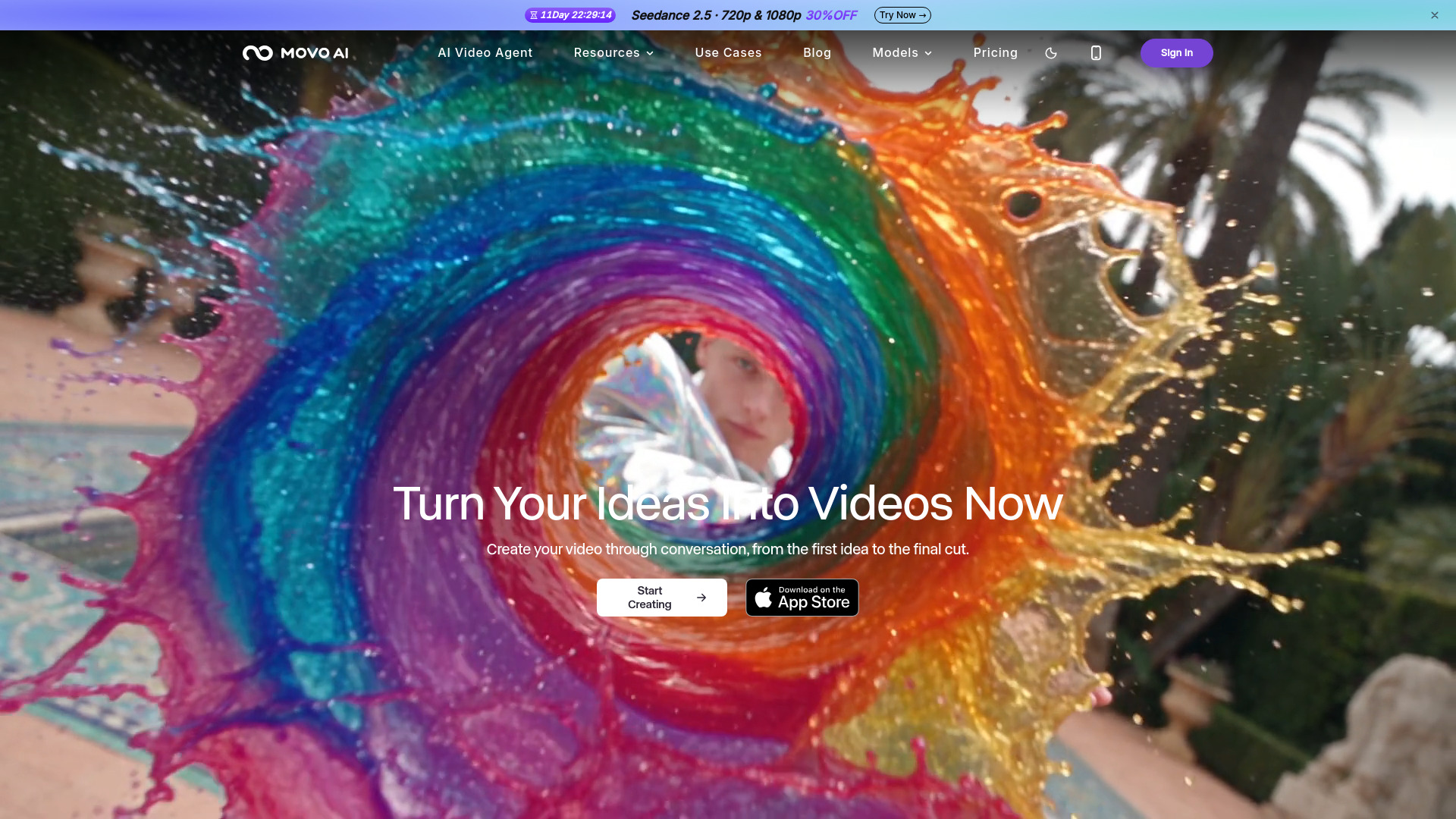
MOVO AI builds an AI video agent for creators, brands, and lean content teams who need more than one-off clips. MOVO AI helps users turn ideas, scripts, references, and uploaded assets into complete long-form videos through conversation. Instead of managing prompts, canvases, and isolated shots, creators can let MOVO AI understand the direction, plan the story, structure scenes, generate shots, review outputs, and bring the final video together. Project memory helps keep characters, products, visual style, and creative context connected, making it easier to create stories, campaigns, and series over time. MOVO AI's team combines expertise in artificial intelligence, video generation, and creative technology, with a mission to make professional-quality visual storytelling more accessible.


AI Lip Sync Generator
AI video studio for generating, narrating, and editing videos
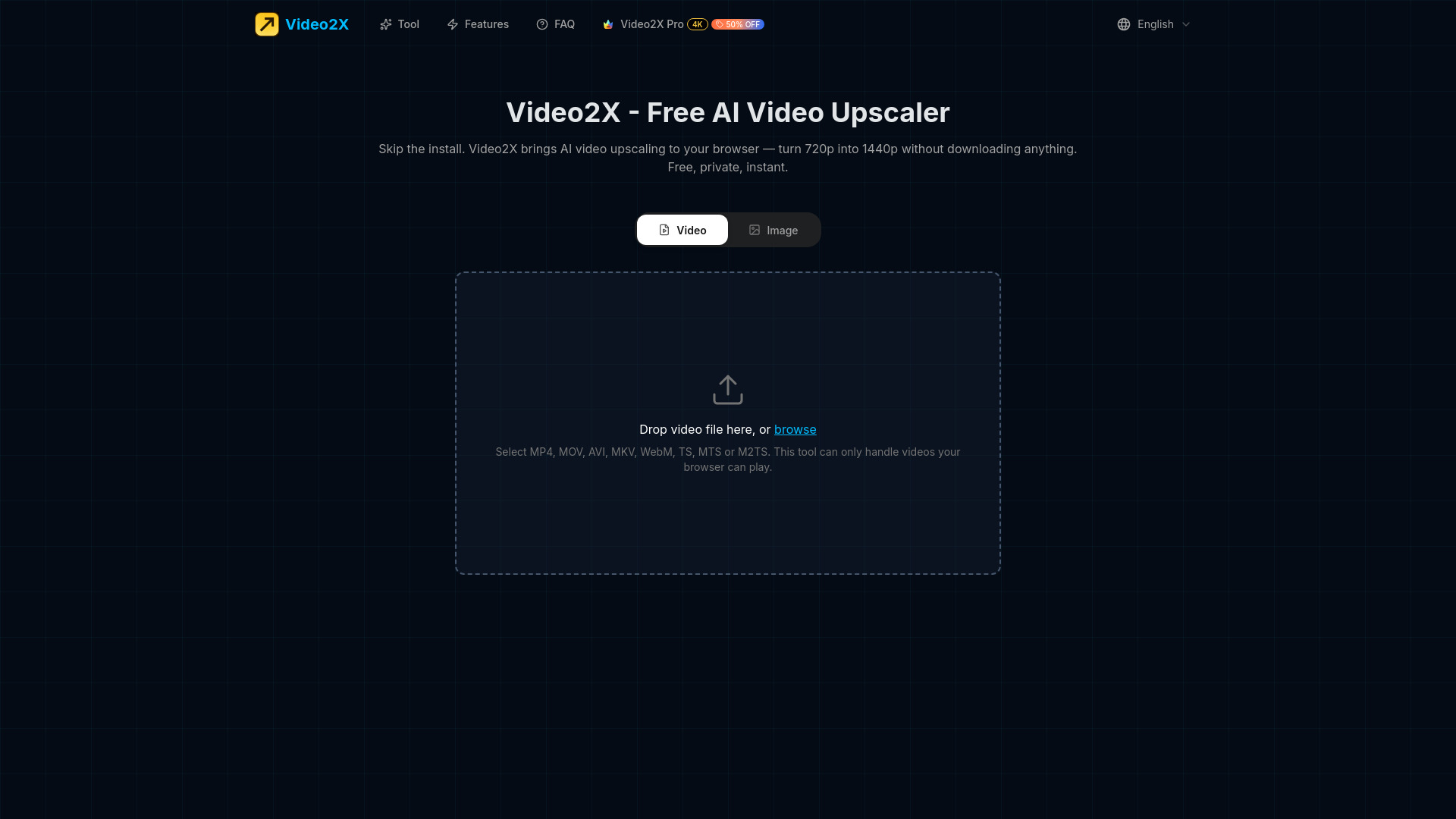
Video2X is a free AI video upscaler that runs entirely in your browser. It uses a neural network to double your video's resolution, turning 720p into 1440p, 480p into 960p, without downloading any software. No install, no signup, and no files leave your device.
Video2X is completely free. No account, no watermarks, no credit system, no hidden limits. Since all processing happens on your own device, there's no server cost to pass on to you.
What is Video2X? Video2X is a free AI video upscaler that runs in your browser. It uses a neural network to double your video's resolution—turning 720p into 1440p, 480p into 960p—without downloading any software.
Do I need to install anything? No. Video2X runs entirely in your browser. There's nothing to download—no Python, no FFmpeg, no GPU drivers. Just open the page and start upscaling.
Does Video2X work on Mac? Yes. Video2X works in any modern browser—including Safari on Mac and iPad. Apple Silicon Macs work great with WebGPU.
Is Video2X free? Completely free. No account, no watermarks, no credit system, no hidden limits. Since all processing happens on your own device, there's no server cost to pass on to you.
Is my video uploaded to a server? No. Video2X runs the entire AI pipeline locally in your browser using WebGPU. Your video file never leaves your device—zero network transfer, complete privacy.
What video formats does Video2X support? You can select MP4, MOV, AVI, MKV, WebM, TS, MTS and M2TS files. The free tool can only handle videos your browser can play. Output is typically MP4 (H.264); some browsers may export WebM instead.
Which browsers work best? Chrome 94+, Edge 94+, and Opera 80+ on desktop deliver the best performance. Safari 16+, Firefox 130+, and most mobile browsers work in compatibility mode—functional but slower.
How long does upscaling take? It depends on your video length, resolution, chosen quality level, and GPU speed. A typical 30-second 720p clip takes 2–5 minutes. The progress bar shows real-time estimates so you know exactly when it'll be done.