What is Vidverse AI
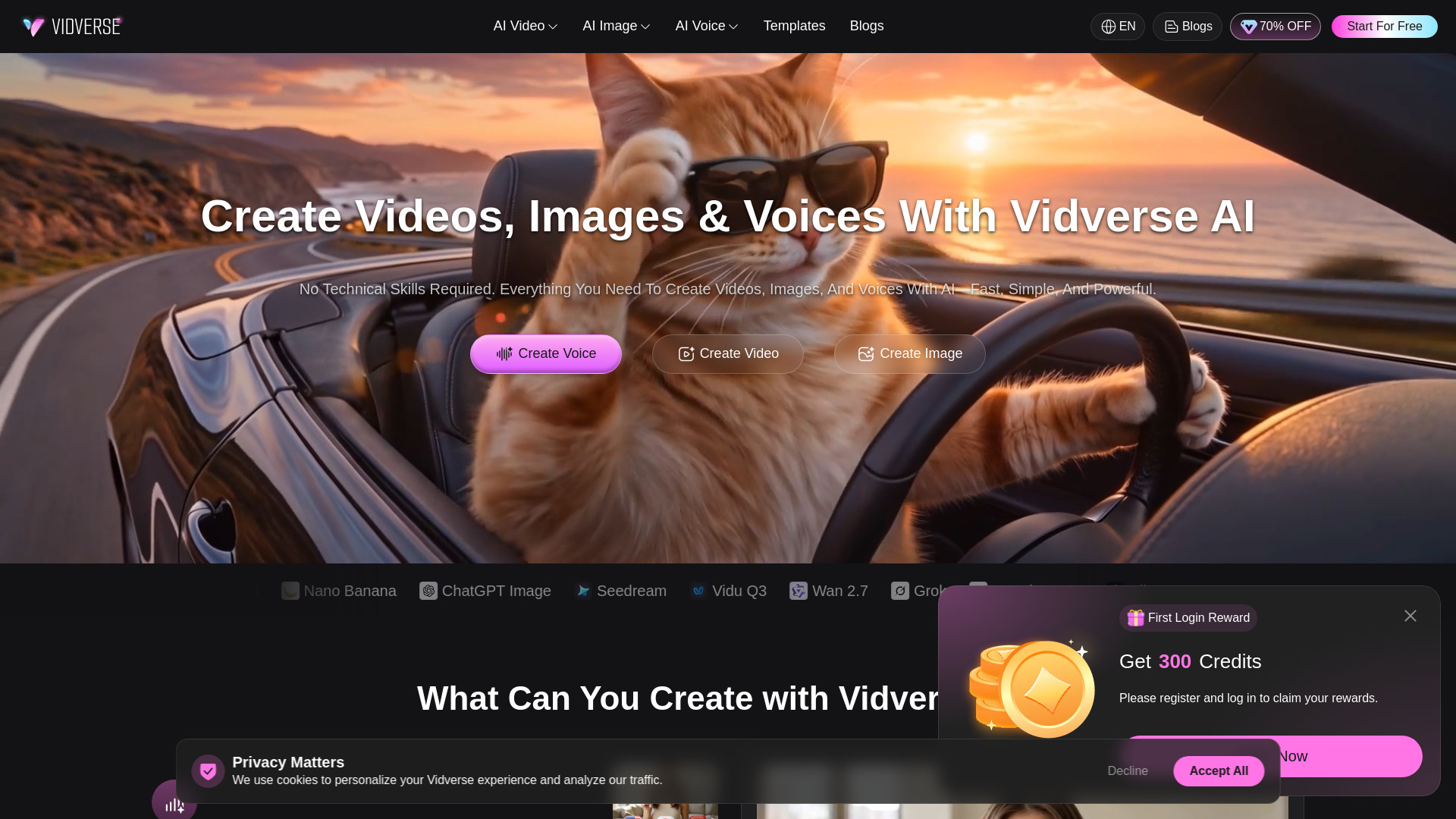
Vidverse AI is an all-in-one online AI creative platform that enables users to create videos, images, voices, and audio. It is designed to be fast, simple, and powerful, requiring no technical skills. The platform supports multiple languages including English, Spanish, Japanese, Korean, Portuguese, and Chinese.
How to use Vidverse AI
- Sign in using Google or Apple ID. New users receive free credits after signing in.
- Choose the type of content you want to create: video, image, voice, or audio.
- For video generation: select a video model, enter a prompt or upload an image, adjust settings, and click “Generate.”
- For image generation: enter a text prompt and choose a style to generate AI images.
- For audio generation: input text, images, or audio prompts to create voices, sound effects, or music.
- For voice cloning: upload a short audio recording to create a custom AI voice model.
- Download or share your generated content.
Features of Vidverse AI
- AI Video Generator: Turn text, images, or ideas into high-quality AI videos with templates and creative effects.
- AI Image Maker: Generate AI images from text prompts, with image-to-image editing capabilities.
- AI Audio & Voice Generator: Create realistic voiceovers, sound effects, ambient sounds, and music from prompts.
- AI Text to Speech: Convert text into realistic voiceovers with customizable tone, emotion, and pacing.
- Instant AI Voice Cloning: Create a reusable custom AI voice model from a short audio recording.
- Multi-Model Support: Access models such as Google Veo 3, Kling 3.0, Seedance 2.0, Nano Banana, ChatGPT Image, Seedream, Vidu Q3, Wan 2.7, and Grok.
- Watermark-Free Creation: Generate AI videos from text and images without watermarks.
- Ready-Made Templates: Start with creative templates for video and image projects.
- Multi-Language Support: Available in English, Spanish, Japanese, Korean, Portuguese, and Chinese.
Use Cases of Vidverse AI
- Video Voiceovers: Generate natural AI voiceovers for YouTube, tutorials, ads, and social media content.
- Podcasts & Audiobooks: Generate expressive voices, dialogues, intros, and immersive soundscapes without a studio.
- Social Media Videos: Turn ideas, images, and footage into viral videos for TikTok, YouTube Shorts, Instagram Reels, and more.
- Product Marketing: Generate AI product images, promo videos, and branded content for your business in one workflow.
- Creative Design: Create AI artwork, YouTube thumbnails, posters, and custom visuals from your ideas.
- Stories & Characters: Create consistent characters with unique styles, realistic voices, personalities, and natural motion.
Pricing
Vidverse AI is a free all-in-one AI creation platform. New users receive free credits after signing in, allowing them to try various AI creation features for free. The platform offers watermark-free creation options. No specific paid plans or tiers are detailed on the webpage.
FAQ
1. Is Vidverse AI free?
Yes. Vidverse AI is a free all-in-one AI creation platform that lets anyone easily generate videos, images, and voices from ideas, text prompts, or visual inputs—no skills required.
2. How to Make AI Videos With Vidverse AI?
To use Vidverse AI’s free AI video generator, select a video model, enter a prompt or upload an image, adjust your settings, and click “Generate” to create and share your AI video.
3. Is Vidverse AI image-to-image free with no sign-up?
No. Vidverse AI Image Generator supports Google and Apple ID login. New users receive free credits after signing in, allowing you to try various AI creation features for free.
4. Can I create AI videos from images and text without a watermark?
Vidverse AI can generate AI videos from text and images, offering watermark-free creation options to help you easily turn your ideas into videos.
5. Can I create AI videos from images and text for free?
Yes. Vidverse AI lets you generate AI videos from text prompts and images easily. Simply enter your idea or upload an image to create engaging videos with AI.
6. How long does Vidverse AI video generator take to create a video?
AI video generation speed depends on the selected model, video duration, and quality settings. Shorter videos and lower-quality options are usually generated faster.