

nixm
Image to Video
Cinematic AI video with its own sound, paid per clip. No subscription, no watermark. Private AI chat with no account to start and no transcript kept.
Check pricingVisit site

AI Tiktok Video Generator
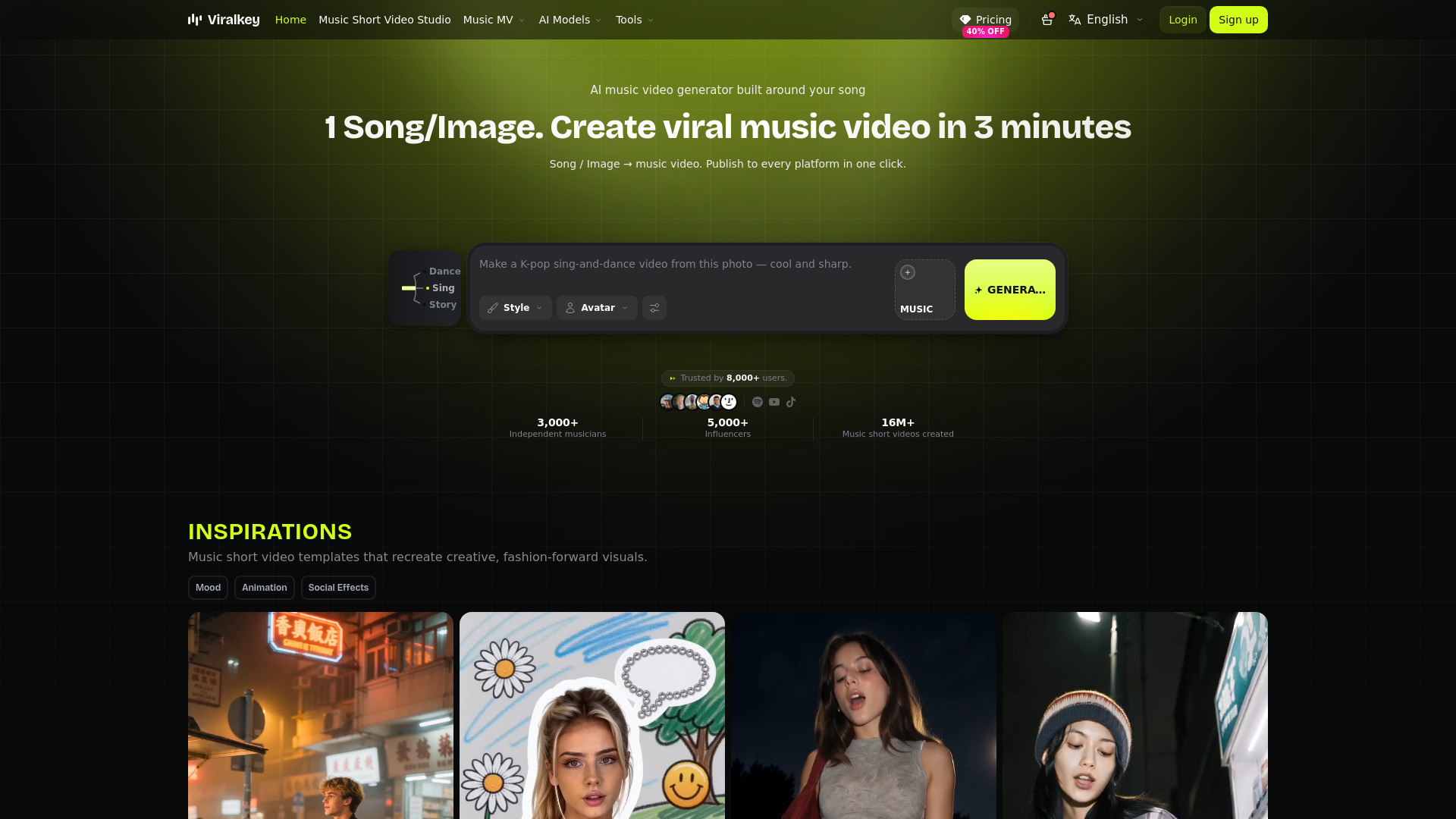
Viralkey turns a song, a photo, or both into a multi-shot music video in about three minutes. Pick a motion mode, keep the same face across every cut, and publish to every platform in one click.
Explore other tools in related categories.
Image to Video
Cinematic AI video with its own sound, paid per clip. No subscription, no watermark. Private AI chat with no account to start and no transcript kept.

AI Video Generator
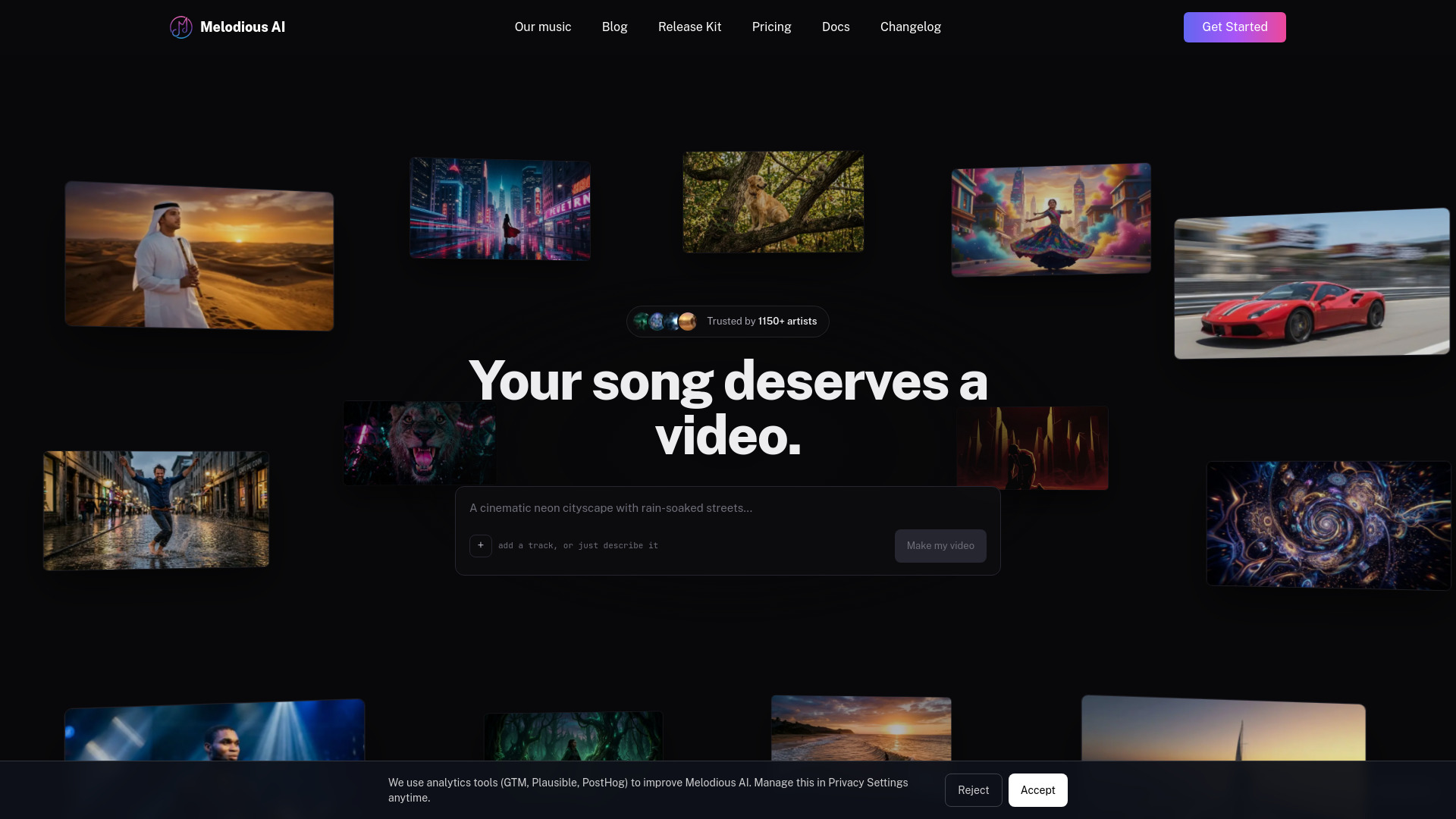
Melodious AI turns a finished song into a music video. An AI director listens to your track, plans every shot with you in a chat, and shows you the storyboard and its price before anything is made. You get a video synced to your song, with lip sync on the sung lines and the same singer in every scene.

AI Music Generator
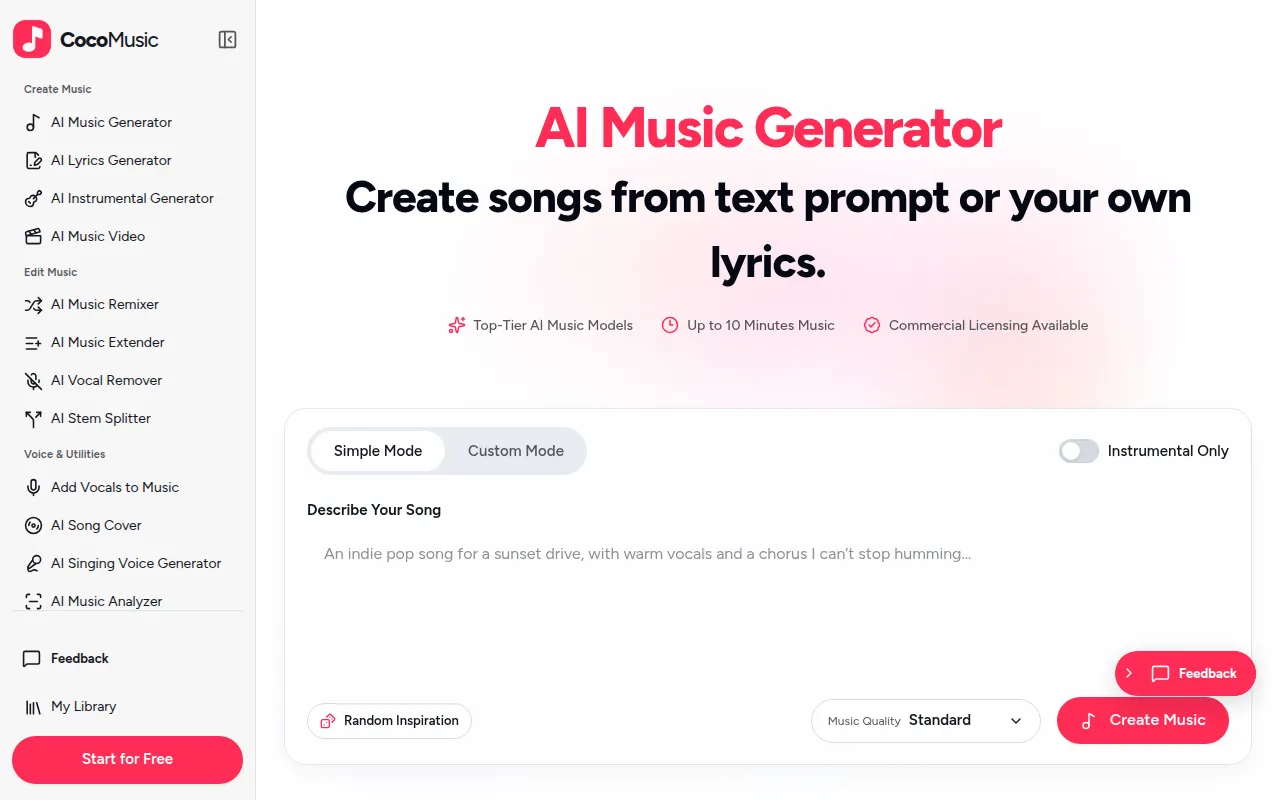
Turn prompts, lyrics, or images into vocal songs and instrumentals, then remix, extend, or prepare tracks for videos.
Viralkey is an AI music video generator that turns a song, a photo, or both into a multi-shot music video in about three minutes. It analyzes the music's BPM, beat points, drops, emotion curve, and structure to create beat-synced edits. Users can choose from various motion modes, maintain face consistency across scenes, and publish directly to multiple platforms.
What Does This AI Music Video Generator Create? ViralKey turns a portrait or a song into a short-form, multi-shot AI music video. Clips can lean performance, story, or VFX — with lip-sync, expression, and rhythm built for TikTok and other short-form platforms.
How Does ViralKey Work? Two modes: Image to Music Video (one portrait + your track), or Song to Music Video (upload a song and let AI build around rhythm and emotion). Upload and generate — usually ready in 3–5 minutes, with no manual timeline editing.
Can I Use ViralKey Videos Commercially? Commercial use of generated videos is supported. You are still responsible for having the necessary rights to any music and photos you upload. Review ViralKey's current terms for the exact ownership and licensing conditions that apply to your account and output.
Does ViralKey Support Face Consistency (No Face Drift)? Yes. An uploaded portrait guides the main character and helps keep face consistency — no face drift — as scenes, looks, and styles change. The same face can power performance / story / VFX, plus 100+ AI MV styles. Because AI results can vary, review the finished scenes before publishing.
Can I Use My Own Song With This AI Music Video Generator? Yes. In Song to Music Video mode, upload your track and ViralKey builds around rhythm and emotion — not a stock soundtrack. You can also add a portrait for a performance-ready AI MV.
Do I Need Video Editing Skills? No. Upload a person and music, then generate — zero editing skills required. ViralKey handles assembly; you do not need to build the MV on a manual timeline.