What is Voicy - AI Speech to Text App
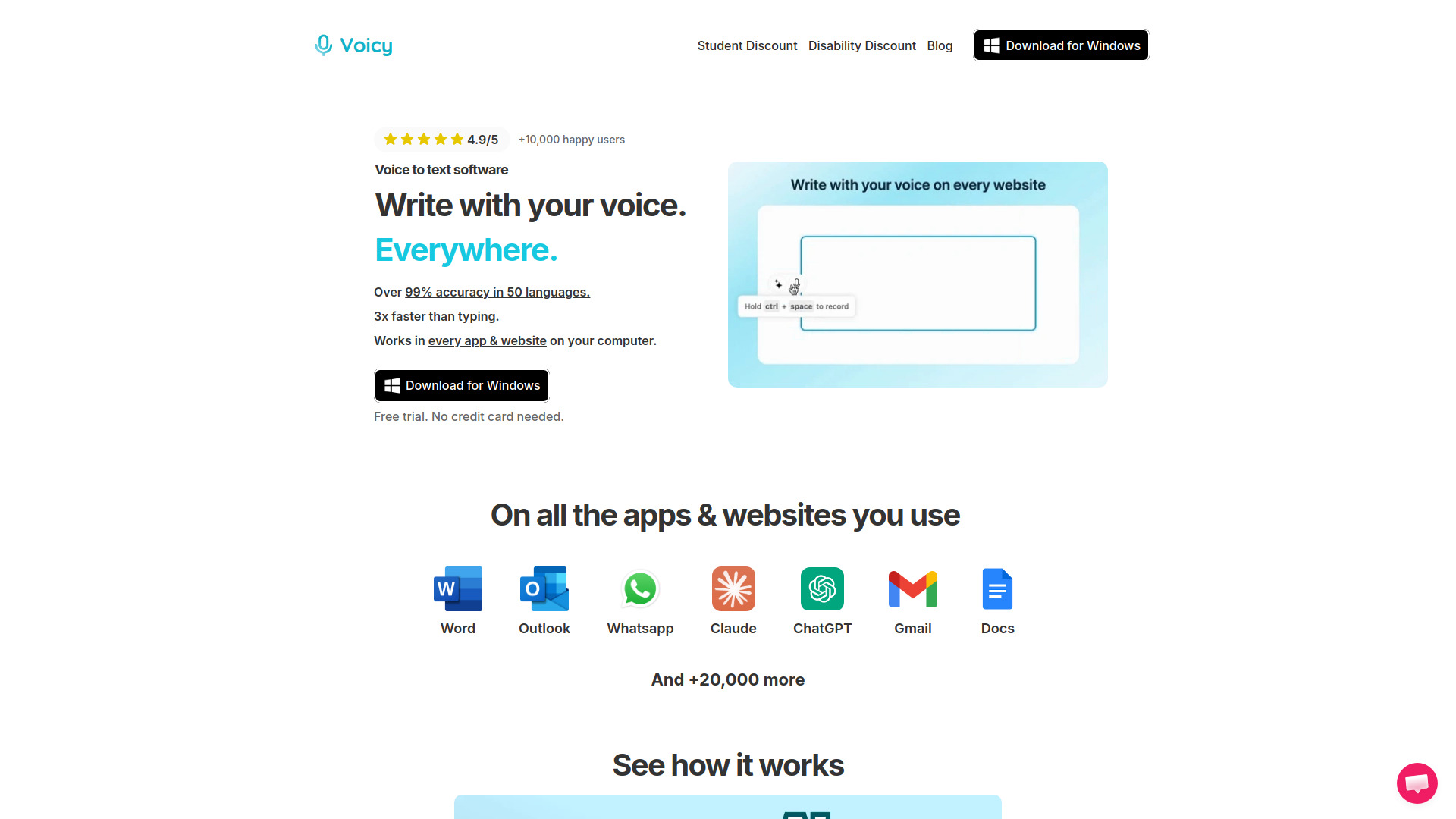
Voicy is an AI-powered speech-to-text application that allows users to write with their voice across various platforms. It is available for Mac, Windows, and as a Chrome Extension, enabling voice dictation on over 20,000 websites, including popular services like Gmail, Word, Docs, Slack, and Outlook. The app is designed to be faster than typing, claiming to be 3x faster, and emphasizes privacy for dictation.
How to use Voicy - AI Speech to Text App
To use Voicy, you would typically install the app on your device (Mac, Windows) or add the Chrome Extension to your browser. Once installed, you can activate voice dictation in any supported text field or website. The app listens to your speech and converts it to text in real-time, allowing you to dictate emails, documents, messages, and more without typing.
Features of Voicy - AI Speech to Text App
- AI-powered speech-to-text: Converts spoken words into text with high accuracy.
- Cross-platform support: Available for Mac, Windows, and Chrome Extension.
- Wide compatibility: Works on over 20,000 websites, including Gmail, Word, Docs, Slack, Outlook, and more.
- Privacy-focused: Emphasizes private dictation, ensuring your voice data is handled securely.
- Speed: Claims to be 3x faster than typing, boosting productivity.
Use Cases of Voicy - AI Speech to Text App
- Email composition: Dictate emails in Gmail or Outlook without typing.
- Document creation: Write documents in Word or Google Docs using voice.
- Messaging: Send messages in Slack or other chat applications via voice.
- General web forms: Fill out forms and text fields on any website that supports text input.