What is Vooka
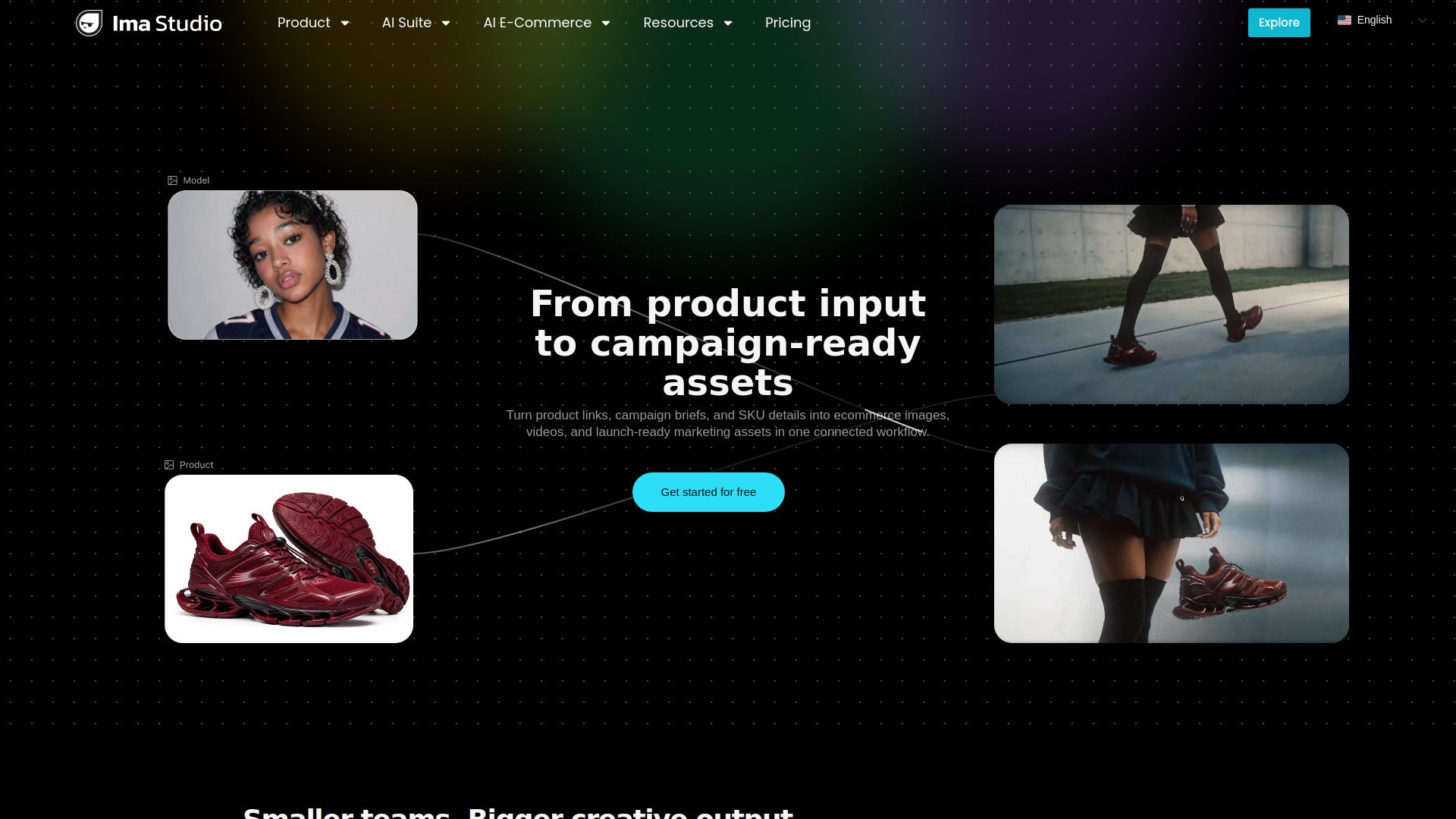
Vooka is an AI-powered virtual try-on solution specifically designed for fashion e-commerce. It enables users to generate realistic on-model fashion images from flat product images without the need for photoshoots or physical models.
How to use Vooka
- Upload your clothing photo: Upload a clear clothing photo or select from provided sample images. You can also drag and drop an image.
- Choose your AI model: Select a suitable model from the AI model library to achieve the desired try-on effect.
- Generate with one click: The platform generates an AI model try-on effect image in seconds. This image can then be downloaded for use on product detail pages, social media, or advertisements.
Features of Vooka
- Lifelike AI try-on results: Transforms flat clothing images into realistic on-model visuals, accurately reflecting fit, drape, and fabric texture.
- Style outfits and showcase them on a model with one click: Supports free combination of multiple items to generate a complete look on a single virtual model.
- Swap AI models with one click: Instantly showcase the same garment on AI models of different body types, genders, skin tones, or styles.
- Zero photoshoot cost, image generation in seconds: Eliminates the need for real models, studio rentals, or retouching, significantly reducing costs and speeding up content creation.
Use Cases of Vooka
- Generating on-model photos for e-commerce product pages.
- Creating compelling e-commerce content faster and at a lower cost.
- Showcasing outfits on virtual models for social media and advertising.
- Producing fashion lookbooks.
FAQ
- What is virtual AI try-on, and how does it work? Virtual AI try-on uses AI to overlay clothing digitally onto a photo, creating a realistic visualization of how the clothing looks on a person.
- How do you use AI virtual try-on to generate model on-body effect images? Upload a clothing image, select a model, and click 'Try On Now'. Vooka's AI technology transforms the clothing photo into a model wearing effect image.
- How long does AI try-on take? In most cases, AI try-on can be completed in about 30 seconds, though processing time may vary.
- What types of clothing are supported for AI dressing? Most common types of clothing are supported, including T-shirts, jackets, dresses, gowns, pants, and skirts.
- Can virtual try-on images be used for commercial purposes? Professional users can obtain commercial usage rights for e-commerce stores, marketing activities, social media, and fashion lookbooks.