What is WA Export
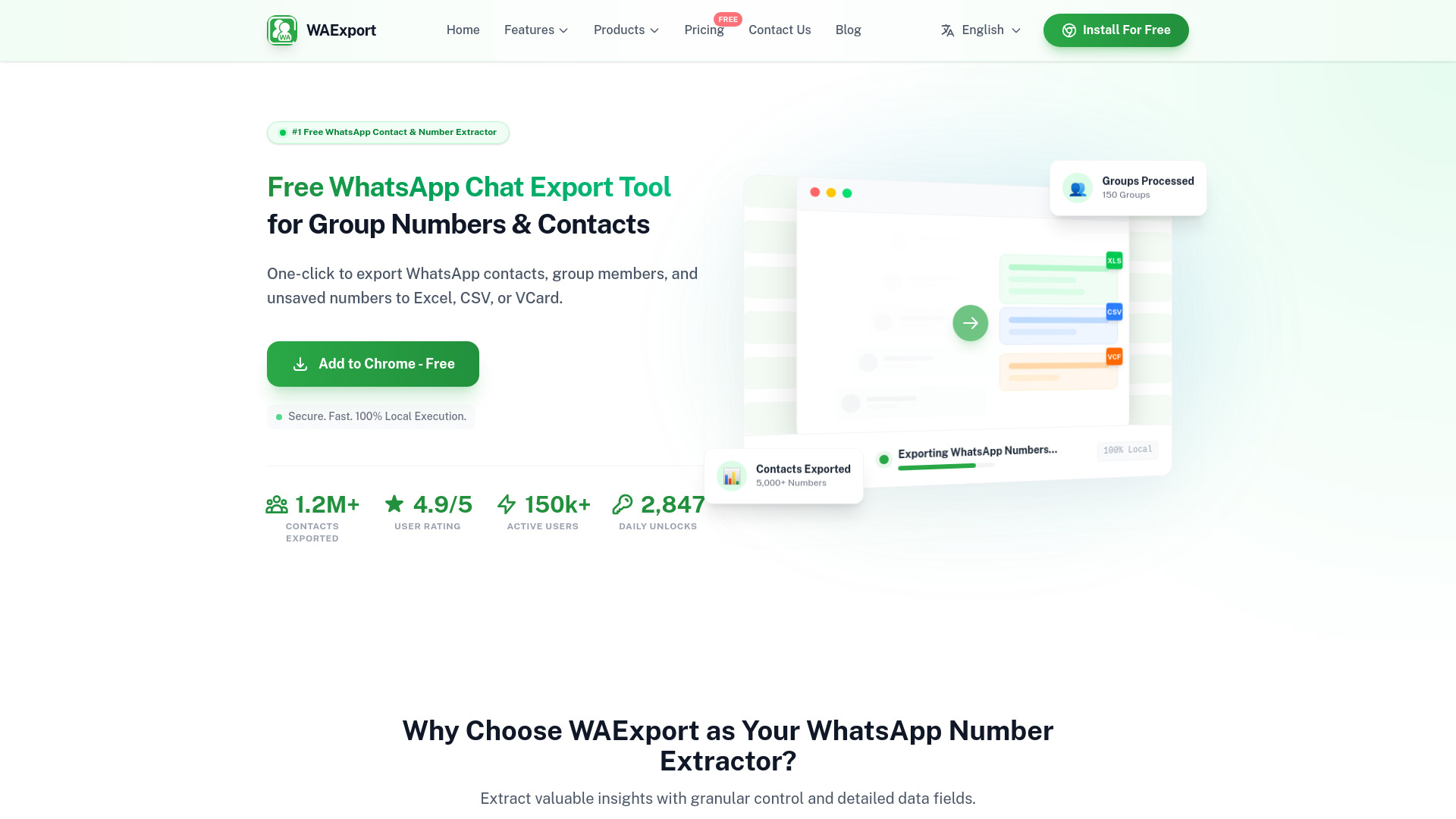
WAExport is a free tool designed to extract WhatsApp group numbers and contacts, allowing users to export them to Excel, CSV, or VCard formats. It functions as a WhatsApp number extractor and chat export tool.
How to use WA Export
- Set Format: Choose your desired file format (VCard, CSV, or Excel). You can also toggle the "Filter saved contacts" option to download only unsaved numbers.
- Bulk Export: Select specific WhatsApp groups or choose "All Groups." Enable "Exclude Admins" if needed, then click the export button to extract numbers from selected groups.
- Chat Export by Country: Filter contacts by Country Code. Click "Export Contacts" to save WhatsApp contacts from your chat list history, including the last message and date.
Features of WA Export
- Export WhatsApp group numbers and members to Excel, CSV, and VCard.
- Filter out group administrators.
- Select multiple groups for batch extraction.
- Extract phone numbers directly from the WhatsApp chat list.
- Filter contacts by Country Code.
- Includes Last Message content and Date for context.
- Option to filter out saved contacts, downloading only new (unsaved) contacts.
- Exports 12+ columns including Public Display Name, Country Code, Is Business status, and Saved Name.
- Operates 100% locally on the browser, ensuring safety.
Use Cases of WA Export
- Extracting leads from WhatsApp groups.
- Building segmented WhatsApp lead lists.
- Personalizing outreach using Public Display Name and Last Message date.
- Importing contacts into CRM software or phone.
FAQ
Is this WhatsApp Chat Export tool completely free to use?
Yes, WAExport is a completely free tool. It allows unlimited export of WhatsApp group numbers and contacts without hidden costs.
Is it safe? Will I get banned for using this WhatsApp Number Extractor?
No, you will not get banned. The tool operates 100% locally on your browser and extracts data already loaded in your web session, adhering to WhatsApp's policies.
How to bulk export WhatsApp group numbers to Excel?
Open the extension, go to the 'Export From Group' section, select groups, and click export. You can instantly download WhatsApp phone numbers from multiple groups into a single Excel or CSV file.
Does this tool support WhatsApp Chat Export for messages?
Currently, the tool focuses on exporting contacts from the WhatsApp chat list, including metadata like the Last Message and date. Full message history backup is planned for the future.
Can I convert WhatsApp contacts to VCard or CSV?
Yes, you can convert WhatsApp contacts to VCard (VCF), CSV, or Excel formats for easy import into your phone or CRM software.