What is Webtonative
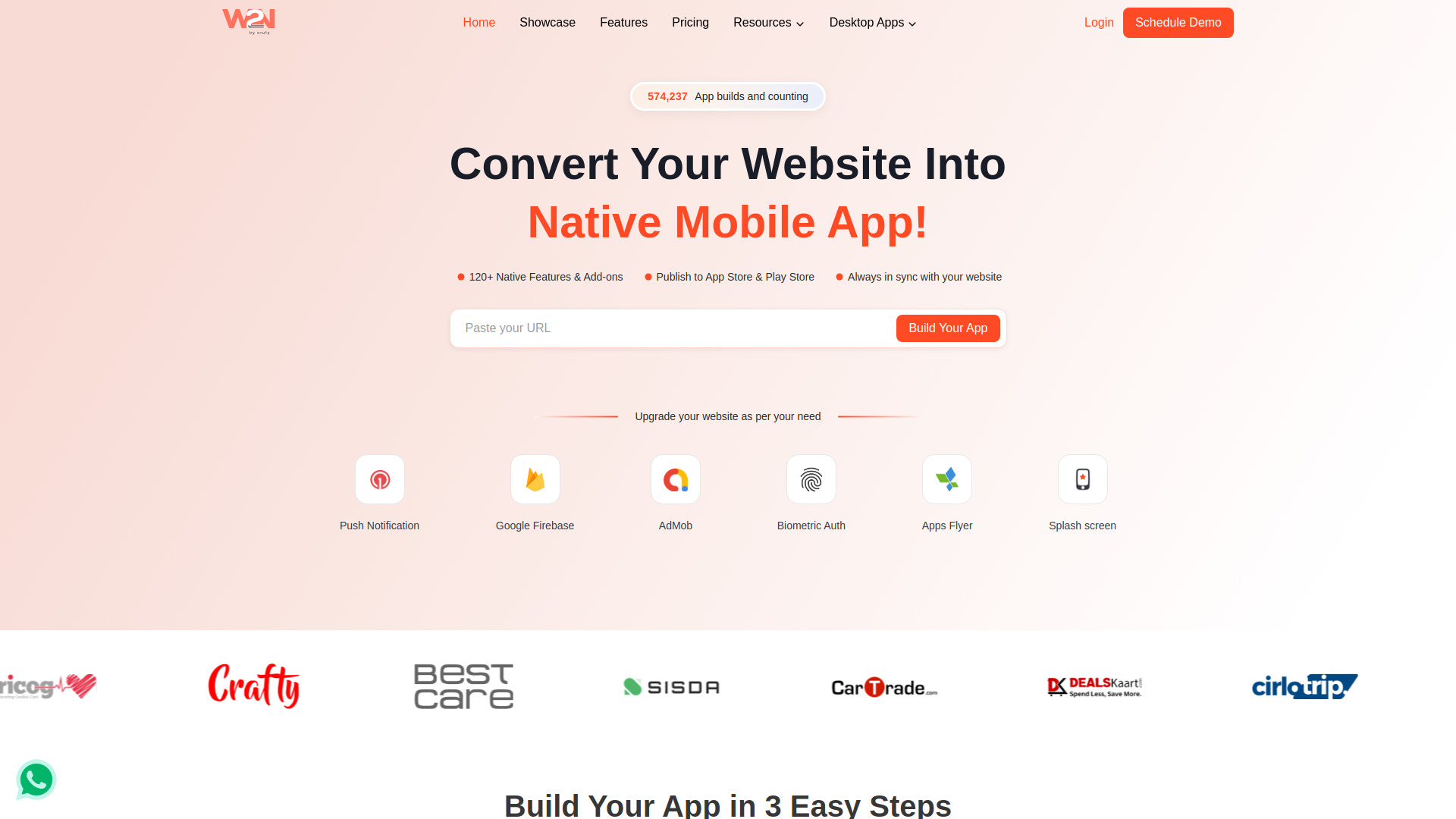
Webtonative is a platform that converts websites into native mobile and desktop apps without requiring coding. It supports Android, iOS, Windows, Linux, and macOS. The service is designed to be fast, taking about 10 minutes to convert a website, and offers over 120 native features and add-ons.
How to use Webtonative
- Enter Website URL: Paste your website URL into the provided field.
- Build & Test your App: Download the demo app to test and optionally add add-ons.
- Publish & Launch: Get your app delivered and launch it on app stores within 24 hours.
Features of Webtonative
- App Push Notification: Send real-time push notifications to engage users.
- Customize Splash Screen: Set a customized splash screen with your logo and branding.
- No Internet Screen: Display a custom screen when users have no internet connection.
- Deep linking: Enable navigation to specific app pages from external sources.
- Custom User Agent: Control app interaction with websites and services.
- Internal Vs External: Choose whether links open inside the app or in an external browser.
- Disable Screenshots: Prevent users from taking screenshots within the app.
- URL Scheme Protocol: Enable custom URL schemes to launch the app from links.
- Add-ons: Includes OneSignal, Google AdMob, Bottom Navigational Tab, Barcode Scanner, Floating Button, and Orufy Connect.
Use Cases of Webtonative
- E-commerce brands: Convert an online store into a mobile app for better customer engagement.
- Blogs: Turn a blog into an app to reach readers on mobile devices.
- Service providers: Offer a mobile app for services like booking or support.
- Startups and small businesses: Quickly launch a mobile presence without high development costs.
FAQ
Can I convert my website into an app with Webtonative? Yes, you can easily convert your website into a mobile app by using your website URL with the Webtonative platform.
How long does it take to convert a website to a mobile app with Webtonative? Converting your website to a mobile app with Webtonative typically takes about 10 minutes.
How can I implement custom features in my app created with Webtonative? To add custom features, you can edit your app and incorporate premium add-ons available on the platform.
Can I publish the app on App Store and Google Play? Yes, absolutely. Once you receive your application, you can publish it without any problem. We provide publishing services as well.
How do I create demo/trial App? Please go to the link below to create a demo app for your website: https://www.webtonative.com/convert
Does Apple developer account is required for iOS app? Yes, Apple Developer account is required to generate an iOS app that can be installed on physical device or published on App Store.
What do I need to create my app? You just need your website URL, App Name, and Logo.