

OpenEnvoy
AI Accounting
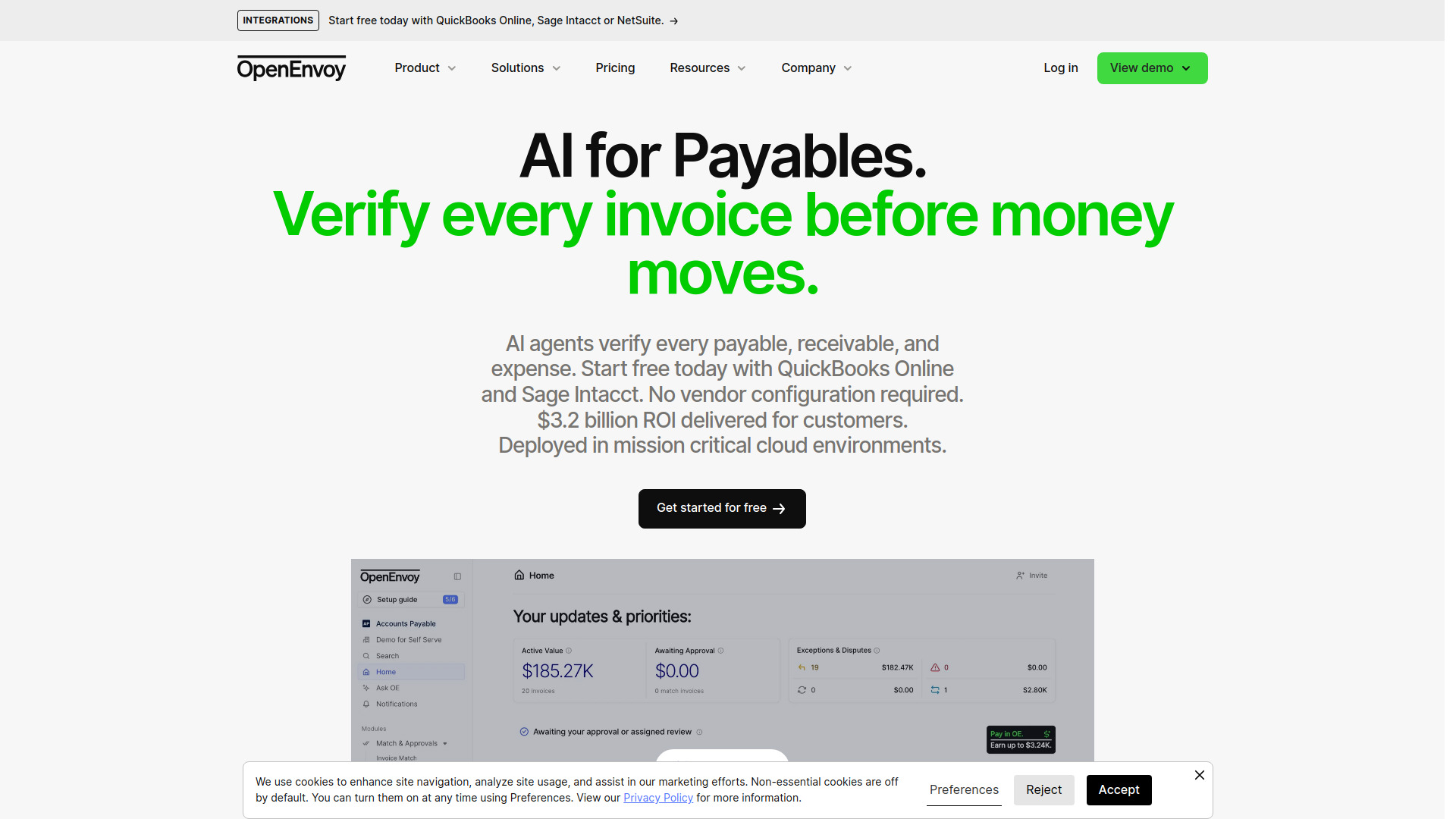
AI-powered platform for automating payables and other finance workflows.
Check pricingVisit site

AI Charting
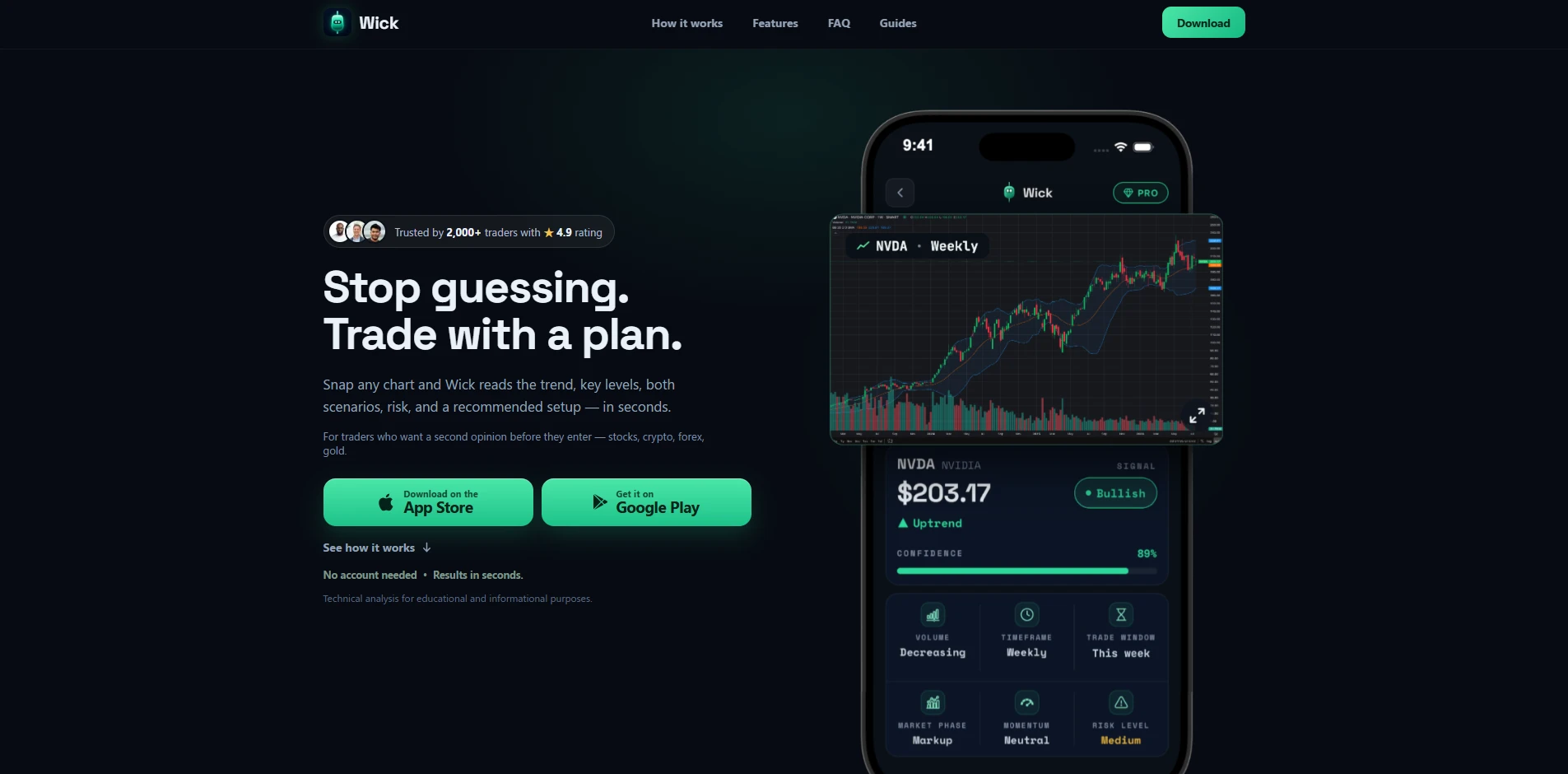
AI that reads a trading chart screenshot and returns the trend, key levels, both scenarios with probabilities and a trade plan.
Explore other tools in related categories.
AI Accounting
AI-powered platform for automating payables and other finance workflows.


AI Accounting
Online Pakistani tax return filing, wealth reconciliation, and NTN services

AI For Finance
Financial data platform with spreadsheets, API, AI connectors, and SQL access
Wick is an AI-powered mobile app for iOS and Android that analyzes trading chart screenshots. It returns a structured technical analysis including trend, key levels, bullish and bearish scenarios with probabilities, and a trade plan with entry, stop loss, and target. It works with candlestick, line, and bar charts from any platform and timeframe, covering stocks, crypto, forex, and gold. Wick is designed for educational and informational purposes only and is not financial advice.
Wick is free to download and offers an in-app subscription called Wick Pro. Wick Pro unlocks unlimited scans, complete reports with entry, target, and stop loss, premium report sharing, and the full Journal. After onboarding, you can scan your first chart; viewing the full analysis requires Wick Pro. Fair-use and rate limits apply. Subscriptions are available as a weekly or six-month plan, purchased through the App Store or Google Play. Payment is charged to your Apple Account or Google Play account upon confirmation, and subscriptions renew automatically until canceled. You can manage or cancel anytime: on iPhone in your Apple Account settings at least 24 hours before the end of the current period; on Android in the Google Play app under Payments & subscriptions.
What is Wick? Wick is an iOS app that analyzes trading chart screenshots. Upload or photograph a chart and Wick returns a structured technical analysis: signal, confidence, market context, bullish and bearish scenarios, key levels, detected pattern, and a recommended approach.
How does Wick analyze charts? Wick reads the chart image — its structure, trend, levels, momentum, and visible indicators — and organizes the read into a structured report.
What chart types can I upload? Candlestick, line, and bar charts — from any platform, any timeframe. Include the full chart with price action for the best read.
Can Wick read MetaTrader or TradingView screenshots? Yes. Take a screenshot in MetaTrader 4 or 5, TradingView, your broker's app, or a crypto exchange — or photograph your screen — and upload it. Wick works with stocks, crypto, forex, and gold (XAUUSD) charts on any timeframe.
Does Wick provide financial advice? No. Wick provides educational and informational chart analysis only. It is not a broker, not a trading platform, and nothing in Wick is a recommendation to buy or sell.
Can the analysis be wrong? Yes. Analysis may be inaccurate or incomplete, and markets are inherently uncertain. Always do your own research before making trading decisions.
Do I need an account? No. Wick has no user accounts — you can start analyzing charts immediately.
What is Wick Pro? Wick Pro is the subscription that unlocks Wick's analyses: unlimited scans, complete reports with entry, target, and stop loss, premium report sharing, and the full Journal. After onboarding, you can scan your first chart; viewing the full analysis requires Wick Pro. Fair-use and rate limits still apply.
How do subscriptions work? Wick Pro is available as a weekly or six-month subscription, purchased through the App Store on iPhone or through Google Play on Android. Payment is charged to your Apple Account or Google Play account when you confirm the purchase, and the subscription renews automatically until you cancel it. You can manage or cancel it anytime: on iPhone in your Apple Account settings, at least 24 hours before the end of the current period; on Android in the Google Play app, under Payments & subscriptions.