What is YouCam Online Editor
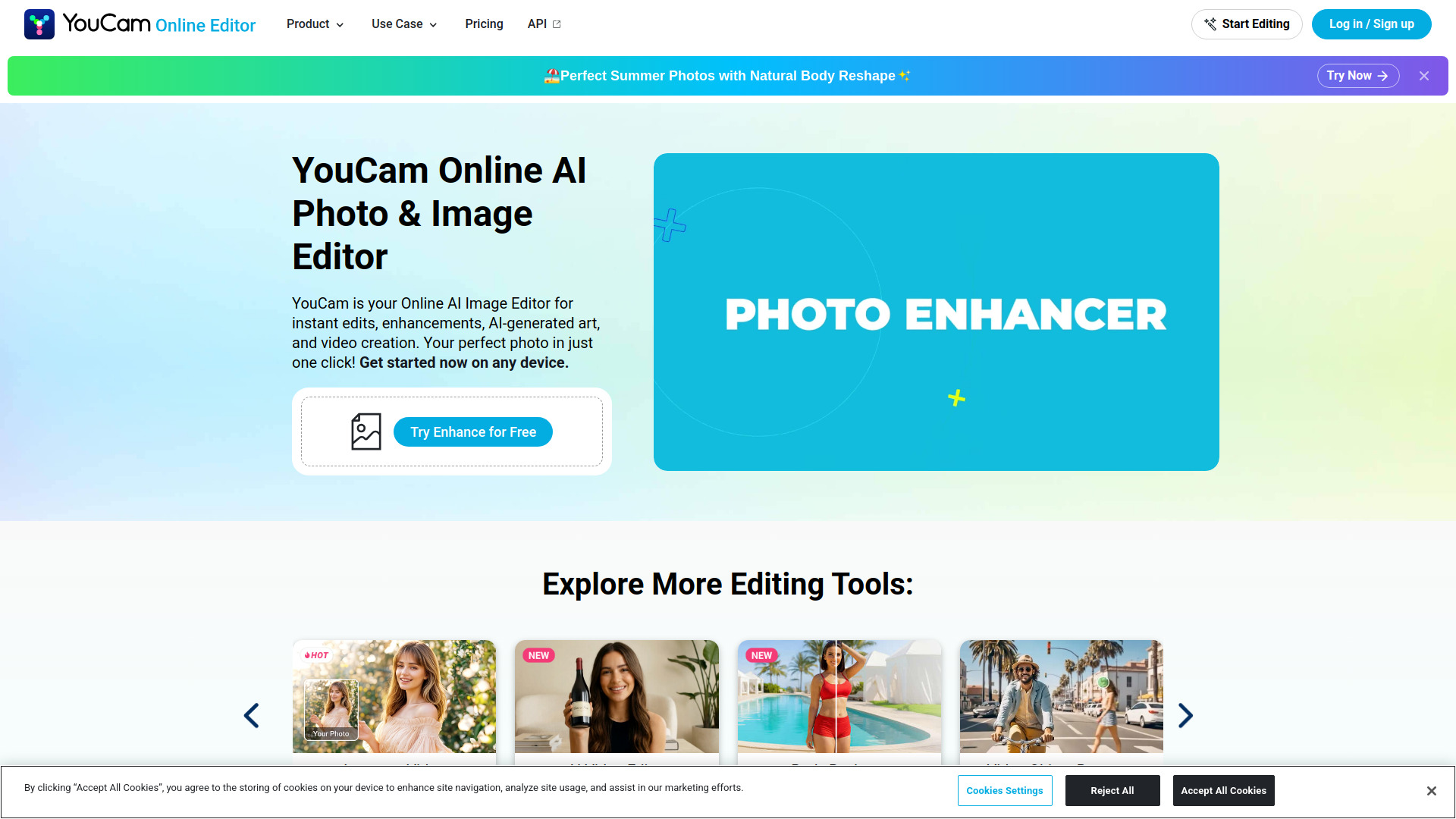
YouCam Online Editor is a browser-based AI photo and video editor that allows users to enhance, edit, and transform media without downloading any software. It offers a range of AI-powered tools for tasks such as removing objects, fixing blurry images, generating art, and more, all directly in the browser.
How to use YouCam Online Editor
- Visit the YouCam Online Editor website.
- Sign up for a free account to receive 5 free credits.
- Upload a photo or video you want to edit.
- Choose from the available AI tools, such as background removal, photo enhancement, object removal, or AI art generation.
- Apply the desired edits and preview the results.
- Download the edited file or share it directly.
Features of YouCam Online Editor
- AI Photo Enhancement: Automatically improve image quality, fix blurriness, and enhance details.
- Object Removal: Remove unwanted objects or people from photos with a simple brush tool.
- Background Removal: Easily remove or replace backgrounds in images.
- AI Art Generation: Generate artistic images from your photos or text prompts.
- Video Enhancement: Enhance video quality and apply AI-powered effects.
- Photo-to-Video Animation: Turn still photos into animated videos with realistic movement.
- Hair Style and Clothes Editing: Try different hairstyles or change clothing in photos.
- No Download Required: All processing is done in the browser, with heavy AI tasks handled on cloud servers.
Use Cases of YouCam Online Editor
- Social Media Content Creation: Enhance photos, remove backgrounds, and create eye-catching visuals for platforms like Instagram and Facebook.
- E-commerce: Improve product photos by removing backgrounds and enhancing quality.
- Personal Photo Editing: Fix blurry or low-quality photos, remove unwanted objects, and apply creative effects.
- Marketing and Advertising: Generate AI art and animations for promotional materials.
- Beginner-Friendly Editing: Ideal for users who need professional results without learning complex software like Photoshop.
Pricing
YouCam Online Editor is free to get started, with no download or credit card required. New users receive 5 free credits to try the full suite of AI tools. Many features are free to use anytime, while advanced AI tools run on credits that can be purchased à la carte or unlocked with a membership plan.
FAQ
Is YouCam a free AI image editor? Yes, YouCam is free to get started. New users receive 5 free credits, and many features are free to use anytime. Advanced tools require credits that can be purchased or unlocked with a membership.
Do I need a powerful computer to run YouCam’s AI tools? No, YouCam is fully browser-based and all heavy AI processing is handled on cloud servers, so it works on almost any standard computer, tablet, or smartphone.
Is my data secure? Your privacy is important. YouCam does not use your personal images to train AI models without consent, and all files are securely processed and automatically deleted after a short period.
Can I turn a photo into a video? Yes, YouCam offers AI animation features that can turn a still photo into a video with realistic movement, such as flowing water or camera pans.