What is YUHINA
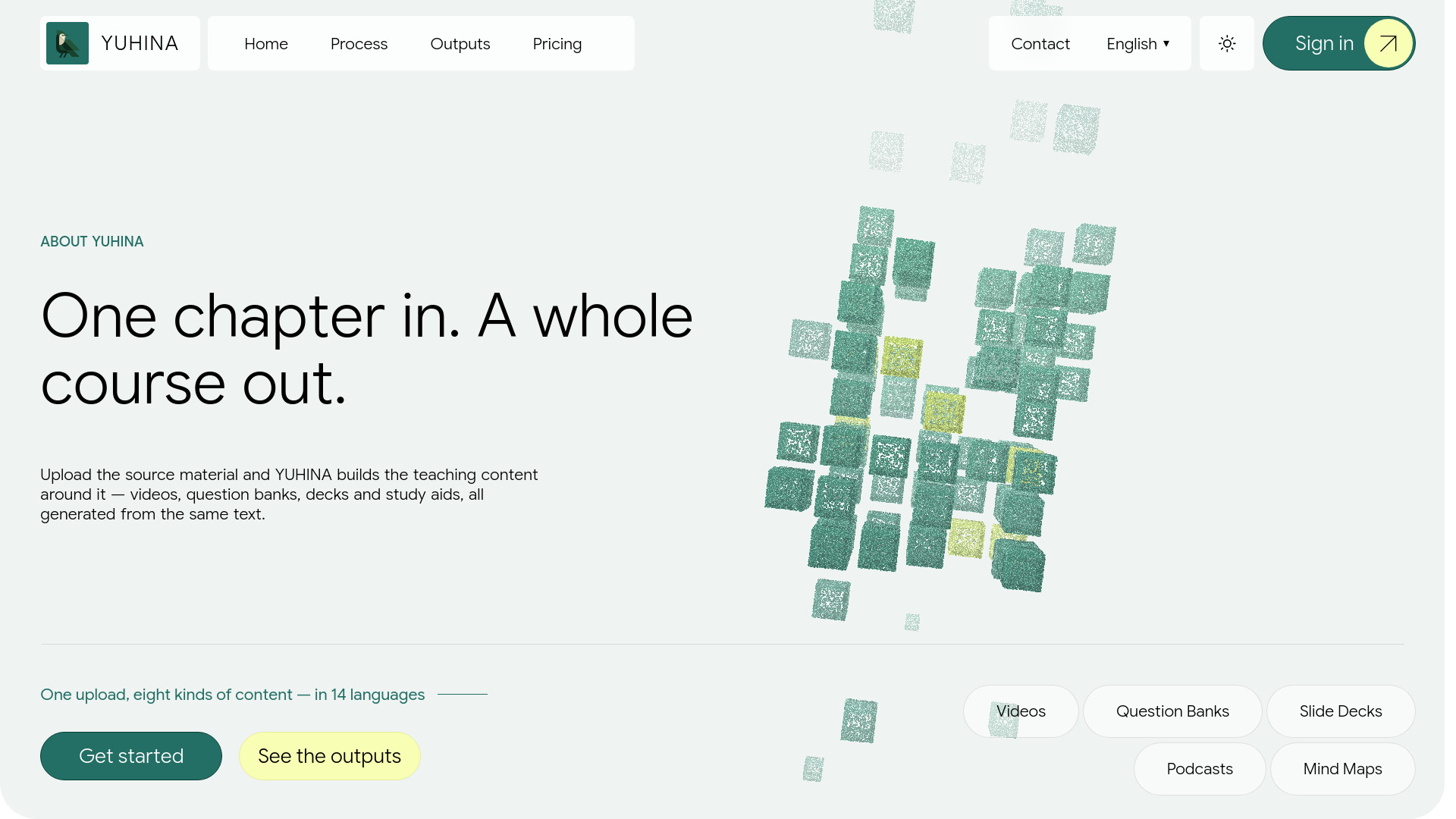
YUHINA is an AI-powered educational content generation platform that transforms a single chapter PDF into a complete set of teaching materials. It generates narrated video lessons, question banks, slide decks, podcasts, mind maps, flash cards, and summaries—all from the same source text. The platform supports 14 languages, with English and Arabic being the most tested. YUHINA is designed to eliminate the need to stitch together multiple tools by producing all assets from one upload and filing them in a searchable library organized by content type.
How to use YUHINA
- Upload a chapter PDF: Each PDF should be one chapter, up to 60 pages. Digital PDFs with selectable text yield the best results.
- Select outputs: Choose which types of teaching content you want to generate (e.g., video, quiz, slides, podcast, mind map, flash cards, summary).
- Generate content: YUHINA processes the text and creates the selected assets automatically.
- Access your library: All generated materials are stored in a searchable library, organized by type, so you can browse all questions, videos, etc., across subjects.
- Download or share: Use the generated content for teaching, studying, or training purposes.
Features of YUHINA
- Narrated Video Lessons: Automatically generate video lessons with narration from the chapter text.
- Question Banks: Create quizzes and question sets based on the content.
- Slide Decks: Produce presentation slides for lectures or review.
- Podcasts: Convert the chapter into an audio podcast.
- Mind Maps: Visualize key concepts and their relationships.
- Flash Cards: Generate study cards for memorization and review.
- Summaries: Get concise summaries of the chapter.
- Multi-language Support: Works in 14 languages, including English, Arabic, French, Spanish, German, Portuguese, Italian, Hindi, Chinese, Japanese, Korean, Turkish, Russian, and Indonesian.
- Unified Source: All outputs are generated from the same text, ensuring consistency across materials.
- Searchable Library: Browse and filter all generated content by type across the entire subject.
- No Prompt Engineering: Content is derived directly from the uploaded source, not from user prompts.
Use Cases of YUHINA
- Teachers and Educators: Quickly create a full suite of teaching materials from a textbook chapter, including videos, quizzes, and slides for classroom or online use.
- Students: Generate study aids like flash cards, mind maps, and summaries to reinforce learning and prepare for exams.
- Content Creators: Produce podcasts and video lessons from written content for educational channels or online courses.
- Corporate Trainers: Develop training modules with consistent messaging across different formats.
- Language Learners: Access materials in multiple languages to support language acquisition.
- Homeschooling Parents: Build comprehensive lesson plans from a single chapter PDF.
Pricing
YUHINA offers a range of pricing options. The pricing page indicates plans starting from $9.99 to $99.99, with four different tiers available. A new account includes one free chapter with every output type, once. After that, generating content consumes the plan's monthly usage or pay-as-you-go credit. For enterprise or school purchases, contact the enterprise team.
FAQ
My verification code hasn't arrived.
YUHINA sends a 6-digit code to the email address you signed up with. Check your spam or promotions folder. If it still isn't there after a few minutes, email support from that address.
Why can't I generate anything?
You need a verified email first. A new account includes one free chapter with every output, once. After that, generating spends your plan's monthly usage or pay-as-you-go credit, so you need a plan or some credit to keep going.
My PDF gave weak results.
Each PDF is one chapter, up to 60 pages. A digital PDF with text you can select gives the clearest lessons; blurry, dark, skewed, or handwritten scans give weaker ones.
How do I delete my account or my files?
The app's privacy notice explains how to export or permanently delete your account and everything in it. If something doesn't work, email support.
Still stuck?
Email support from the address on your account: support@yuhina.ai. For enterprise inquiries: enterprise@yuhina.ai.