What is Zoom AI Productivity Suite
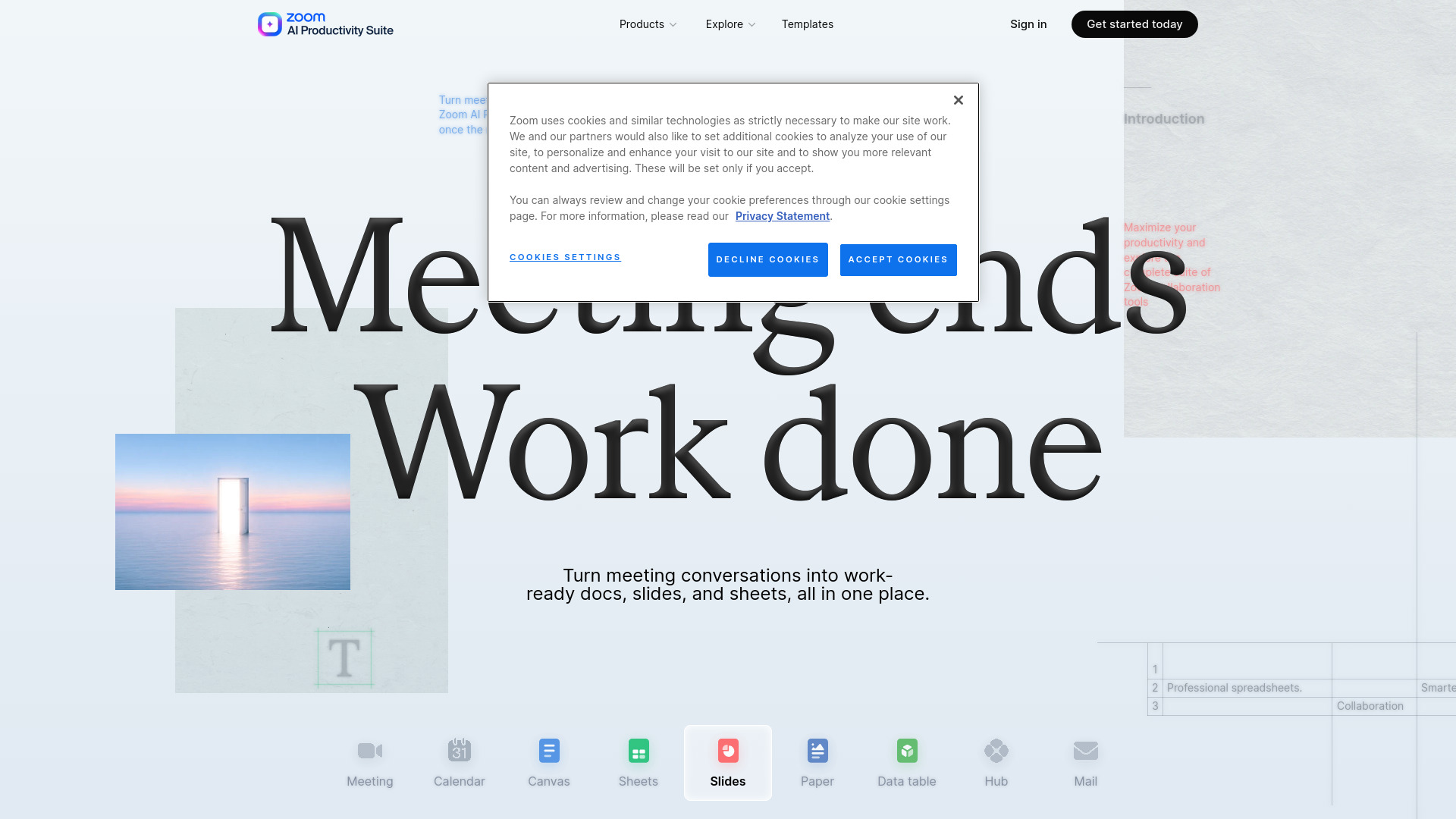
Zoom AI Productivity Suite is a collection of AI-powered tools that automatically turn meeting conversations into work deliverables such as documents, presentations, and spreadsheets. It captures context as work evolves, enabling teams to generate briefs, reports, and other work products in one integrated suite. The suite includes products like Slides, Sheets, Paper, Canvas, Data tables, and Hub, all designed to streamline post-meeting workflows.
How to use Zoom AI Productivity Suite
- Start with a meeting: Use Zoom meetings to capture conversation context.
- Generate content: AI draws on meeting context to create documents, presentations, or spreadsheets that fit your business, audience, and goals.
- Refine with AI: Ask AI inline or in the side panel to refine content and formatting.
- Collaborate: Share documents with flexible permissions—choose who can view, comment, or edit.
- Share live in meetings: Co-edit documents live within Zoom meetings.
- Use templates: Access role-specific templates for sales, recruiters, consultants, coaches, agencies, and product managers.
- Integrate with other tools: Connect via Open API, MCP, or Zapier to automate workflows.
Features of Zoom AI Productivity Suite
- AI-powered content creation: Automatically generate documents, presentations, and spreadsheets from meeting conversations.
- Inline AI assistance: Ask AI for help directly where you're working, either inline or via a side panel.
- Real-time collaboration: Share and co-edit documents live during meetings.
- Flexible permissions: Control who can view, comment, or edit shared content.
- Template library: Access a range of templates tailored to different roles and use cases.
- Open platform: Integrate with existing tools through Open API, MCP (for AI assistants like Claude and ChatGPT), and Zapier (1,500+ apps).
- AI voice presentation mode: Create slides with AI-generated voiceovers.
- Data analysis: Get instant insights from spreadsheets via AI analysis.
- Large data tables: Support for up to 20,000+ rows per data table.
- Version history: Track changes with version history (7 days on Basic).
- Attachment support: Attach files up to 1 GB (on paid plans).
Use Cases of Zoom AI Productivity Suite
- Sales: Turn client calls into proposal drafts, sales trackers, and follow-ups with AI.
- Recruiters: Generate candidate summaries and hiring docs instantly from interviews.
- Consultants: Produce polished decks and reports from client meetings, ready to share.
- Coaches: Automatically capture notes and summaries to stay present with clients.
- Agencies: Create docs, slides, and sheets from briefs to execution in minutes.
- Product managers: Convert product discussions into PRDs, roadmaps, and tracking sheets automatically.
Pricing
Zoom AI Productivity Suite offers three plans:
- AI Productivity Suite Basic: Free. Includes unlimited manual creation for Slides, Sheets, and Paper; 3 AI document creations monthly for Canvas; 7-day version history; 10 MB attachment limit; limited template library; no AI capabilities for Slides, Sheets, Paper.
- AI Productivity Suite: $8.33/user/month (annually) or $10/user/month (monthly). Includes 1,000 AI credits monthly; instant deck creation; AI voice presentation mode; instant insights via AI analysis; unlimited AI document creation; 20,000+ rows per data table; 1 GB attachment limit; advanced template library.
- ZoomMate: $16.67/user/month (annually) or $20/user/month (monthly). Includes 2,200 AI credits monthly; agentic capabilities; automatic post-meeting deliverables; unlimited AI note-taking; agentic search; workflow capabilities; voice translation.
FAQ
What is Zoom AI Productivity Suite?
It is a suite of AI tools that turn meeting conversations into documents, presentations, and spreadsheets, capturing context as work evolves.
Which products are included?
The suite includes Slides, Sheets, Paper, Canvas, Data tables, and Hub.
Can I use it for free?
Yes, the Basic plan is free with limited features and no AI credits.
How many AI credits do I get?
The AI Productivity Suite plan includes 1,000 AI credits monthly; ZoomMate includes 2,200 AI credits monthly.
Does it integrate with other tools?
Yes, through Open API, MCP, and Zapier (1,500+ apps).
Can I collaborate with my team?
Yes, you can share documents with flexible permissions and co-edit live in meetings.