


Frank AI Researcher
AI Productivity Tools
Frank AI Researcher runs AI-moderated voice interviews with your customers in 50+ languages and turns them into themes, quotes and insights.
Check pricingVisit site

AI Files
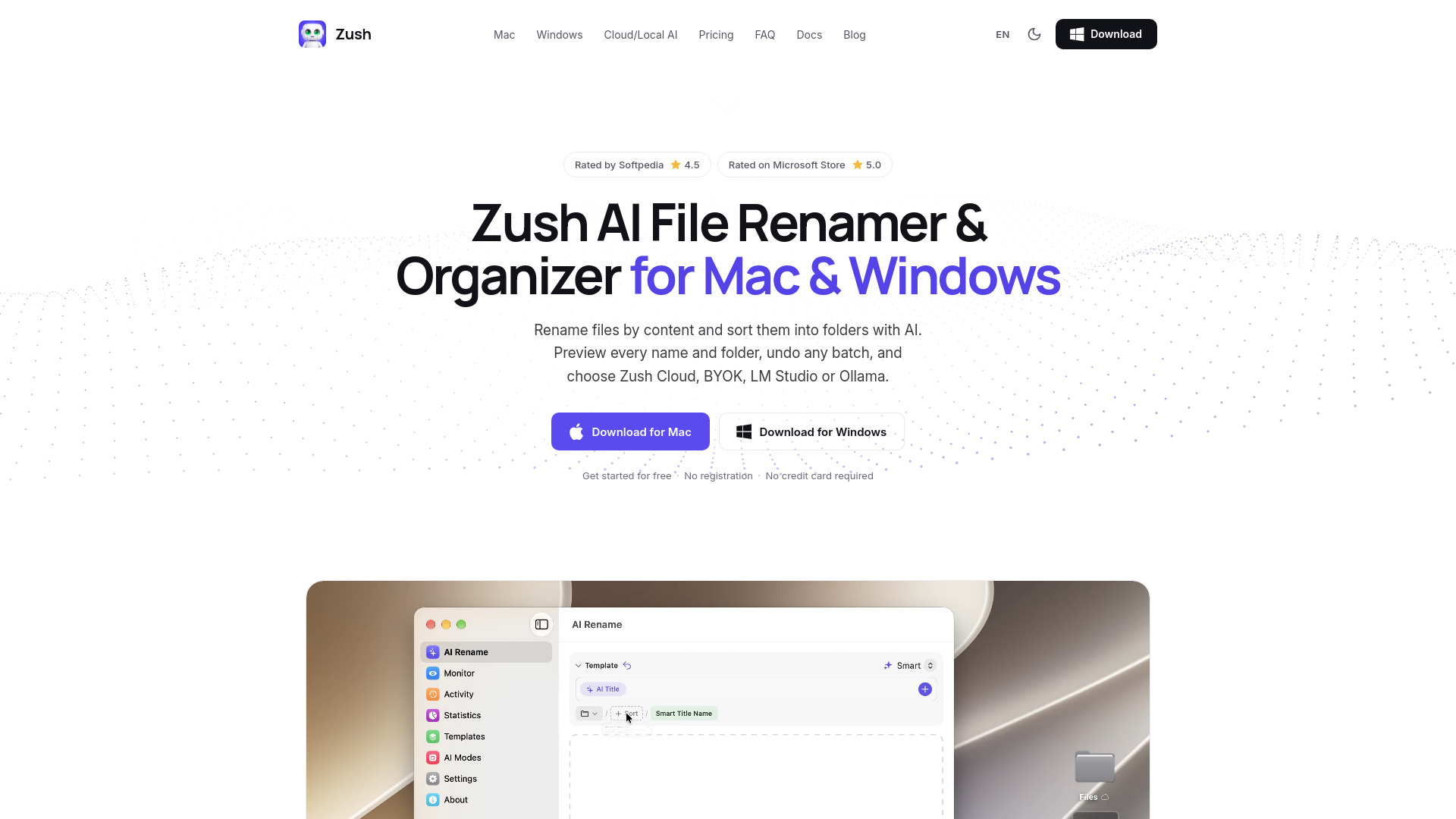
AI file renamer and organizer for Mac and Windows that names and sorts files by their content.
Explore other tools in related categories.
AI Productivity Tools
Frank AI Researcher runs AI-moderated voice interviews with your customers in 50+ languages and turns them into themes, quotes and insights.

AI Workflow
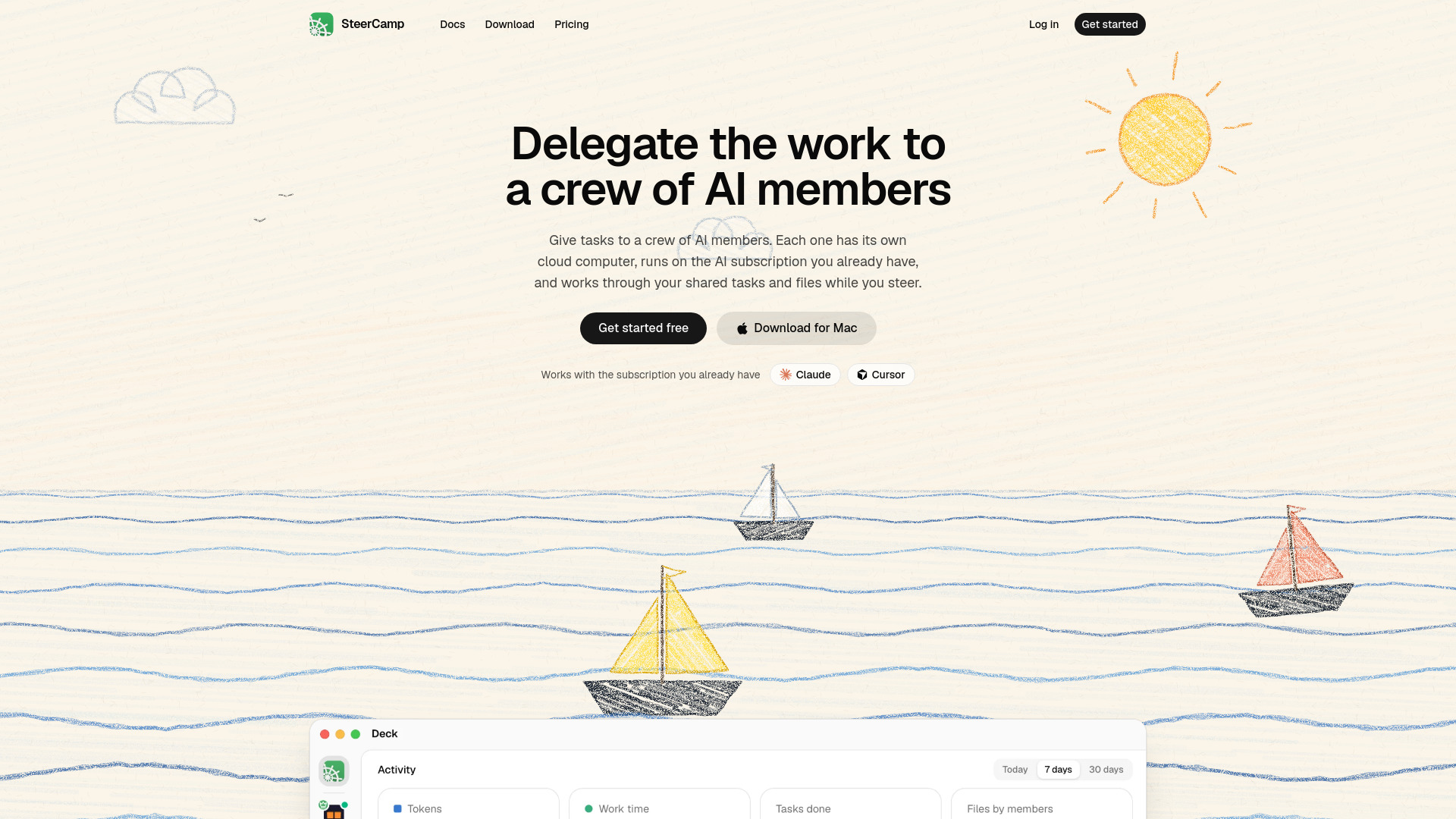
SteerCamp gives you a crew of AI members instead of one chatbot. Each member has a role, its own cloud computer and the apps you connect. They run on the Claude or Cursor subscription you already have, and ask before anything goes out.

AI For Data Analytics
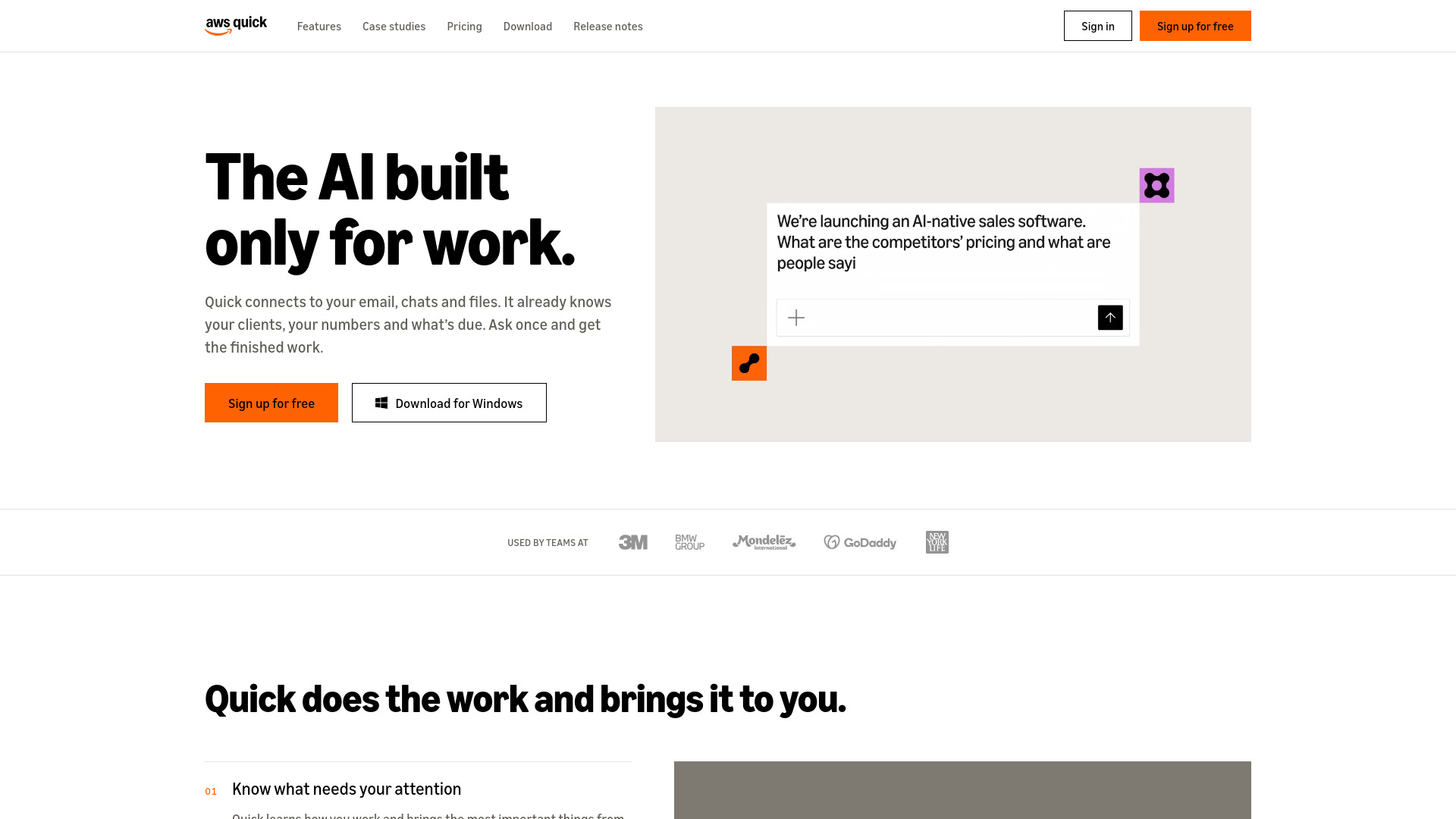
AI work assistant that connects apps, answers questions, and creates deliverables.
Zush is an AI file renamer and organizer for Mac and Windows. It names files in 107 formats from their content, metadata, and your rules — review, batch rename, or undo anytime. Templates and folder monitoring automate repeat work, on Cloud AI or Local AI.
Zush offers a free tier with 50 renames across all modes. PRO is available as a one-time purchase, with a Black Friday promotion of 25% off using code ZUSH25. PRO includes unlimited renames.
What AI options does Zush offer? Zush offers Cloud AI (via a relay to a commercial AI provider), Bring Your Own Key (connect your own API key from Gemini, OpenRouter, OpenAI, or Claude), and Private Local AI options (LM Studio or Ollama) that work offline after setup.
Can I undo changes? Yes, every rename or move can be undone. Rename History lets you rollback to the original filename with one click.
Does Zush work offline? Yes, with Local AI options (LM Studio or Ollama), supported analysis stays on your device and works offline after setup.
What file formats are supported? Zush supports 107 file formats, including images, EPUB and FB2 ebooks, PDFs, audio, video, and Office files.
How does duplicate detection work? Zush compares file contents in every batch and labels exact copies. You can keep them, mark them in the filename, or move them to the Trash as you rename. Copies are never sent to AI, so they use no credits, and Undo puts trashed copies back.