What is AcaDraw
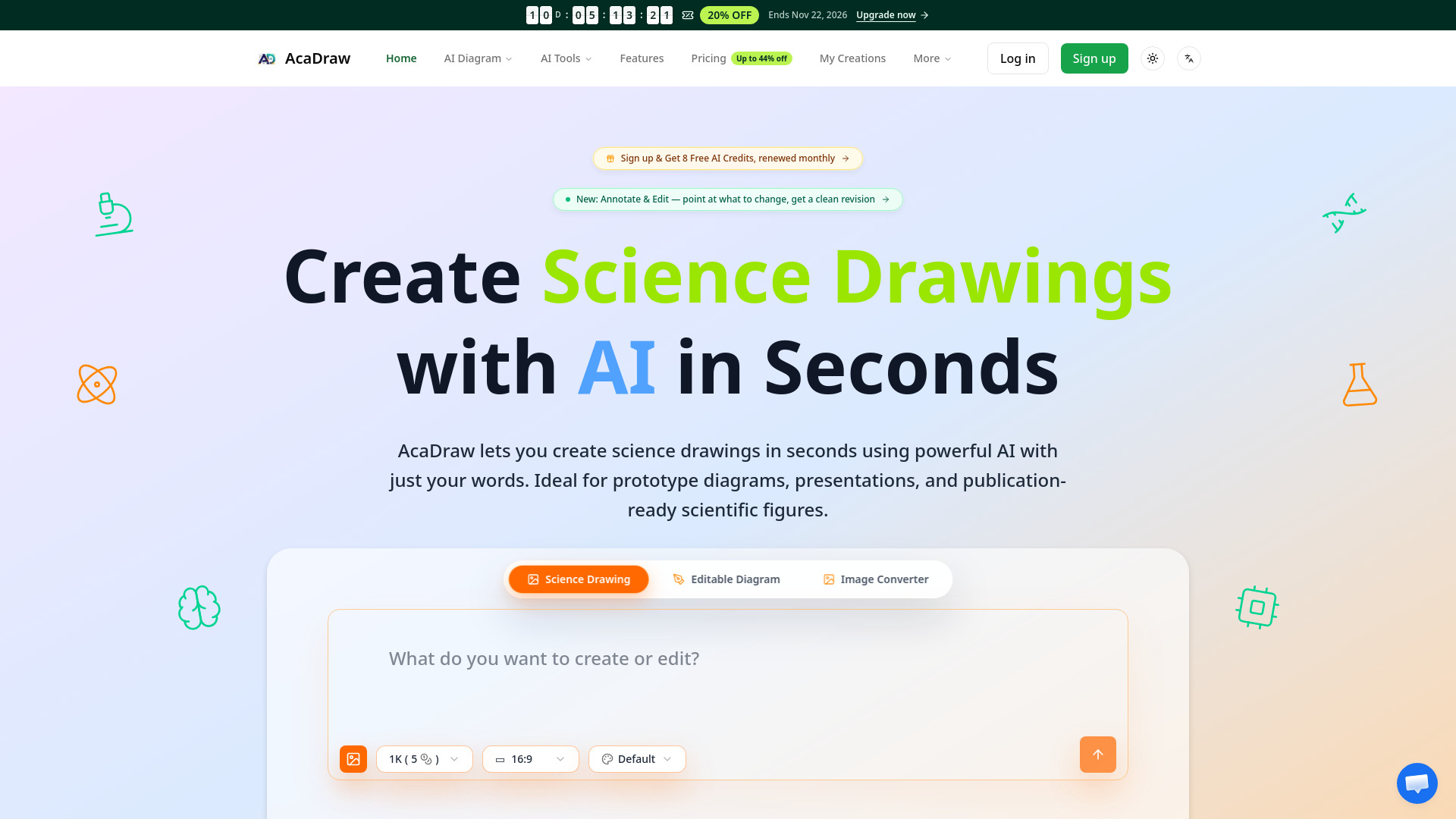
AcaDraw is an AI-powered science drawing tool that creates accurate scientific illustrations, diagrams, and nature art from simple text prompts. It is designed for researchers, educators, and students to generate professional science drawings in seconds, suitable for prototype diagrams, presentations, and publication-ready figures.
How to use AcaDraw
- Describe the science drawing you want to create in the text input field.
- Optionally upload images or files to include in your description.
- Submit your description to generate the drawing.
- Use the Annotate & Edit feature to point at specific areas and request precise edits.
- Refine drawings, build editable diagrams, and convert images to SVG as needed.
Features of AcaDraw
- AI-powered scientific illustration generation from natural language prompts
- Annotate & Edit: point-and-fix AI retouching on the canvas
- Natural language to diagram conversion
- Multiple science drawing styles
- Real-time preview and refinement
- Export and share capabilities
- Image to SVG conversion for editable diagrams
Use Cases of AcaDraw
- Creating prototype diagrams for research and development
- Generating presentation visuals for academic and educational settings
- Producing publication-ready scientific figures
- Building editable research diagrams
- Converting existing science illustrations into editable SVG format
Pricing
AcaDraw offers a free tier with 8 AI credits upon signup, renewed monthly. A limited-time promotion offers 20% off upgrades, ending November 22, 2026. For detailed pricing plans, refer to the pricing page.
FAQ
What is AcaDraw?
AcaDraw is an AI science drawing tool that generates scientific illustrations, diagrams, and nature art from text prompts.
Who is AcaDraw for?
It is designed for researchers, educators, and students who need to create scientific visuals quickly.
Can I edit the generated drawings?
Yes, AcaDraw includes an Annotate & Edit feature that allows you to point at specific areas and request precise edits.
Does AcaDraw support exporting diagrams?
Yes, you can export and share your creations, and convert images to SVG for further editing.
Is there a free version?
Yes, new users receive 8 free AI credits upon signup, renewed monthly.