What is ai enhance image
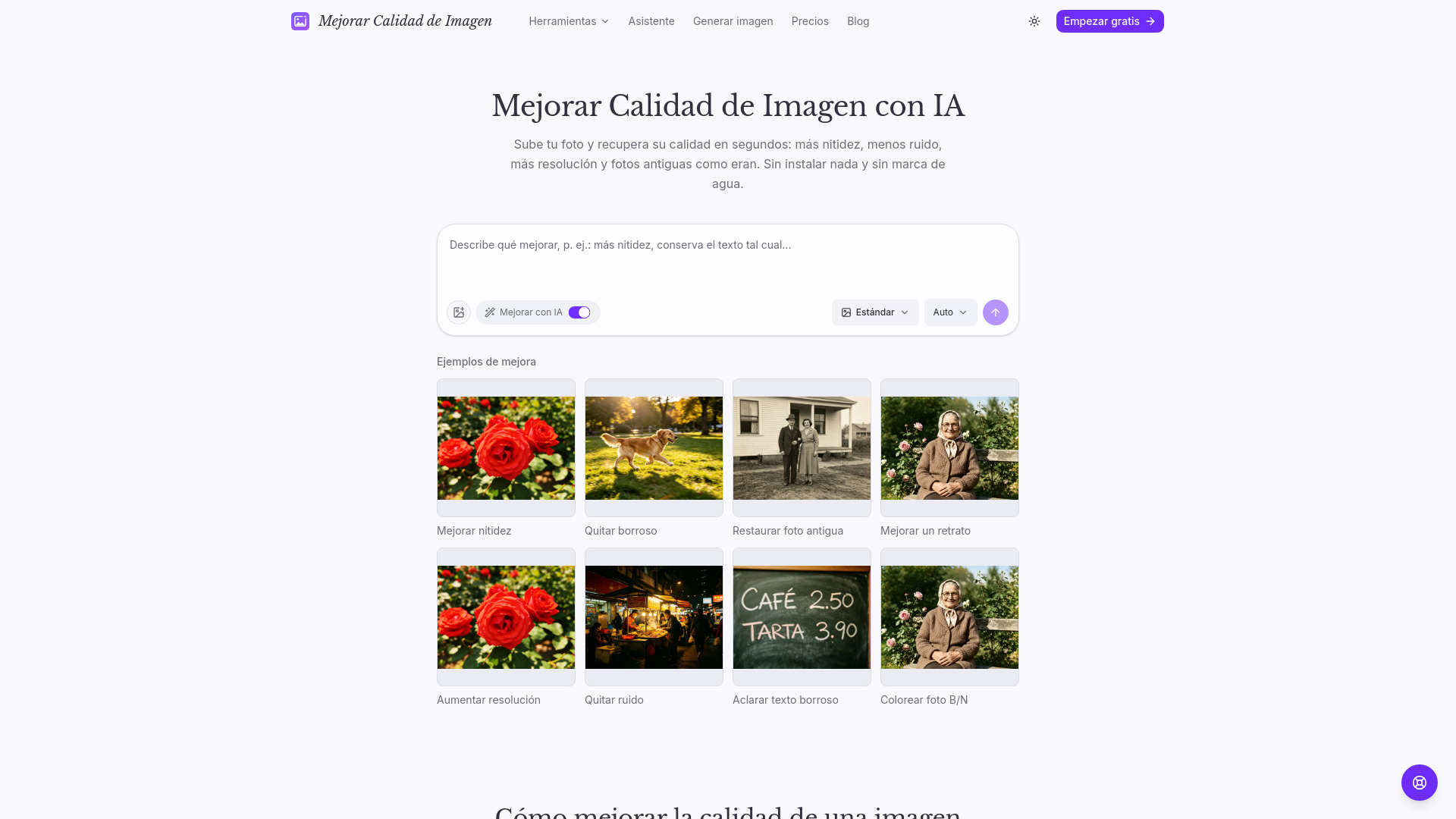
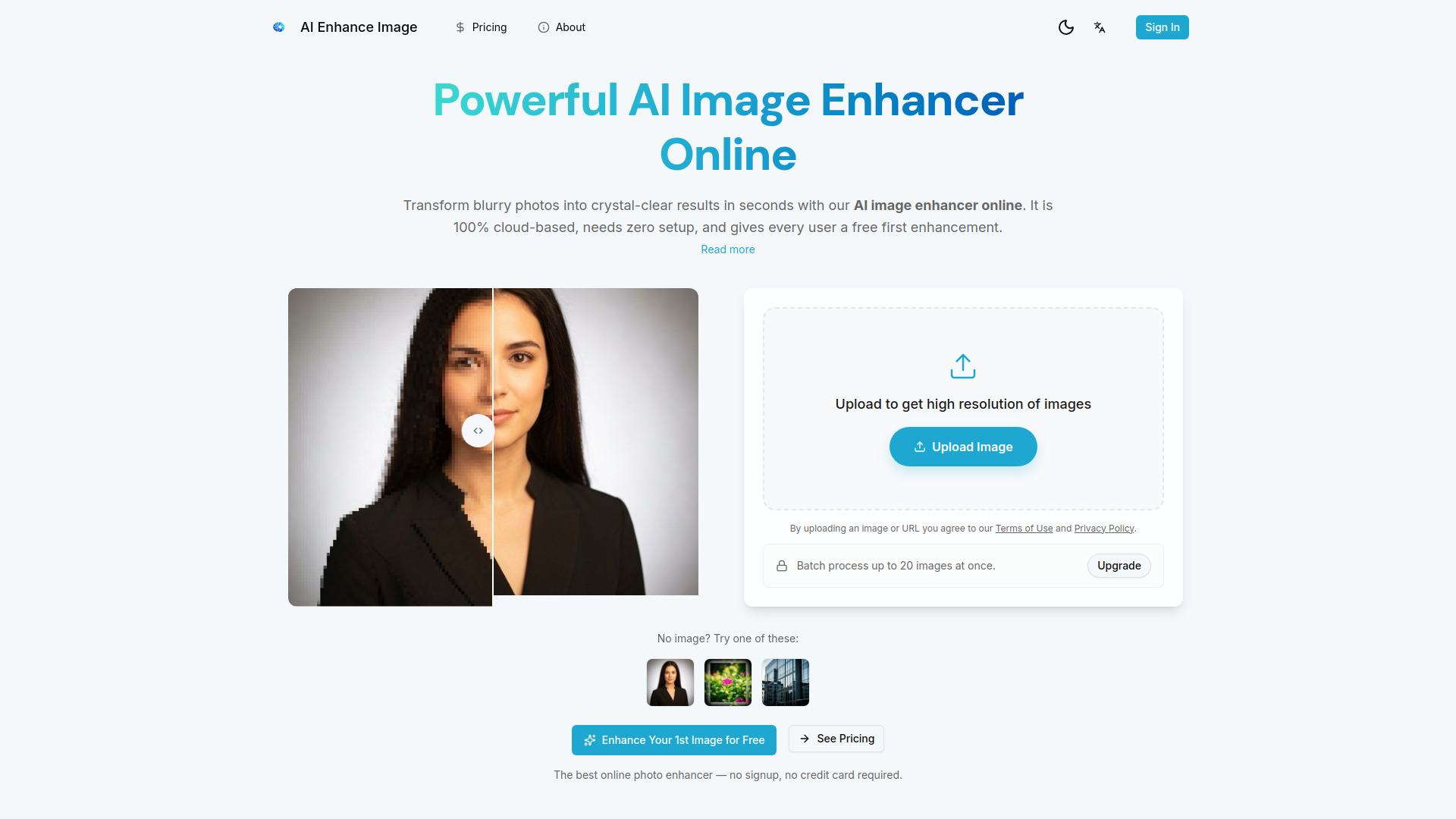
AI Enhance Image is an advanced AI-powered online tool that transforms low-resolution, blurry, or noisy photos into sharp, high-quality images directly from your browser. It supports various image formats including JPG, PNG, WebP, and HEIC, offering enhancement modes like Crisp for general sharpening and Face for portrait restoration.
How to use ai enhance image
- Upload your image: Drag and drop or click to upload your image. The tool supports JPG, PNG, WebP, BMP, TIFF, and HEIC formats up to 10MB.
- AI Analyzes & Enhances: The AI automatically detects issues like blur, noise, low resolution, and color problems, then applies targeted corrections.
- Adjust Settings (Optional): Fine-tune the results by selecting enhancement levels, output resolution, or specific tools such as upscale, sharpen, or unblur.
- Download Your Result: Preview the enhanced image alongside the original, then download it in full resolution without watermarks or quality loss.
Features of ai enhance image
- AI-Powered Enhancement: Transforms low-resolution, blurry, or noisy photos into high-quality images.
- Browser-Based: No software installation required; operates entirely online.
- Multiple Formats Supported: Accepts JPG, PNG, WebP, BMP, TIFF, and HEIC uploads (up to 10MB).
- Specialized Modes: Offers modes like 'Crisp' for general sharpening and 'Face' for portrait restoration.
- Upscaling: Enhances images to 4K or even 8K resolution, generating real detail beyond basic resizing.
- Deblurring: Restores clarity to blurry images and text, making them more readable.
- Denoising: Removes noise and grain from photos, especially those taken in low light.
- Old Photo Restoration: Repairs scratches, revives colors, and recovers facial details in old or damaged photos.
- Batch Processing: Paid plans allow processing up to 20 images at once.
- Commercial Usage Rights: Available with paid plans.
- Priority Processing: Faster processing times with paid plans.
- Instant Downloads: No wait time for downloads with paid plans.
- Privacy Focused: Uploaded images are processed securely and automatically deleted after processing.
Use Cases of ai enhance image
- Photography: Rescuing underexposed shots, sharpening soft focus, and upscaling cropped images.
- E-commerce: Creating catalog-quality product images from phone snapshots.
- Print & Poster: Upscaling digital images to print-ready resolution for posters and banners.
- Social Media: Enhancing images for platforms like Instagram, TikTok, and Twitter.
- Real Estate: Brightening interiors, sharpening architectural details, and enhancing property photos.
- Design & Creative: Polishing AI-generated artwork and upscaling assets for production.
- Document Enhancement: Restoring clarity to text in screenshots and scanned documents.
Pricing
AI Enhance Image offers various plans, including monthly, yearly, and one-time credit packs. Each upscale uses 3 credits.
- Monthly Plans:
- Starter: 1,500 credits/month for $9.9/mo.
- Creator: 3,900 credits/month for $24.9/mo.
- Pro: 7,800 credits/month for $49.9/mo.
- Yearly Plans (Best Value):
- Starter: 19,440 credits/year for $99/yr (saves $19.8/yr vs monthly).
- Creator: 48,960 credits/year for $249/yr (saves $49.8/yr vs monthly).
- Pro: 97,920 credits/year for $499/yr (saves $99.8/yr vs monthly).
- Credit Packs (One-Time Purchase):
- Starter Pack: 900 credits for $9.9.
- Creator Pack: 2,700 credits for $29.9.
- Pro Pack: 8,100 credits for $79.9.
FAQ
- Can I use this AI image enhancer free? Yes. Every user can enhance their first image free with no signup required, offering a full-quality preview.
- What is the best free AI image enhancer online? The best online photo enhancer combines quality, speed, and a simple workflow. This tool is cloud-based, supports 4K upscaling, and offers a free first enhancement.
- Does this tool improve portrait details and skin texture? Yes. AI models are trained to restore facial edges, skin texture, and fine portrait details naturally.
- What image formats are supported? JPG/JPEG, PNG, WebP, BMP, TIFF, and HEIC uploads are supported (up to 10MB).
- Is my uploaded image safe and private? Yes. Uploads are processed securely using encrypted connections and are automatically deleted after processing. Images are never stored, shared, or used for other purposes.
- Do I need to create an account? No, an account is not required. Users can upload, enhance, and download results directly.
- Can I use this tool on mobile devices? Yes, the AI image enhancer works in any modern web browser on desktop, tablet, and mobile devices.
- Will my enhanced image look natural or over-processed? The AI is trained to preserve natural textures and tones, aiming for realistic results without over-sharpening or unnatural artifacts.
- Can the AI enhance text in low-quality images? Yes. The AI can sharpen and restore text clarity in screenshots, scanned documents, and photos containing text.
- How many images can I upload at once? Users can start with one free enhancement. Paid plans unlock higher volume processing and batch processing for up to 20 images at once.