What is CreArt
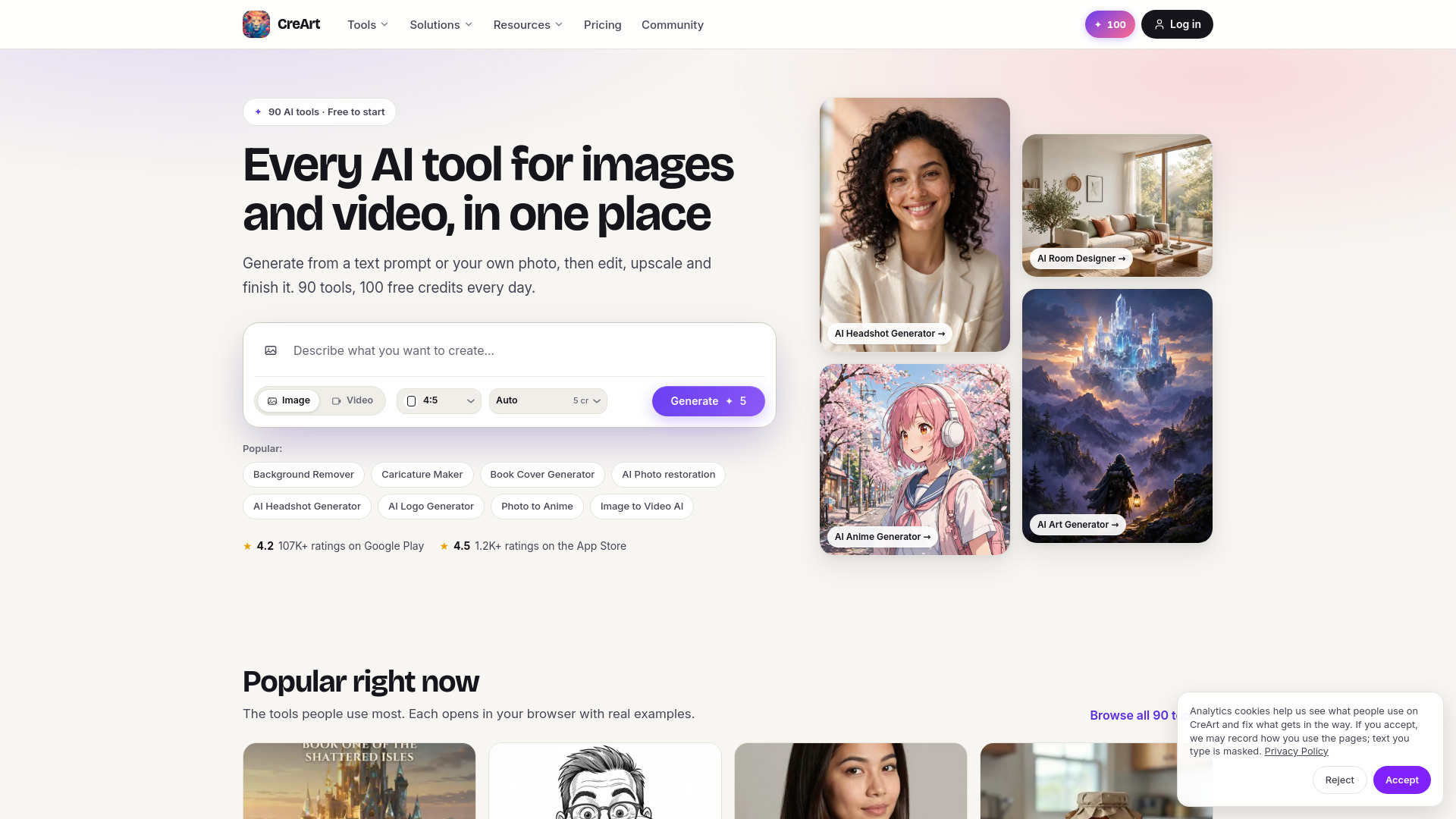
CreArt is an AI-powered platform that combines an image generator, photo editor, and image-to-video tools in one place. It offers 90 AI tools for creating and editing images and videos, with a free tier that includes 100 daily credits. The platform is available on web and mobile apps (Google Play and App Store).
How to use CreArt
- Generate from text or photo: Enter a text prompt or upload an image in the hero composer on the homepage.
- Choose mode: Select Image or Video mode.
- Adjust settings: Pick aspect ratio and model (e.g., Auto model costs 5 credits).
- Generate: Click the Generate button to create your content.
- Edit and enhance: Use additional tools to edit, upscale, or animate your images.
- Download: Save your final results.
Features of CreArt
- AI Image Generator: Create images from text prompts.
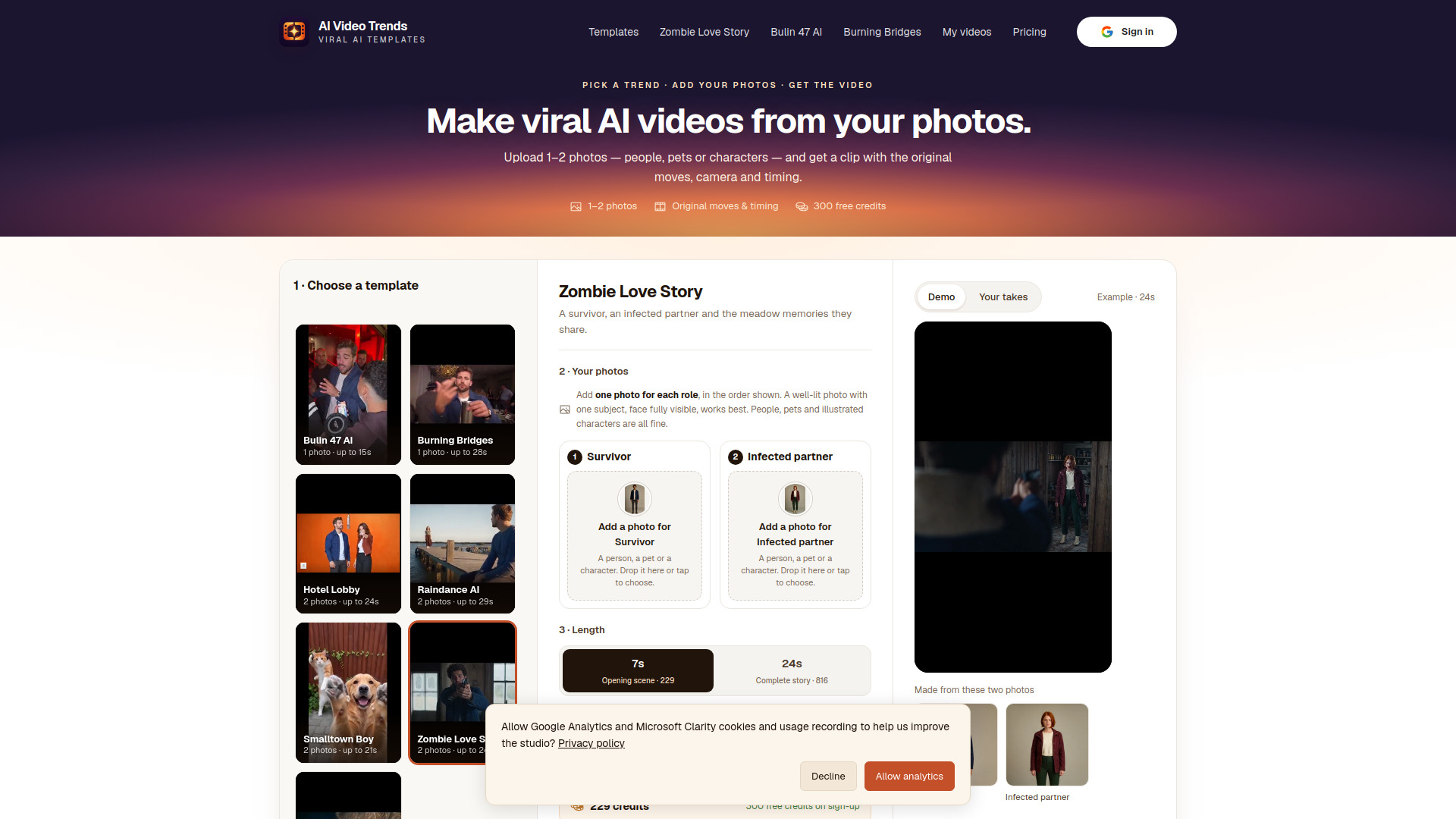
- AI Video Generator: Make videos from text or photos, including image-to-video animation.
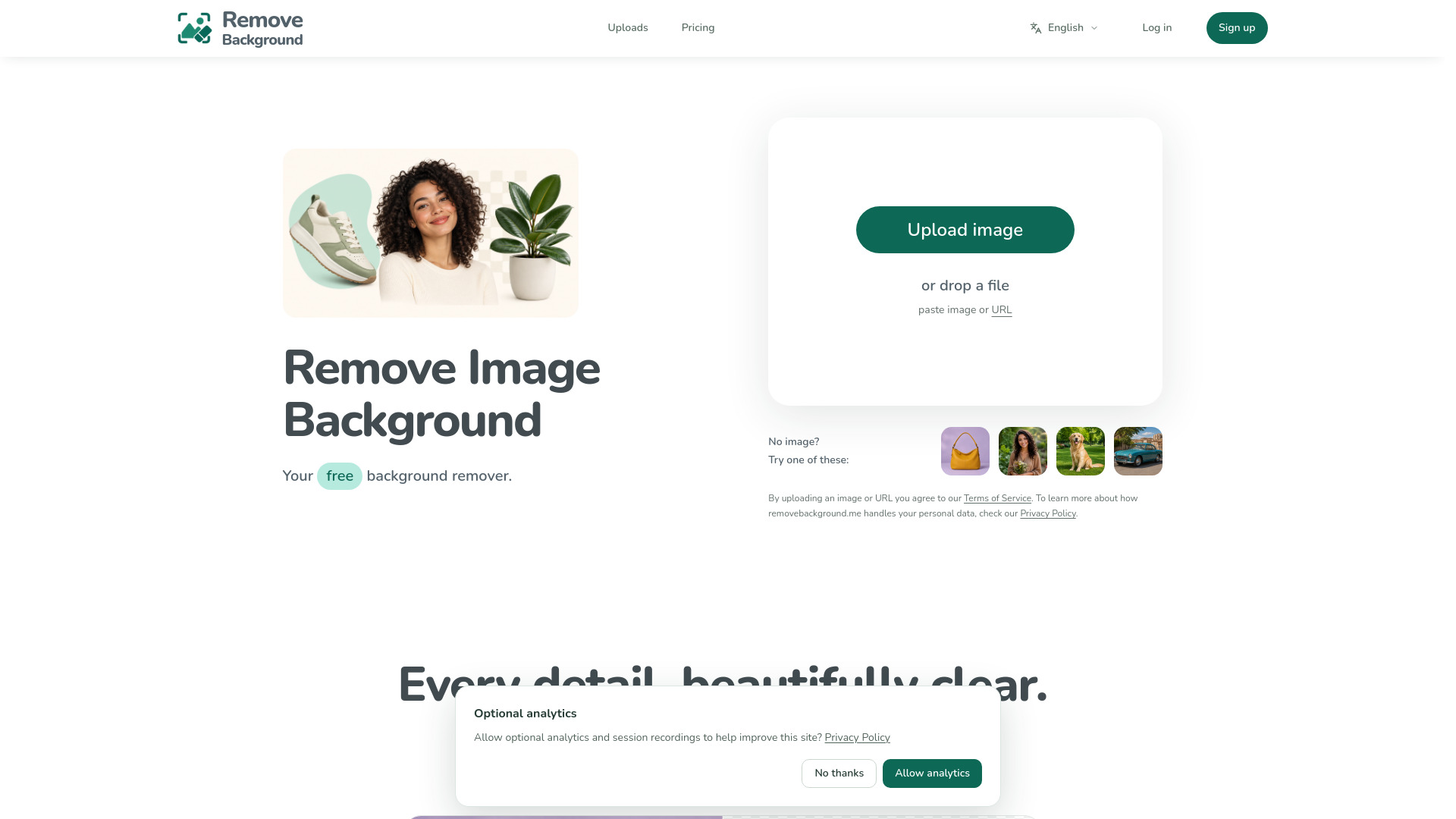
- AI Image Editor: Remove backgrounds, replace objects, and edit photos.
- AI Photo Filters: Turn photos into art styles like anime, painting, cartoon, sketch, and glitch effects.
- AI Portrait Studio: Tools for clothes changing, hair color, caricatures, profile pictures, and wanted posters.
- AI Photo Enhancer: Upscale, restore, relight, colorize, and unblur images.
- AI Interior Design: Redesign rooms, bedrooms, kitchens, gardens, and virtual staging.
- AI Design Generator: Create logos, album covers, t-shirts, book covers, and posters.
- 90 tools total: A wide range of specialized AI tools for various creative tasks.
- Free daily credits: 100 free credits every day.
- Mobile apps: Available on Google Play (4.2 stars, 107K+ ratings) and App Store (4.5 stars, 1.2K+ ratings).
Use Cases of CreArt
- Real Estate: Virtually stage empty rooms, fix dark listing photos, and create flyers and walkthrough videos.
- Content Creators: Generate thumbnails, banners, emotes, profile pictures, and UGC photos for brand deals.
- Small Business: Design logos, flyers, clean product photos, and daily social content without hiring a designer.
- Photographers: Create marketing materials like mini-session flyers, restore and upscale photos, and produce short clips.
- Musicians: Build album covers, Canvas loops, gig posters, and "out now" ads.
- Authors & Writers: Design book covers and reuse them for trailers, countdown posts, teaser quotes, and character art.
- Teachers: Turn topics into coloring pages, classroom posters, and explainer comics.
- Influencers & UGC Creators: Create brand-ready UGC ads, tappable thumbnails, and on-brand profile pictures.
- E-commerce Sellers: Turn one product photo into a full listing kit with clean white-background shots, lifestyle scenes, UGC-style ads, and short videos.
FAQ
Is CreArt free to use?
Yes, CreArt is free to start with 100 free credits every day, no credit card required.
What can I create with CreArt?
You can generate images from text, edit and upscale photos, create videos from text or images, and use 90 specialized AI tools for various creative tasks.
Do I need to sign up to use CreArt?
Some tools like Background Remover and AI Photo Restoration are free without sign-up. However, creating an account may be required for certain features or to access daily credits.
What models are available for image generation?
The platform offers an Auto model (5 credits) and likely other models for different needs.
Can I use CreArt on mobile?
Yes, CreArt has mobile apps available on Google Play and the App Store.
What video models are available?
Video animation is available with Veo or Kling on a paid plan.