What is ai face swap - app
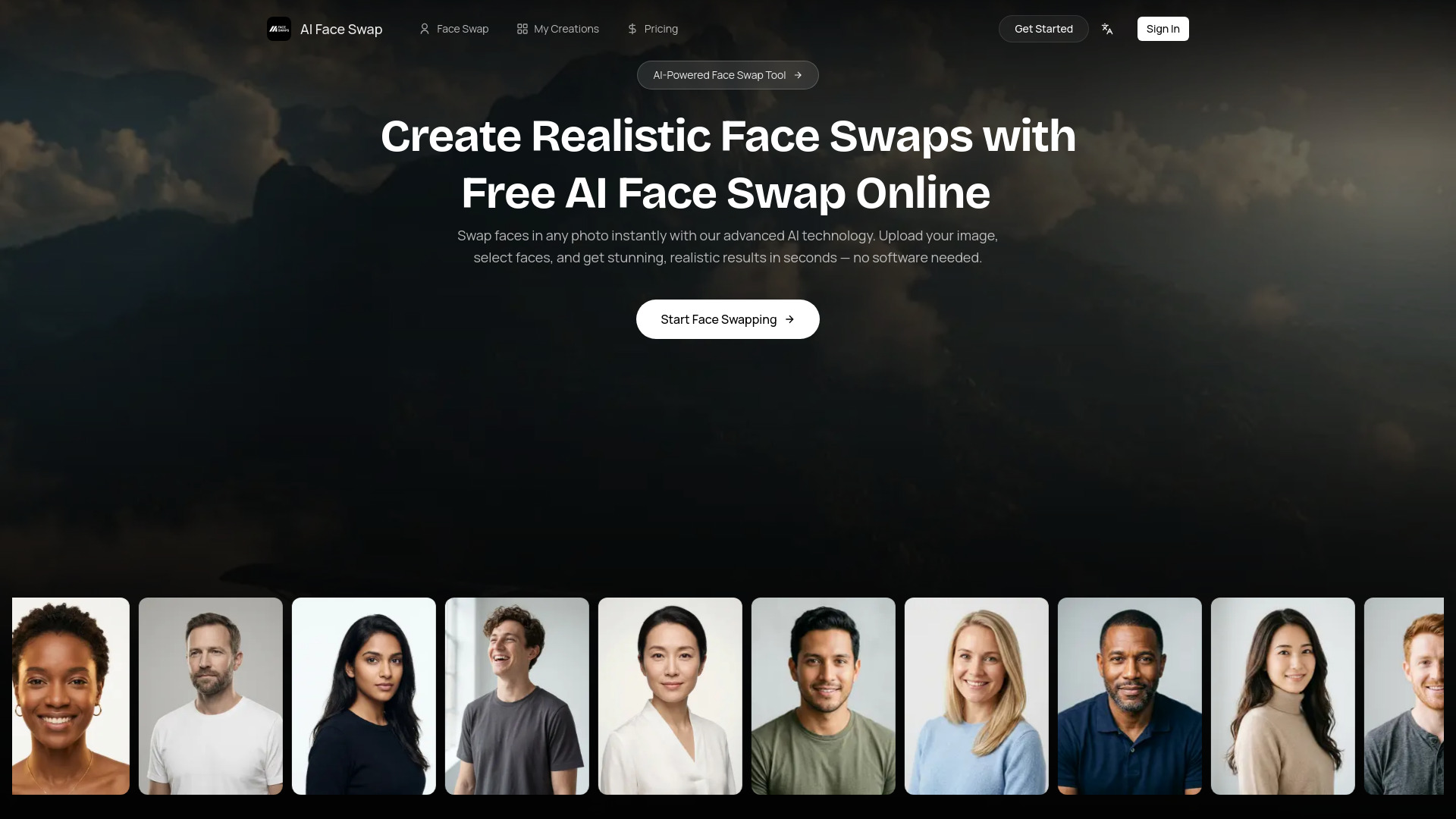
AI Face Swap is an online tool that allows users to swap faces in photos and videos using advanced AI technology. It offers realistic results and can be used directly in a web browser without any software downloads.
How to use ai face swap - app
- Upload Your Photo: Upload any photo containing one or more faces. The tool supports JPG, PNG, and WebP formats, with a file size limit of 10MB.
- Select & Map Faces: The AI automatically detects all faces in the photo. Users can then choose which face to swap and upload a replacement face.
- Get Your Result: Click 'Swap Face' to generate a realistic, high-quality face swap in 5-10 seconds. The result can be downloaded instantly.
Features of ai face swap - app
- Multiple Face Swap Support: Swap multiple faces in a single image, with AI auto-detection for group photos.
- Face Swap Video Online: Create face swap videos directly in the browser, with AI tracking for smooth transitions.
- Advanced Facial Recognition: Utilizes facial landmark detection for precise alignment and accurate face replacement.
- High-Quality Photo Face Swap: Maintains clear details and sharp resolution, with AI adjustments for lighting and color tones.
- Realistic AI Face Swapping: Matches facial expressions, skin tone, lighting, and angles for natural-looking results.
- Style & Face Merge: Combine a style or pose reference with a face photo to generate merged results.
- Privacy & Security: Photos are encrypted during processing and automatically deleted; images are not stored or shared.
- No Download Required: Operates entirely within the web browser.
Use Cases of ai face swap - app
- Social Media Content: Create engaging AI face swap videos for platforms like Instagram, TikTok, and YouTube.
- Entertainment & Fun Edits: Swap faces with friends, characters, or celebrities for creative and humorous transformations.
- Profile Pictures & Avatars: Generate unique profile images and realistic avatars.
- Movie Posters & Scenes: Place your face into movie posters or drama scenes.
Pricing
Information regarding specific pricing plans or tiers is not detailed in the provided content, beyond mentioning free credits upon sign-up.
FAQ
- Is the AI face swap tool free to use? The tool offers free credits upon sign-up, with no credit card required. Specific pricing details for further use are not elaborated.
- How realistic are the face swap results? The results are described as realistic, with advanced AI models blending facial features, skin tones, and lighting for natural-looking outcomes.
- What image formats are supported? JPG, PNG, and WebP formats are supported, with a file size limit of 10MB.
- Is my data safe? Yes, photos are encrypted during processing and automatically deleted. The service states they never store or share user images.
- Can I swap multiple faces in one photo? Yes, the tool supports swapping multiple faces in a single image, with AI auto-detection for all faces.
- Do I need to install any software? No, the tool works entirely in the browser, and no software installation is required.