What is AI Music Video Generator
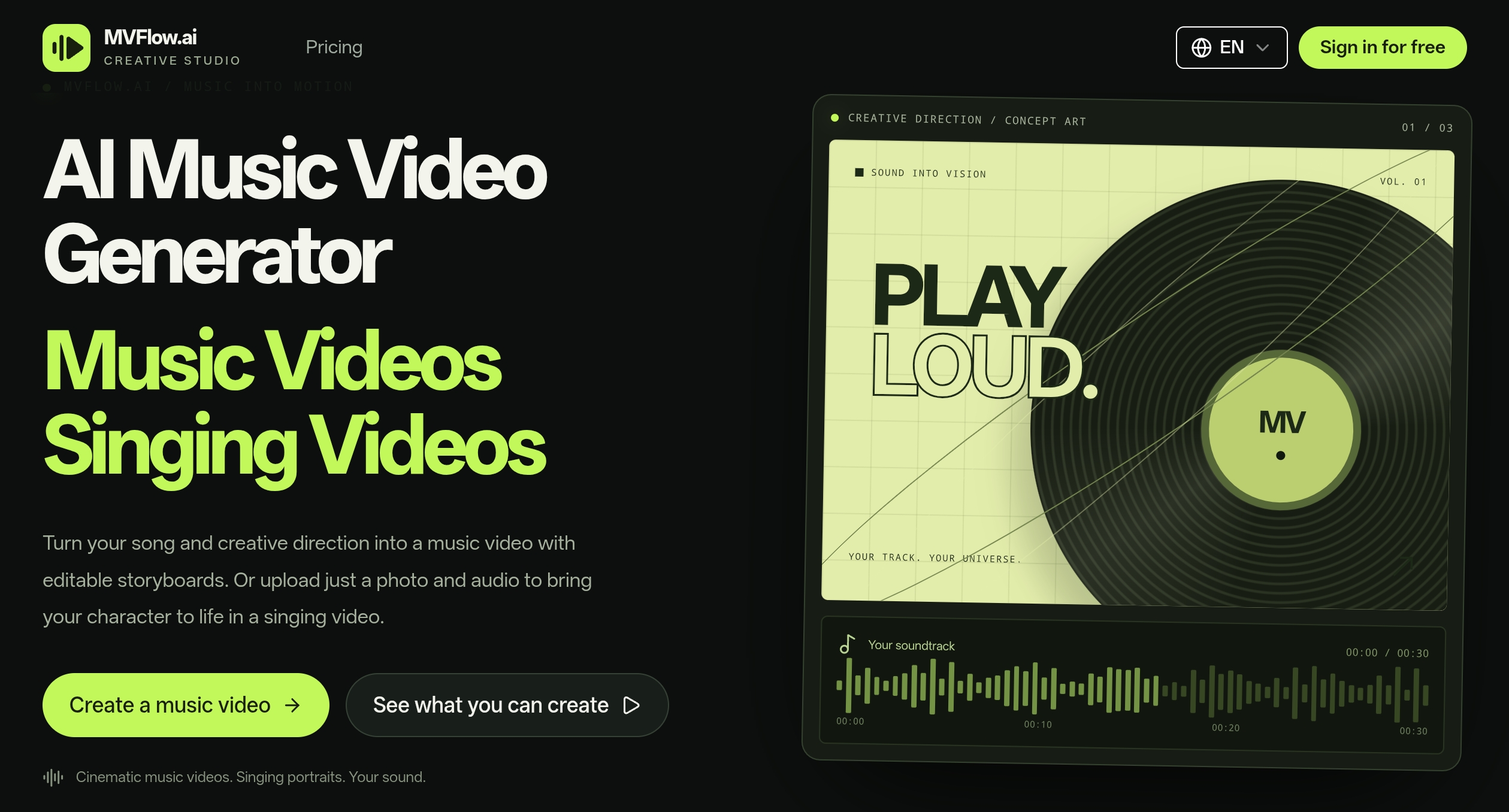
MVFlow's AI Music Video Generator is a creative studio for producing music videos and singing videos from audio and images. It allows users to turn a song and creative direction into a music video with editable storyboards, or upload a photo and audio to create a singing video where the character in the image performs the song.
How to use AI Music Video Generator
- Start with your sound: Upload your track and add visual references. Set the mood, story, and world you want to create.
- Find your visual rhythm: Build a timed storyboard. Review each shot, refine the prompts, and shape the narrative around your music.
- Bring it all together: Generate shot versions, pick your favorites, and compose a final music video with your original track.
For singing videos, upload a character photo and a vocal track to bring the character to life singing along to your audio.
Features of AI Music Video Generator
- Editable storyboards: Build and refine a timed storyboard for your music video.
- Multiple creation modes: Choose from MV, Singing Video (with Singer Control or Expression Control), Video Lip Sync, Lip Sync Video (only lip region), Image Generation & Editing, and Music.
- Input options: Upload audio, use text to speech, generate music, record audio, or select from your creations.
- Image references: Upload up to 5 references for characters, props, scenes, wardrobe, or visual style. Without references, AI designs them from your prompt.
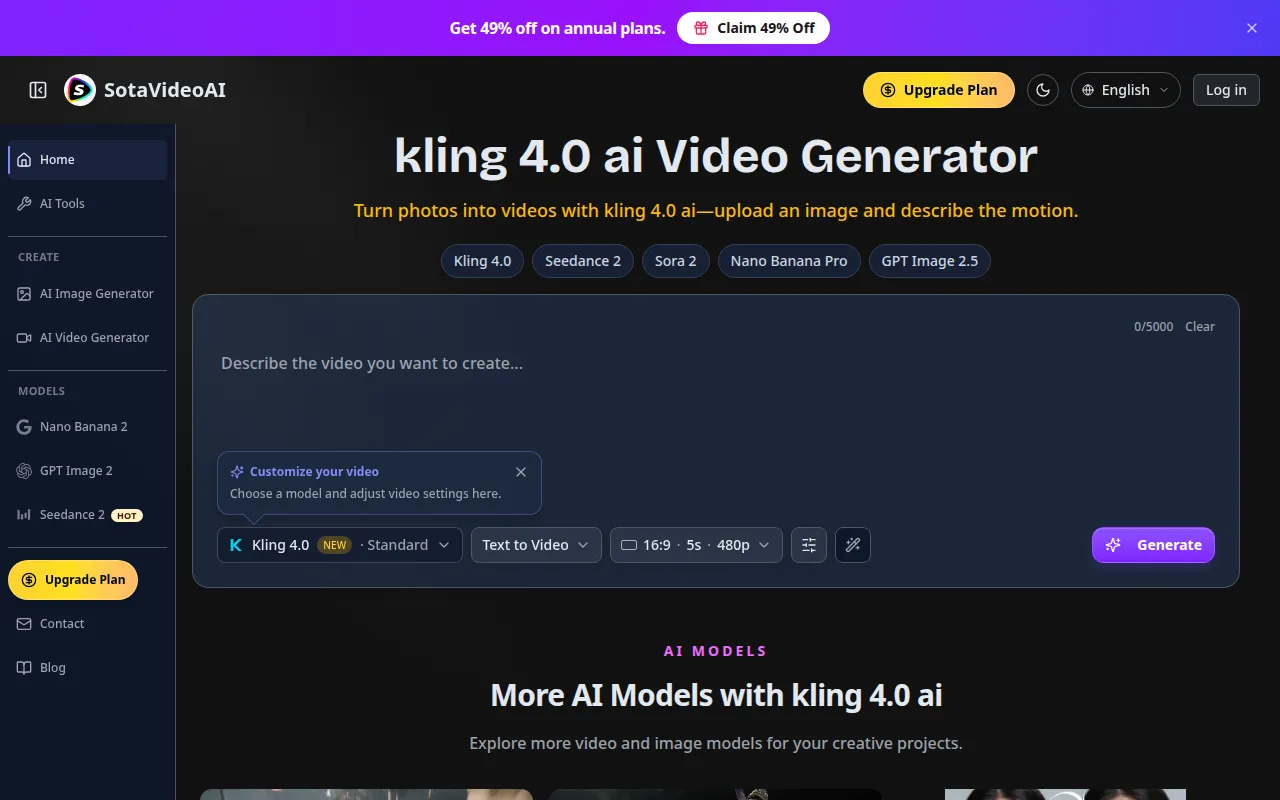
- Project settings: Adjust aspect ratio, resolution, and mode (e.g., 16:9, 720p, Fast).
- Recent generation tasks: View and manage your recent tasks.
- Additional studios: Access Sound studio, Visual studio, and Motion studio for related creative needs.
Use Cases of AI Music Video Generator
- Create cinematic music videos from your original tracks.
- Produce singing videos by animating a photo with your vocal audio.
- Generate character references, cover concepts, and visual worlds for your music projects.
- Make supporting clips, transform footage, and refine motion for music videos.
- Explore original tracks and musical ideas for your next project.
FAQ
What types of videos can I create? You can create music videos with editable storyboards or singing videos where a character from a photo sings your audio.
How many image references can I upload? You can upload up to 5 image references for characters, props, scenes, wardrobe, or visual style.
What audio sources are supported? You can upload audio, use text to speech, generate music, record audio, or select from your creations.
How long are generated resources stored? Generated resources are stored for 7 days only. Download them as soon as possible.
What are the system requirements? MVFlow is a web-based application, accessible via a web browser.