What is AI Rap Video.cc
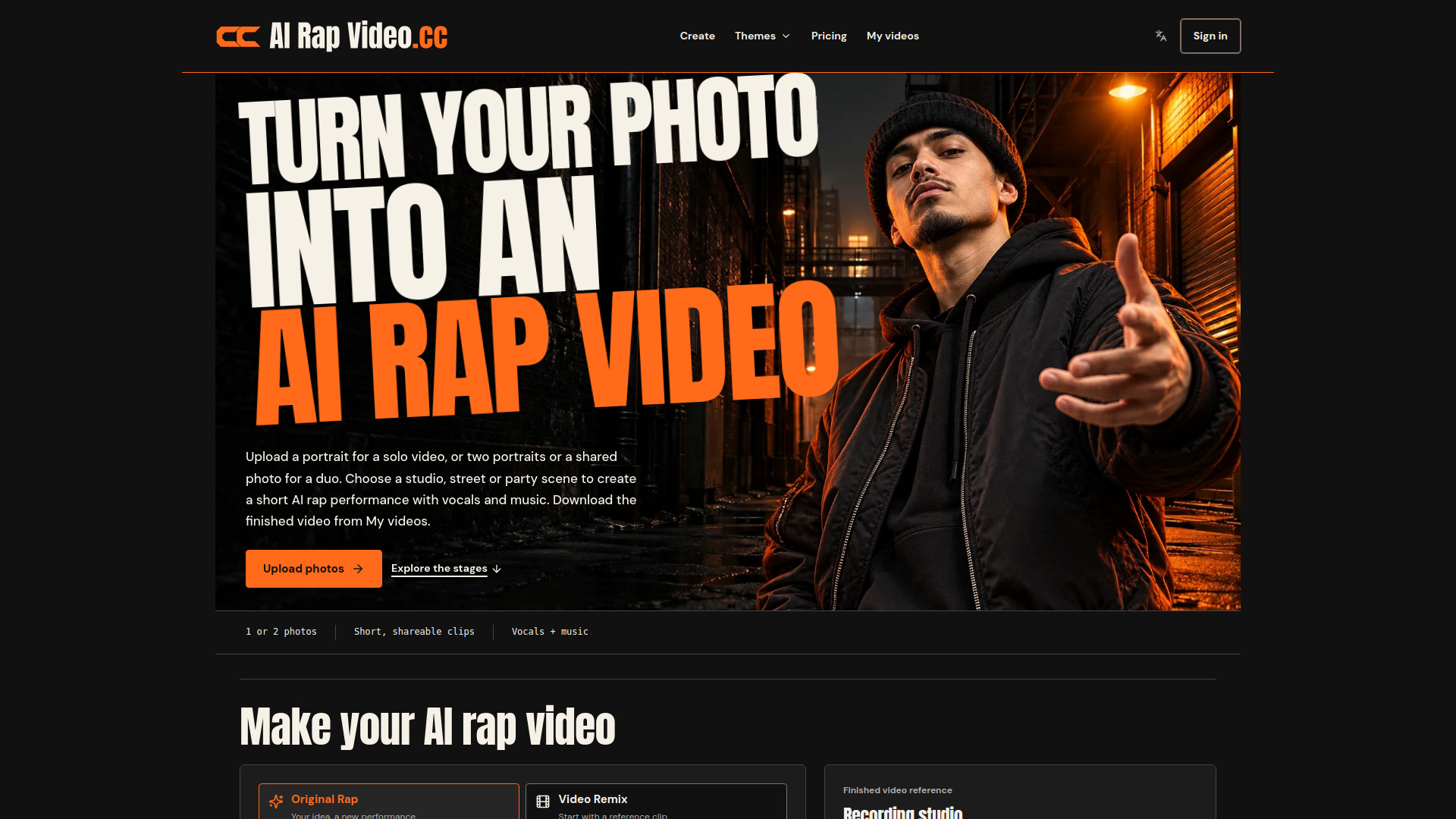
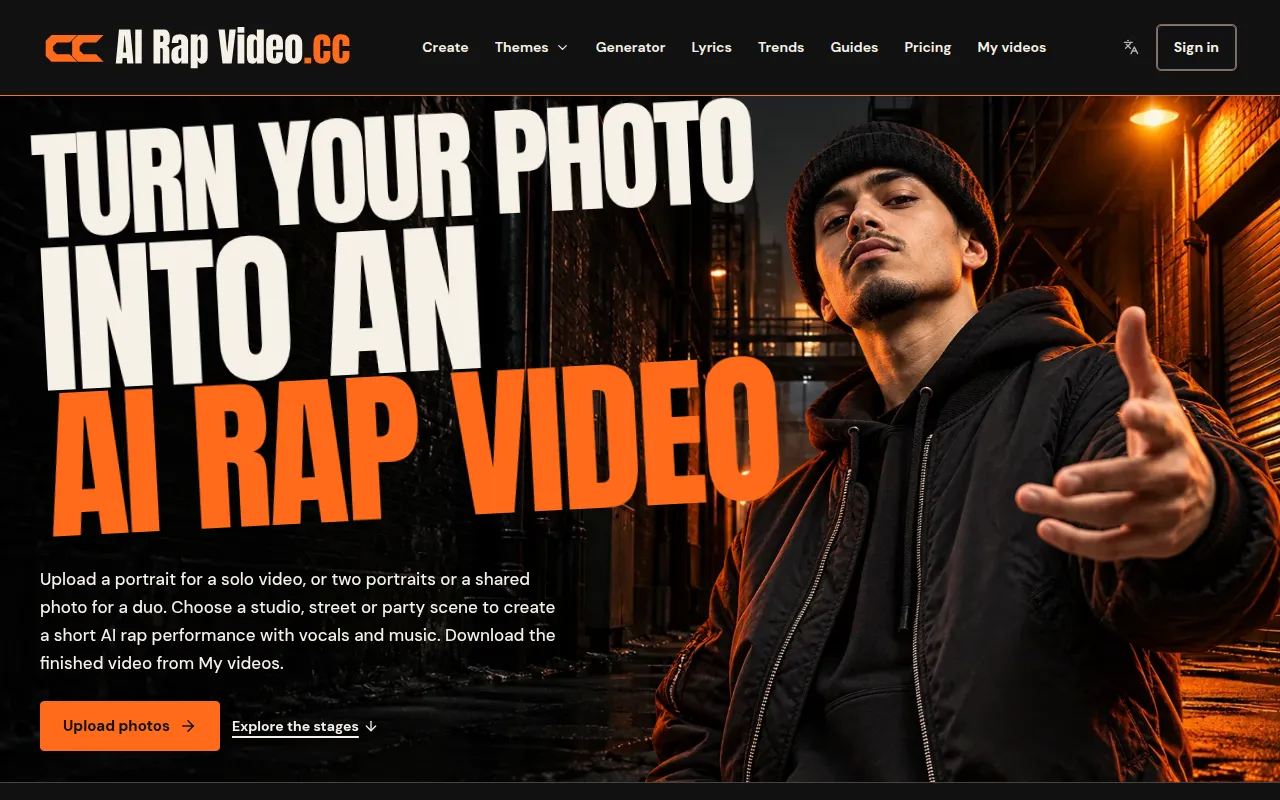
AI Rap Video.cc is a service that transforms one or two portraits into short rap performances with generated vocals and music. Users can select scenes, customize sound, and download video clips. It offers two primary modes: 'Video Remix' which uses a reference clip to change performers, and 'Original Rap' which creates a new performance from scratch based on user-provided photos, a chosen scene, and a topic.
How to use AI Rap Video.cc
- Add Photos: Upload one portrait for a solo performance or two portraits (or one photo with two people) for a duo performance.
- Choose Mode: Select either 'Video Remix' (using a reference clip) or 'Original Rap' (creating a new performance).
- For Video Remix: Choose a popular reference clip or upload your own. Select a scene from the available options.
- For Original Rap: Choose a scene, optionally provide a topic or leave it blank for a freestyle rap. You can also use an audio reference.
- Adjust Settings: Customize video length (5-15 seconds), resolution (480p or 720p), and format (vertical, square, landscape).
- Review and Generate: Check the credit cost, agree to the terms, and click to generate the video.
- Download: Once generated, the video will be available on the page and in 'My videos' for download within 7 days.
Features of AI Rap Video.cc
- Photo-to-Video Generation: Creates rap videos from user photos.
- Solo and Duo Performances: Supports videos with one or two performers.
- Generated Vocals and Music: Produces original audio for the rap.
- Selectable Scenes: Offers various themes and settings for the video background.
- Video Remix: Allows users to replace performers in existing reference clips.
- Original Rap Creation: Generates entirely new performances based on user input.
- Customizable Video Settings: Options for length, resolution, and format.
- Topic/Audio Input: Users can provide a topic or audio reference for Original Rap.
- Downloadable Clips: Finished videos can be downloaded.
- Credit System: Uses credits for video generation, with various purchase options.
- Mobile Compatibility: Accessible and usable on mobile devices via a web browser.
Use Cases of AI Rap Video.cc
- Personalized Greetings: Creating birthday shout-outs or anniversary messages.
- Social Media Content: Generating unique clips for platforms like TikTok and YouTube.
- Friendship Tributes: Making videos for best friends or inside jokes.
- Promotional Content: Creating short hype clips for businesses or teams.
- Creative Expression: Exploring different rap themes and styles with personal photos.
Pricing
AI Rap Video.cc operates on a credit system. Users can purchase credits through one-time packs or recurring monthly/yearly plans.
-
Credit Packs (One-time purchase, credits never expire):
- Starter: $4.99 for 50 credits
- Single: $9.99 for 60 credits
- Duo: $29.00 for 220 credits
- Party: $59.00 for 500 credits
- Crew: $99.00 for 1,000 credits
- Studio: $199.00 for 2,200 credits
-
Monthly Plans (Credits refresh monthly, expire at end of month):
- Basic: $19.90/month for 180 credits
- Pro: $49.90/month for 500 credits
- Studio: $99.90/month for 1,100 credits
-
Yearly Plans (Billed upfront, credits valid for one year):
- Basic: $199.00/year for 2,160 credits
- Pro: $499.00/year for 6,000 credits
- Studio: $999.00/year for 13,200 credits
Credit costs vary based on video length, resolution, model, and whether a video reference is used.
FAQ
- What is AI Rap Video? AI Rap Video is a photo-to-rap video generator for solo and duo performances. Original Rap creates a new performance from your photos, scene and topic. Video Remix uses a selected or uploaded reference clip to change the performers.
- Can I make a video today? Yes. Sign in, choose a scene and upload your photos, then review the settings and credit cost before generating. Buy a credit pack or subscribe if you need more credits. Track progress and download the finished video in My videos.
- Whose photos can I use? Your own, or adults who agreed. Photos of public figures and minors are not allowed.
- How do I contact you? Email support@airapvideo.cc. We usually reply within two business days.
- How long is an AI rap video? Choose 5, 8, 10, 12 or 15 seconds, 480p or 720p, and a vertical, square or landscape format in video settings. The credit cost updates before you submit.
- Will my video include sound? Original Rap creates vocals and music from your topic or audio reference. Video Remix uses the reference clip to guide the performance and sound.
- How do original creation and character replacement differ? Original Rap creates a new scene, performance and sound. Video Remix starts from a selected or uploaded clip and uses your photos to change the performers. Choose your reference, add photos, review the credit cost and submit.
- Can I make an AI rap video on my phone? Yes. AI Rap Video runs in the browser, so you can pick photos from your camera roll, generate the clip and download it straight to your phone. No app install is needed.
- What happens if a video fails? If a generation is confirmed as failed, the credits it used go back to your balance automatically. If the status is unclear, we check it before refunding so you are never charged twice.
- Which popular video themes can I explore? Explore Hotel Lobby for a shared-microphone rap duo, Bulin 47 Freestyle for a solo street performance, and Burning Bridges Party for a party entrance. Each theme has its own guide and creation entry. You can also create an original rap with your own topic and scene.
- Can I make a Hotel Lobby rap duo from one photo of both people? Yes. For a two-person performance, upload two individual portraits or one shared photo with both faces clearly visible. The Hotel Lobby theme page explains the shared-microphone setup and photo tips.