Newsletter
Join the Community
Subscribe to our newsletter for the latest news and updates

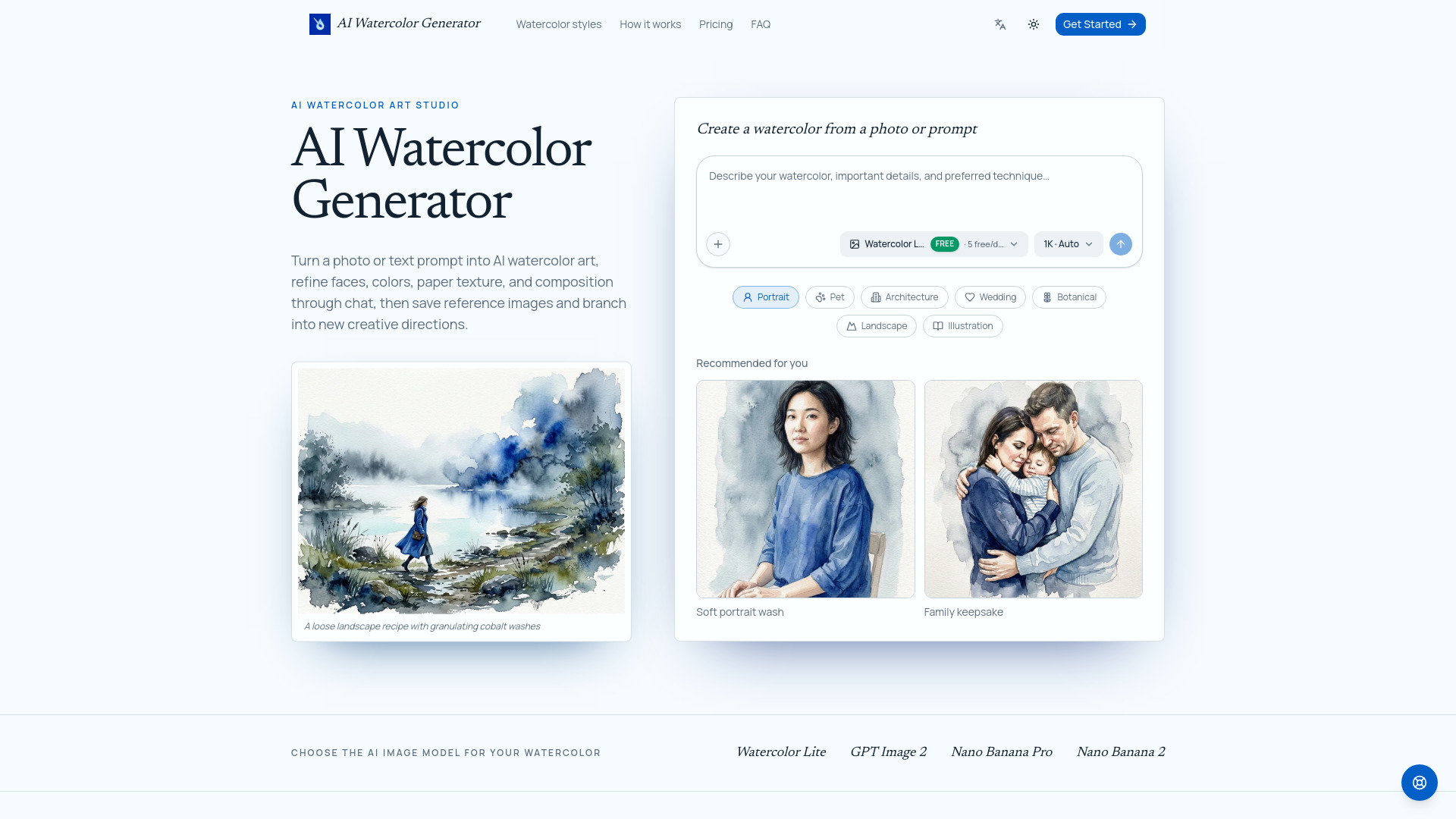
AI Watercolor Generator is a creative studio for turning photos and text prompts into editable watercolor artwork. Free users can create five 1K Watercolor Lite images every day. Start with a portrait, pet, house, wedding venue, landscape, botanical, or original idea. Choose a watercolor recipe or write your own direction, select an image model and resolution, then keep refining the result through natural conversation. You can mark specific areas for targeted edits, save reference images for future projects, and branch from an existing result to explore a new style without losing the original creative path.
AI Watercolor Generator is a creative studio that transforms photos and text prompts into editable watercolor artwork. It allows users to generate watercolor-style images from portraits, pets, houses, wedding venues, landscapes, botanicals, or original ideas. The tool supports conversational editing, targeted area edits, and branching to explore new styles without losing the original creative path.
What is an AI watercolor generator? It is a creative tool that turns a written idea or uploaded image into watercolor-style artwork. This studio also lets you continue editing the result through conversation.
Can I turn a photo into a watercolor painting? Yes. Upload a portrait, pet, house, wedding venue, or another photo, then describe the watercolor treatment and any details that must stay recognizable.
Do I have to use a watercolor recipe? No. Recipes are optional suggestions. Selecting one adds editable guidance to your prompt, and you can change it or write your own instructions from scratch.
How do I preserve faces or architectural details? State what must remain recognizable in the initial prompt, or mark the relevant area of a generated image and ask for a targeted revision in the conversation.
Which AI image model will the studio use? You choose the model in the composer. Watercolor Lite is the free daily option, with GPT Image 2, Nano Banana Pro, and Nano Banana 2 available when you want a different quality or capability.
Can I edit the watercolor after it is generated? Yes. Continue the chat to request changes such as softer edges, stronger granulation, a cleaner background, or a more accurate detail.
Do I need an account? You can explore prompts and recipes on the homepage. An account is required to upload images, generate results, keep conversations, and use your image library.
Can I use generated watercolor art commercially? Paid plans include commercial use for downloaded results. You are still responsible for the rights to your source material and for following the terms of the selected model provider.