What is Alicent
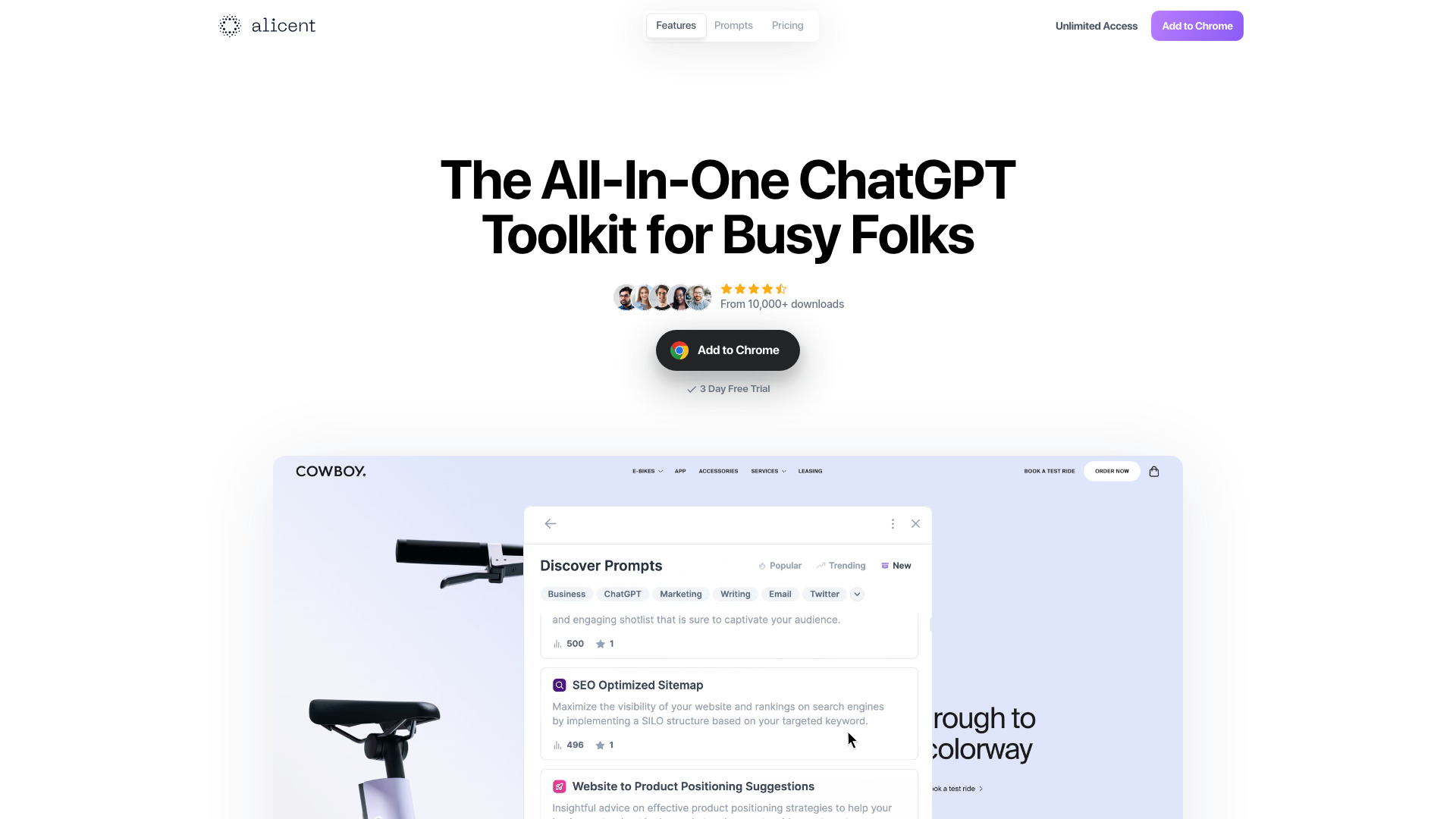
Alicent is a ChatGPT Chrome extension designed to help users create compelling copy quickly. It integrates with the browser to provide AI-powered writing assistance directly within web pages.
How to use Alicent
- Install the Alicent Chrome extension from the Chrome Web Store.
- Click on the Alicent icon in your browser toolbar to open the extension.
- Use the provided text input to describe the copy you need, such as an email, social media post, or ad.
- Generate the copy and copy it to your clipboard or insert it directly into the page you're working on.
Features of Alicent
- AI-powered copy generation: Leverages ChatGPT to produce high-quality marketing copy.
- Browser integration: Works seamlessly within Chrome, allowing you to generate copy without leaving your current page.
- Fast and efficient: Designed to help you create compelling copy in a fraction of the time.
Use Cases of Alicent
- Marketing professionals: Quickly generate ad copy, email subject lines, and social media posts.
- Content creators: Draft blog intros, product descriptions, and more.
- Business owners: Create compelling copy for websites, landing pages, and promotional materials.
FAQ
Q: Is Alicent free to use? A: Alicent offers a free plan with limited features. A paid plan is available for full access.
Q: Does Alicent work on all websites? A: Alicent is a Chrome extension, so it works on most websites within the Chrome browser.
Q: Can I use Alicent for commercial purposes? A: Yes, Alicent can be used to create copy for commercial projects, subject to the terms of service.