What is Loqua
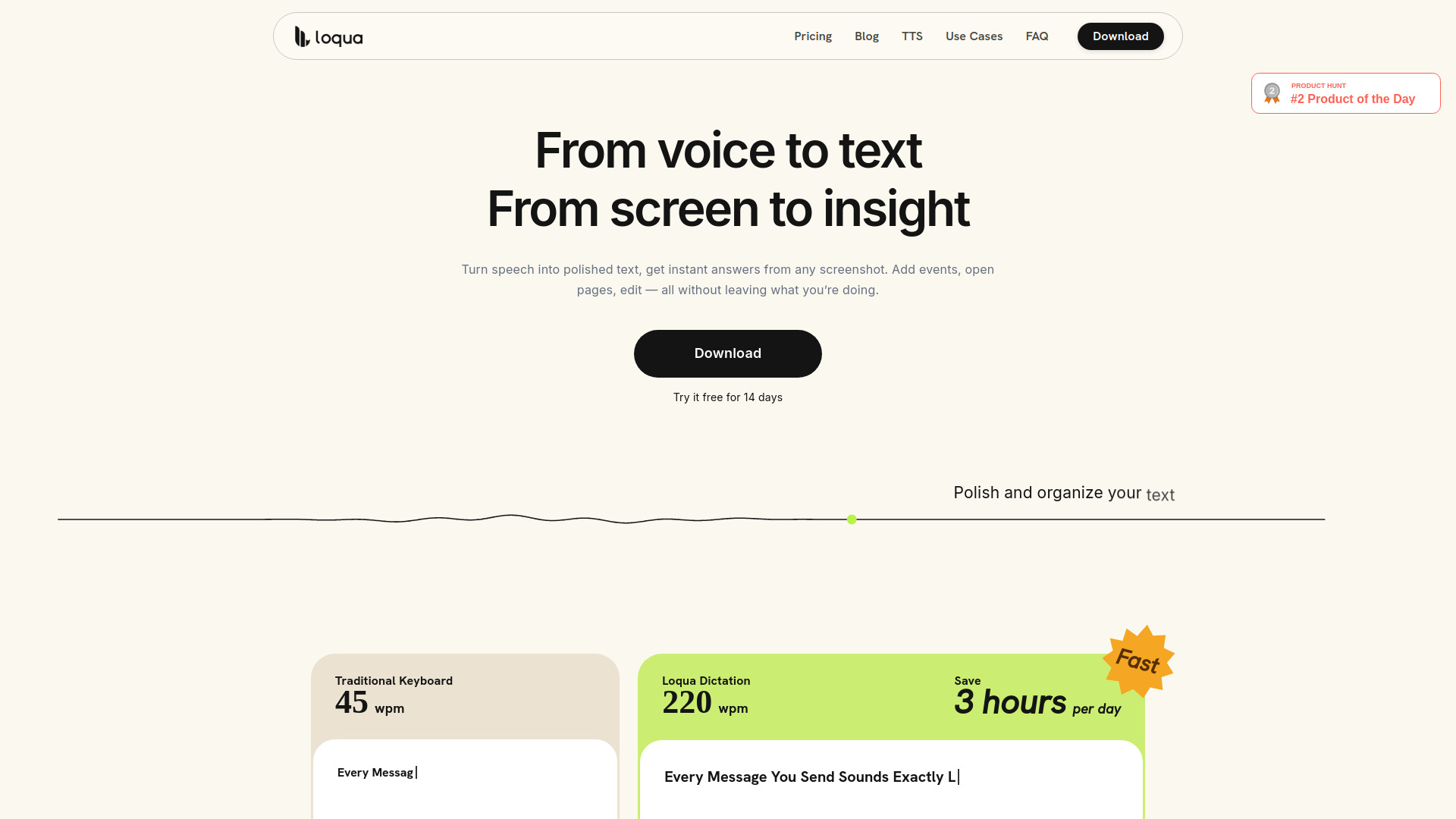
Loqua is an AI-powered voice typing and dictation software for Mac and Windows. It uses context-aware technology to convert speech into polished, ready-to-send text, understanding the user's intent rather than just transcribing words. The app is designed to boost productivity by enabling users to speak naturally and have their words refined in real time.
How to use Loqua
- Download and install Loqua on your Mac or Windows computer.
- Launch the app and grant necessary permissions (microphone, accessibility).
- Use the global shortcut (e.g., press Ctrl) to activate voice input in any text field.
- Speak naturally—Loqua transcribes and cleans up your speech, removing filler words and refining phrasing.
- For additional features like translation or screen capture, use the respective shortcuts or menu options.
- Review the transcribed text and edit if needed before sending or saving.
Features of Loqua
- Context-aware dictation: Understands meaning and intent, not just words.
- Smart cleanup: Removes filler words, cuts repetition, and refines phrasing in real time.
- Automatic structure detection: Converts spoken lists and headings into formatted text.
- Real-time translation: Supports nearly 100 languages with native phrasing.
- Capture to Ask: Capture any screen area and ask questions by voice to get analysis, translation, or summaries.
- Ask & Edit: Highlight text and speak to edit or rewrite content on the spot.
- Command to Go: Trigger actions like setting reminders, opening apps, or sending texts via voice commands.
- AI Podcast read-aloud: Select text to have it read aloud in a natural voice.
- Global shortcut: Works in any app with a single shortcut.
- Cross-platform: Available for macOS and Windows.
Use Cases of Loqua
- Professionals: Quickly draft emails, messages, and reports without typing.
- Multilingual communication: Translate spoken content into other languages for international collaboration.
- Screen analysis: Capture charts, tables, or any on-screen content and ask questions to get instant insights.
- Editing: Highlight text and speak to rewrite or reformat it, saving time on revisions.
- Hands-free productivity: Set reminders, open apps, or send messages using voice commands while multitasking.
- Accessibility: Assist users with typing difficulties or repetitive strain injuries.
- Content consumption: Listen to articles or documents via AI Podcast read-aloud.
Pricing
Loqua offers a 14-day free trial. Paid plans include:
- Basic (Free): Core dictation, smart cleanup, basic context detection, 5,000 words per week.
- Pro Annual: $18/month (billed annually at $192, 20% off). Includes unlimited dictation, full context intelligence, multimodal screen reading, dictionary batch import, prioritized feature requests, and early access to new features.
- Pro Monthly: $22/month (billed monthly). Same features as Pro Annual.
FAQ
What platforms does Loqua support?
Loqua is available for macOS and Windows.
Is there a free trial?
Yes, a 14-day free trial is available.
Can I use Loqua in any application?
Yes, Loqua works globally with a shortcut in any text field across applications like Google Docs, Slack, Notion, email, and more.
Does Loqua support multiple languages?
Yes, Loqua supports translation in nearly 100 languages.
What is Capture to Ask?
Capture to Ask lets you select any part of your screen, ask a question by voice, and receive an answer, analysis, translation, or summary without switching apps.
Can I edit text using voice?
Yes, with Ask & Edit, you can highlight text and speak to rewrite or reformat it instantly.