What is Aqua Voice
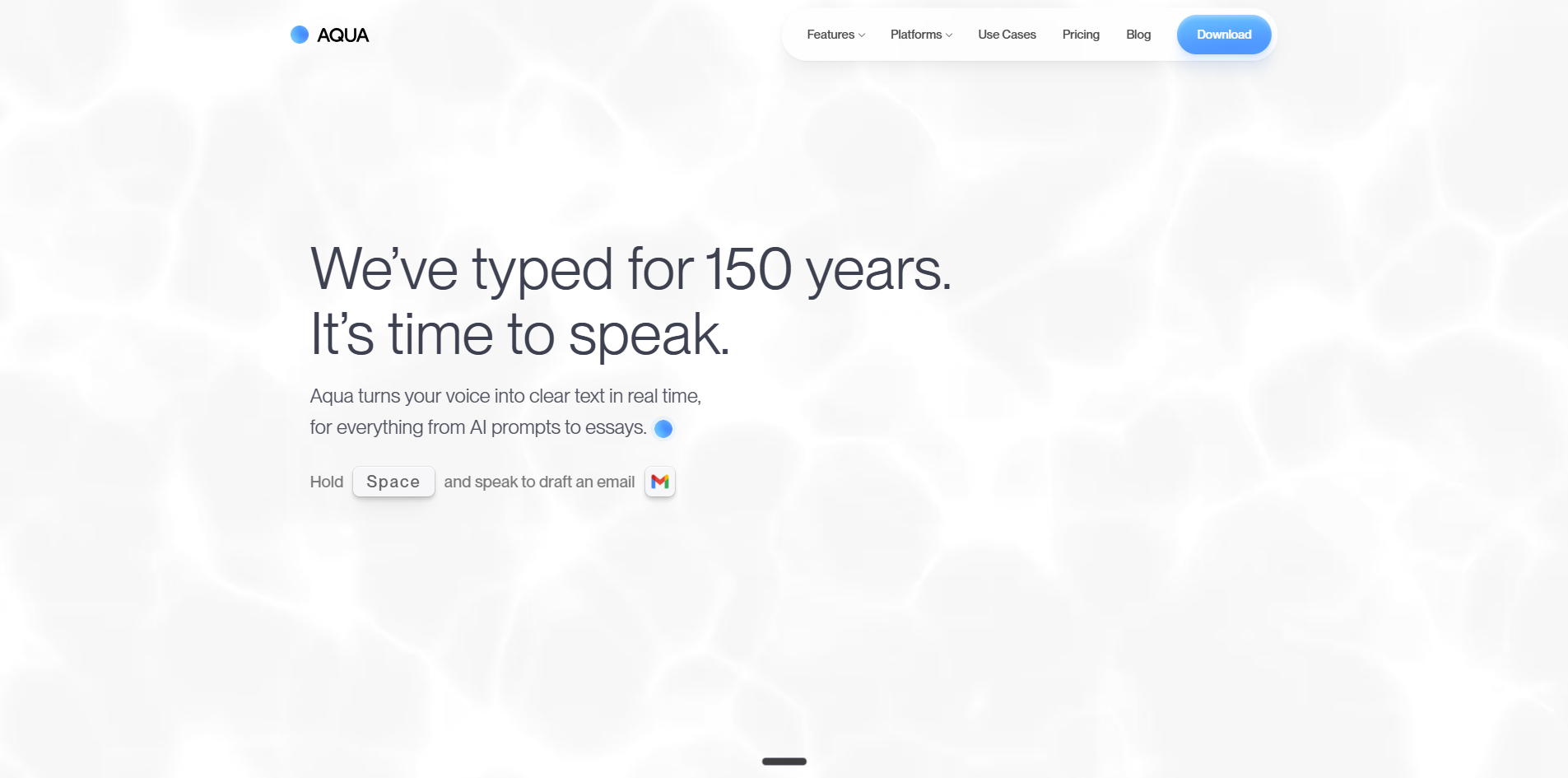
Aqua Voice is a fast, accurate, and private speech-to-text application that works across Mac, Windows, iPhone, and AI workflows. It turns natural speech into clear, formatted text in real time, allowing users to dictate emails, documents, code, and more.
How to use Aqua Voice
- Hold the Space bar (or press the designated key on mobile) to start dictation.
- Speak naturally — Aqua's AI refines your words as you talk.
- Release the key to stop dictation and insert the text into any app.
Features of Aqua Voice
- Real-time dictation with AI-powered refinement.
- Works in any app — from email to code editors.
- 5x faster than typing and twice as accurate.
- Private — your speech is processed securely.
- Cross-platform support for Mac, Windows, and iPhone.
- Voice keyboard for iOS.
Use Cases of Aqua Voice
- Drafting emails — speak to compose messages quickly.
- Writing documents — outline or write essays by voice.
- Coding — dictate code snippets and commands.
- AI prompts — speak to input prompts into AI tools.
- Project updates — share updates verbally.
FAQ
Is Aqua Voice available on mobile? Yes, there is an iOS app available for download.
Does Aqua Voice work with any app? Yes, it is designed to work with every app on your device.
How accurate is Aqua Voice? It is twice as accurate as typing, according to the website.
Is my speech data private? Yes, Aqua Voice emphasizes privacy in its description.