What is Ayven
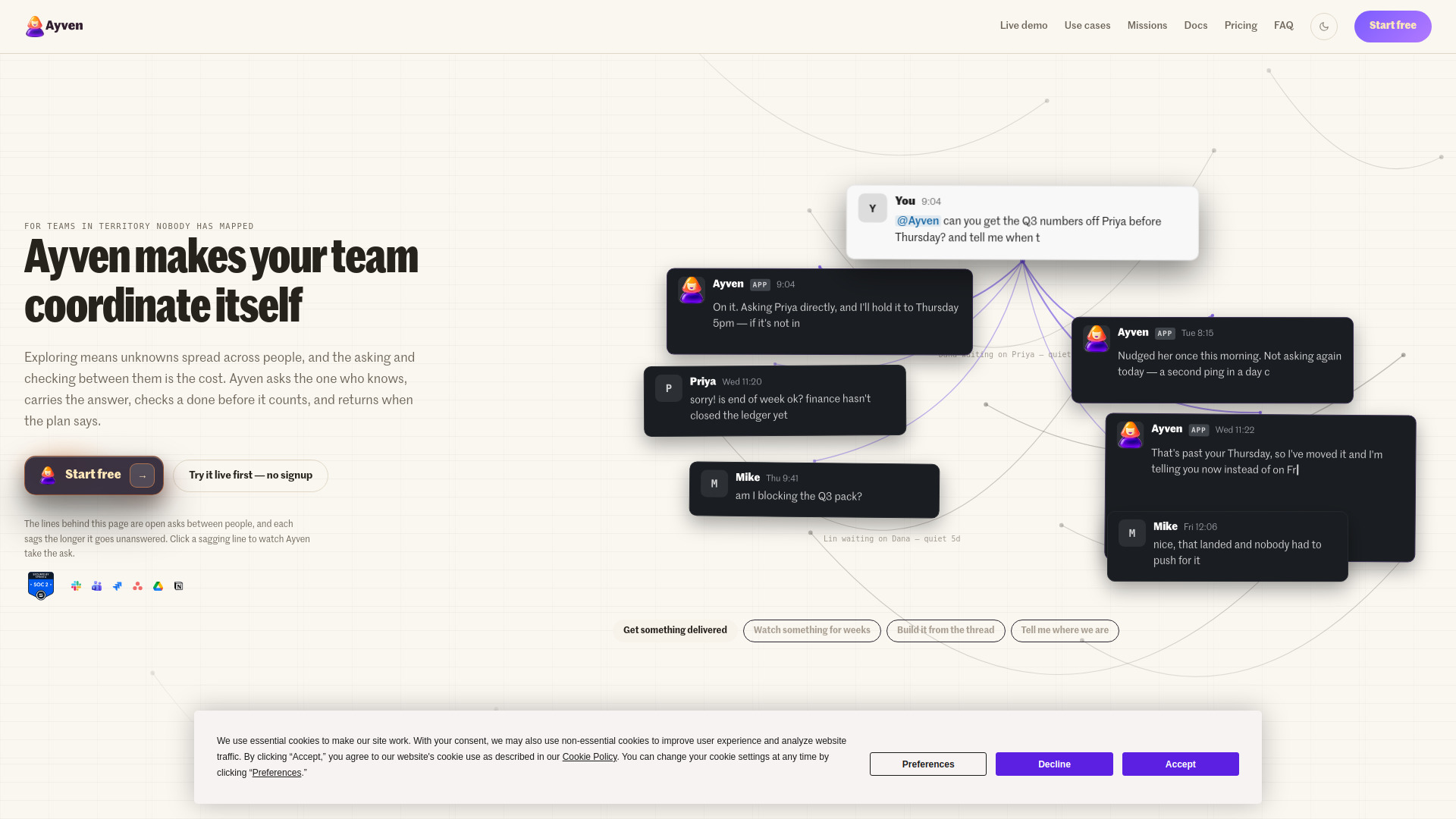
Ayven is an AI super coordinator that pushes your team's agenda on Slack and Microsoft Teams. It handles the asking, following-up, and coordination between people automatically: it reads what is due, asks the one person who can move it, hands off what it cannot do, and follows every piece to done. A ticket changes only on its owner's approval.
How to use Ayven
- Start free: Sign up for a free account with 500 credits per month, no credit card required.
- Connect your tools: Integrate Ayven with your existing tools such as Slack, Microsoft Teams, Jira, Asana, Google Drive, Notion, SharePoint, YouTrack, and GitHub.
- Define a goal or mission: Provide an outcome or goal (e.g., "Templates launch by 11 Aug"). Ayven will break it down and coordinate the necessary steps.
- Ayven coordinates: She reads what is due, asks the right person (via direct message or channel), follows up on stalled work, and files tickets when needed.
- Approve changes: Ayven's messages and comments go out on their own, but any change to a ticket (e.g., reassignment, status update) waits for your explicit approval.
- Track progress: Ayven watches tickets until they are marked Done on the board and keeps you informed of any slips or blockers.
Features of Ayven
- Delegation and follow-through: Ayven delegates work by filing tickets with an owner and due date, and follows each ticket to Done.
- Asks the right person: She sends questions to the one person who can answer them, either by direct message or in a channel.
- Ticket changes require approval: Any modification to a ticket (e.g., reassignment, status change) only happens with your yes.
- Reads your tools: Ayven reads from Slack, Microsoft Teams, Jira, Asana, Google Drive, Notion, SharePoint, YouTrack, and GitHub to gather context and track work.
- Works over time: She follows up in step with deadlines, handles asynchronous communication across time zones, and keeps long-term goals open until you retire them.
- Warns about slips: Ayven recomputes projections after every step and alerts you if a deadline is at risk.
- Hands off what she can't do: Work that Ayven cannot complete herself becomes a ticket with an owner and due date, which she then tracks.
- SOC 2 Type II certified: Ensures security and compliance.
Use Cases of Ayven
- Sales to engineering handoff: A sales report about a checkout bug becomes an engineering ticket assigned to a developer, with Ayven notifying the reporter as it progresses.
- Event planning: Ayven coordinates a team trip by asking multiple people for dates, venue options, headcount, and budget, then assembles the information for a decision.
- Investor update: Ayven gathers finance, product, and sales numbers from different team members and drafts a single update, pending approval.
- Deadline management: Ayven comments on tickets that pass their due date, asks assignees for updates, and escalates if there is no response.
- Asynchronous coordination: Ayven respects time zones, holding messages until the recipient's working hours and following up if no reply is received.
- Long-term goals: Ayven keeps ongoing goals (e.g., hiring for a role) open for months, checking in after each change until the goal is achieved.
Pricing
Ayven offers a free plan with $0 cost, 500 credits per month, every integration included, and no credit card required.
FAQ
What is Ayven?
Ayven is an AI super coordinator that works across your team on Slack and Microsoft Teams, handling asking, following up, and coordination between people.
How does Ayven change tickets?
Ayven's messages and comments go out on their own, but any change to a ticket (e.g., reassignment, status update) waits for your explicit approval.
Which tools does Ayven integrate with?
Ayven integrates with Slack, Microsoft Teams, Jira, Asana, Google Drive, Notion, SharePoint, YouTrack, and GitHub.
Is there a free trial?
Yes, Ayven offers a free plan with 500 credits per month, no credit card required.
How does Ayven handle deadlines?
Ayven reads due dates from tickets, comments on tickets that pass their due date, asks assignees for updates, and escalates if there is no response. She also recomputes projections after every step and warns you about potential slips.
Can Ayven work across time zones?
Yes, Ayven respects recipients' working hours, holding messages until their morning and following up if no reply is received.