What is BananaKit
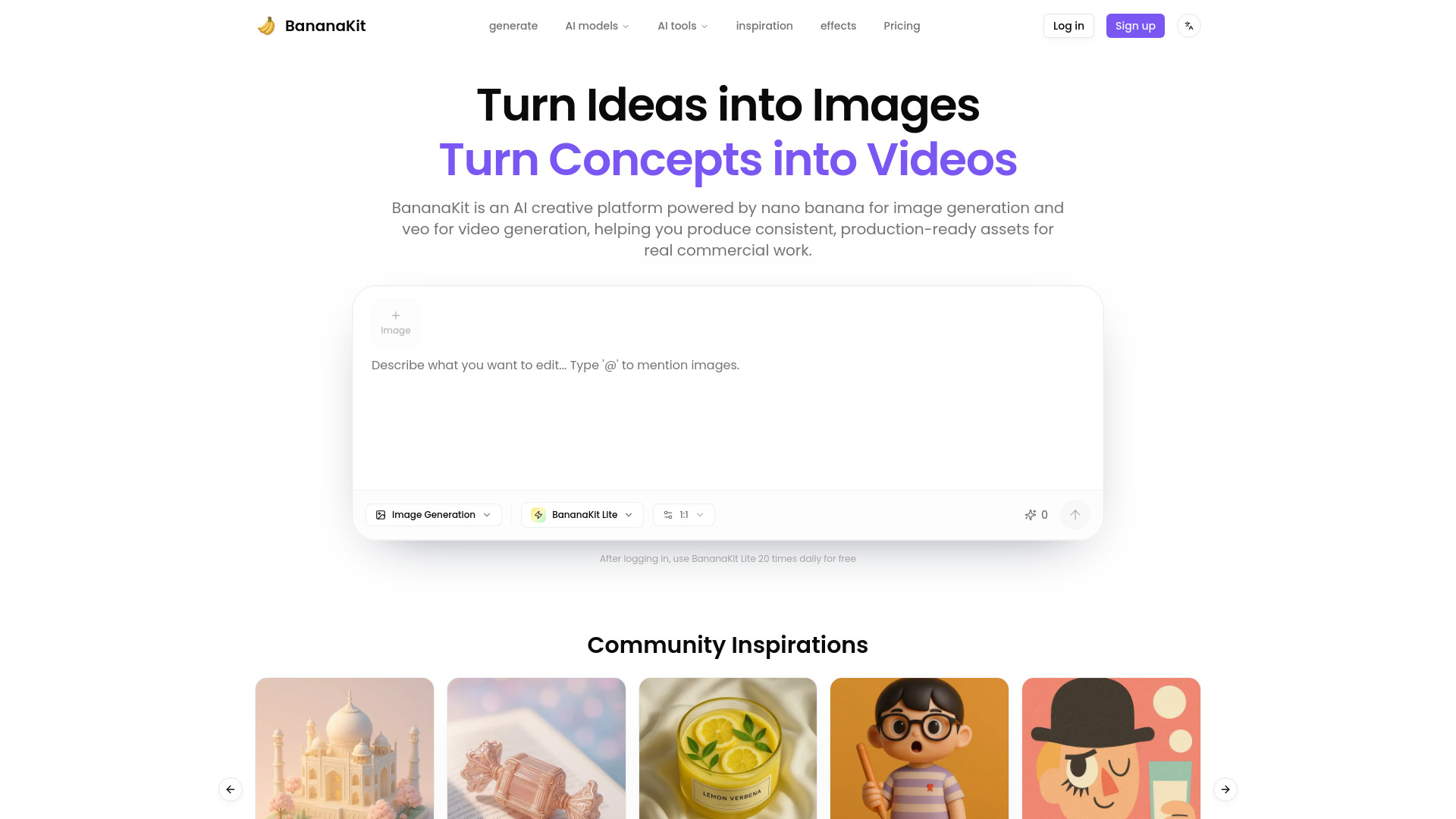
BananaKit is an AI creative platform powered by nano banana for image generation and veo for video generation, helping you produce consistent, production-ready assets for real commercial work.
How to use BananaKit
- Describe what you want to generate or edit in plain English.
- Select desired styles or models.
- The platform generates images or videos.
Features of BananaKit
- AI Image Generation
- AI Video Generation
- Consistent visual styles across projects
- Production-ready outputs for commercial use
- No design or prompt engineering skills required
- AI Background Remover
- AI Headshot Generator
- AI Image Extender
- Image Inpainting
- AI Image Enhancer
- Old Photo Restore
- Ghibli AI Image Generator
- Various trending effects
Use Cases of BananaKit
- Creating ad creatives that are usable immediately.
- Generating consistent visual styles across multiple campaigns and projects.
- Producing lifestyle images for e-commerce product pages, ads, and emails.
- Creating hero images for pitch decks without design expertise.
FAQ
- What is BananaKit? BananaKit is an AI creative platform featuring the powerful nano banana model for image generation and the veo model for video generation, designed to create production-ready assets with consistent style for marketing, branding, and commercial workflows.
- How do you keep visual style consistent across a project? You can reuse a defined style and generate multiple assets that match the same character, palette, and overall look. This helps teams create a cohesive set of visuals for campaigns or products without redoing prompts from scratch or manually correcting mismatched outputs.
- Can I create content from a reference image? Yes. You can start from either a text prompt or a reference image and generate new variations that preserve key elements while adapting details like background, setting, or composition. This is useful for refreshing campaign visuals while keeping brand identity intact.
- Are the images and videos ready for commercial use? BananaKit is built for commercial workflows and is intended to support real usage in ads, product pages, social posts, and branding. If you need exact licensing wording for a specific use case, check the Terms or the licensing section in your plan details.
- Do I need design or prompt engineering skills? No. BananaKit is designed to work with straightforward prompts and simple inputs so non-designers can still produce high-quality visuals. You can iterate quickly with minimal technical effort and focus on outcomes rather than complex prompt crafting.
- What formats and resolutions can I export? You can export assets suitable for web and marketing workflows. For best results, use WebP for fast-loading web images, and PNG when you need transparency or sharper UI/edge fidelity. Choose resolutions based on placement needs (social, ads, banners, or product pages).
- Can teams collaborate in BananaKit? BananaKit is built for creators and teams. A typical workflow is sharing style direction and generating a coordinated set of assets that match across channels. If you need multi-user permissions or workspace features, align this with your plan and team setup.
- How do I get the best results quickly? Start with a clear goal (where the asset will be used), specify the subject, style, and context, then iterate in small steps. If you have a reference image that matches your brand direction, use it to lock consistency and generate multiple variations efficiently.