Newsletter
Join the Community
Subscribe to our newsletter for the latest news and updates

AI image generator and editor specialized in bilingual text rendering.
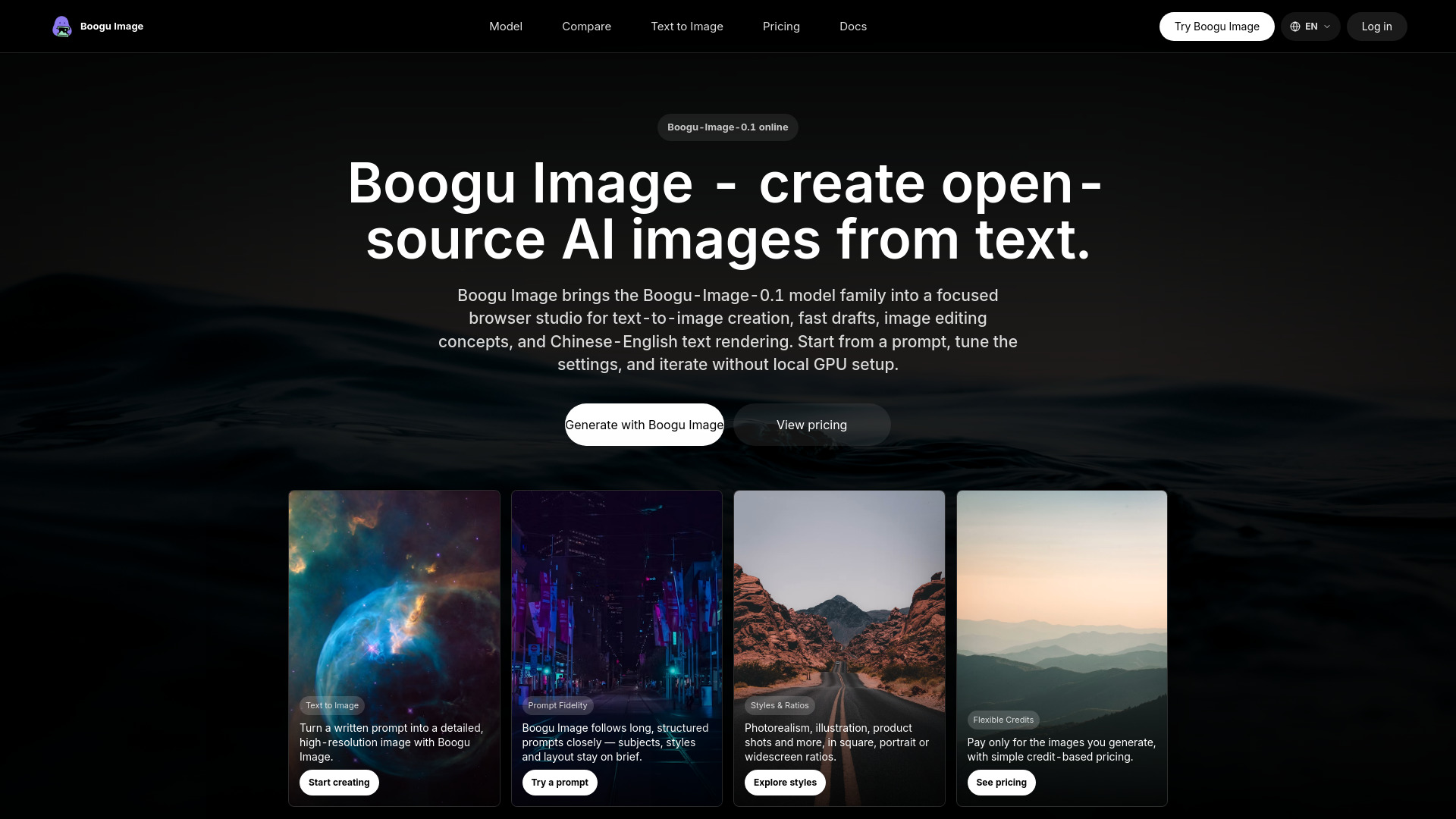
Boogu Image is built around Boogu-Image-0.1, an Apache-2.0 open-source unified image generation and editing model family. The public release includes Base, Turbo, Edit, and FP8 variants for high-quality text-to-image generation, fast inference, image editing, and Chinese-English text rendering. booguimage.com gives the keyword a focused online home for search and product testing.
You can sign in and start generating with introductory credits. After that, flexible credit packs and subscription plans are available on the pricing page. Pay only for the images you generate, with simple credit-based pricing.
What is Boogu Image? Boogu Image refers to Boogu-Image-0.1, an Apache-2.0 open-source unified image generation and editing model family with Base, Turbo, Edit, and FP8 variants. This site gives Boogu Image a focused online product and SEO entry point.
How do I use Boogu Image online? Open the generator, type a prompt, choose an aspect ratio and click Generate. Boogu Image runs in the browser, so no GPU or installation is needed.
Is Boogu Image free to try? You can sign in and start generating with introductory credits. After that, flexible credit packs and subscription plans are available on the pricing page.
What settings does Boogu Image support? The online workspace supports common image-generation controls such as aspect ratio, inference steps, guidance scale, negative prompts, and JPEG or PNG output.
Can I use Boogu Image images commercially? Generated output usage depends on the site terms, the model license, provider terms, and your own rights in prompts or uploaded assets. Review the terms and content policy before commercial use.
Is Boogu Image the same as Z-Image? No. Boogu-Image-0.1 and Z-Image are separate open-source image model families. They share the broader efficient image-generation space, but they come from different projects and should not be treated as the same model.